90-GB
Selecting a destination address from the address book
You can select a destination address from the address book.
(1) Follow steps 1 and 2 in “Registering destination addresses in the address
book” (p. 85).
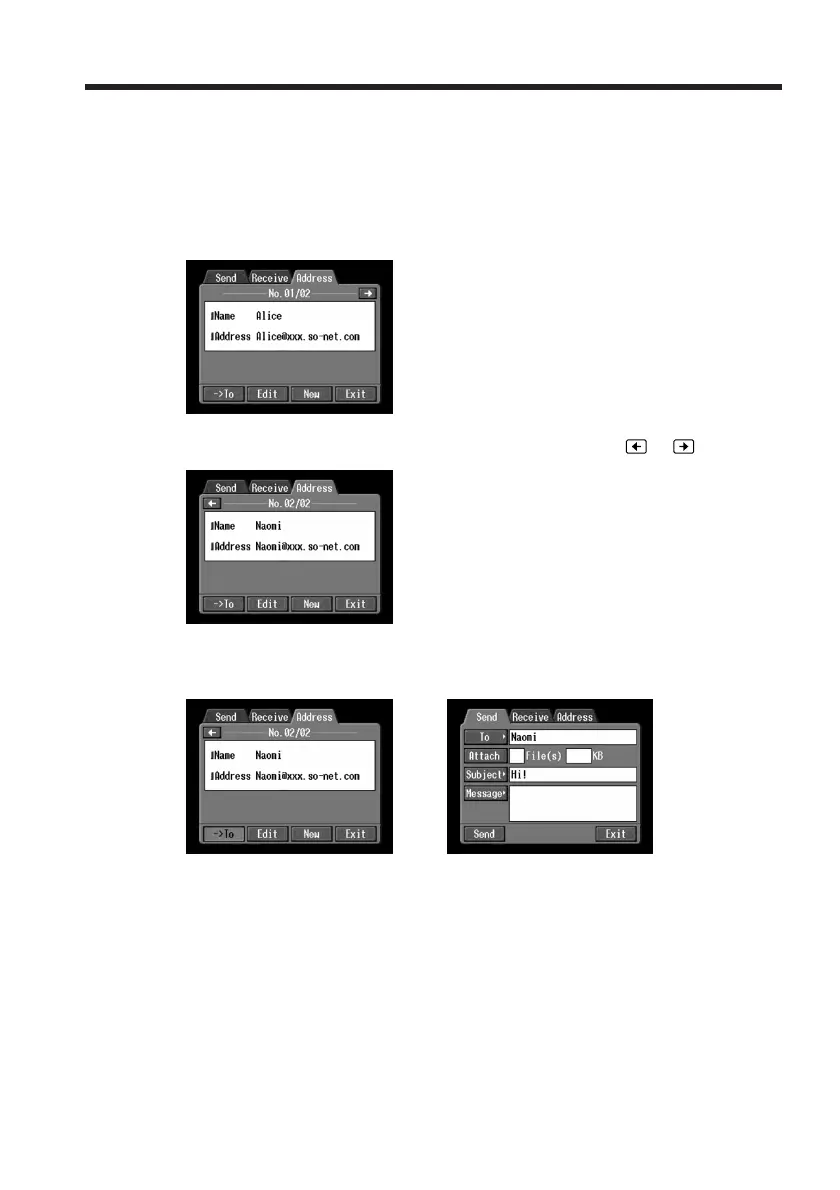
The Address screen appears.
(2) Display the address you want to send email to by tapping
or .
(3) Tap [-> To].
The Send screen appears. The selected address is set as the destination address.
,
(4) Follow the procedures described in “2 Entering the subject of a message”
(p. 77) through “4 Sending email” (p. 79), if you want to send email.
Using email














 To Next Page