170
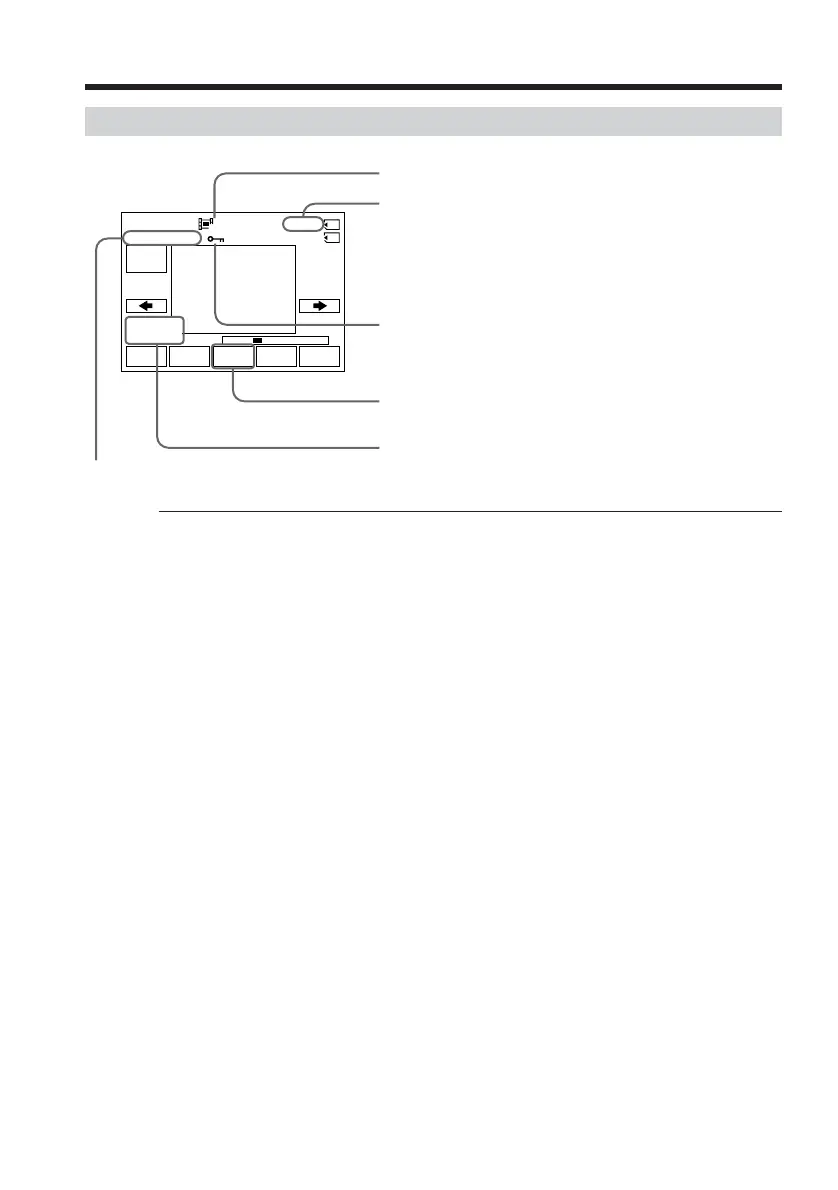
Screen indicators during moving picture playback
Recording date/time
To display the recording date/time, press DATA CODE. You can also use the Remote
Commander for this operation. (p. 41)
To make screen indicator disappear
Press DISPLAY/TOUCH PANEL.
Viewing moving pictures – MPEG movie playback
FN
MPEG
N X
INDEXCAM
+–
320
1/20
0
:
01
:
00MOV00001
JUL
4 2002
12
:
05
:
56
AM
Data directory number/File number
Picture number/Total number of recorded pictures
Image size
Protect
Recording date/time. (Various settings are displayed as
“– – –”.)
When the POWER switch is set to VCR, VCR is
displayed instead of CAM.














 To Next Page