169
“Memory Stick” Operations
Playing back a moving picture from the desired part
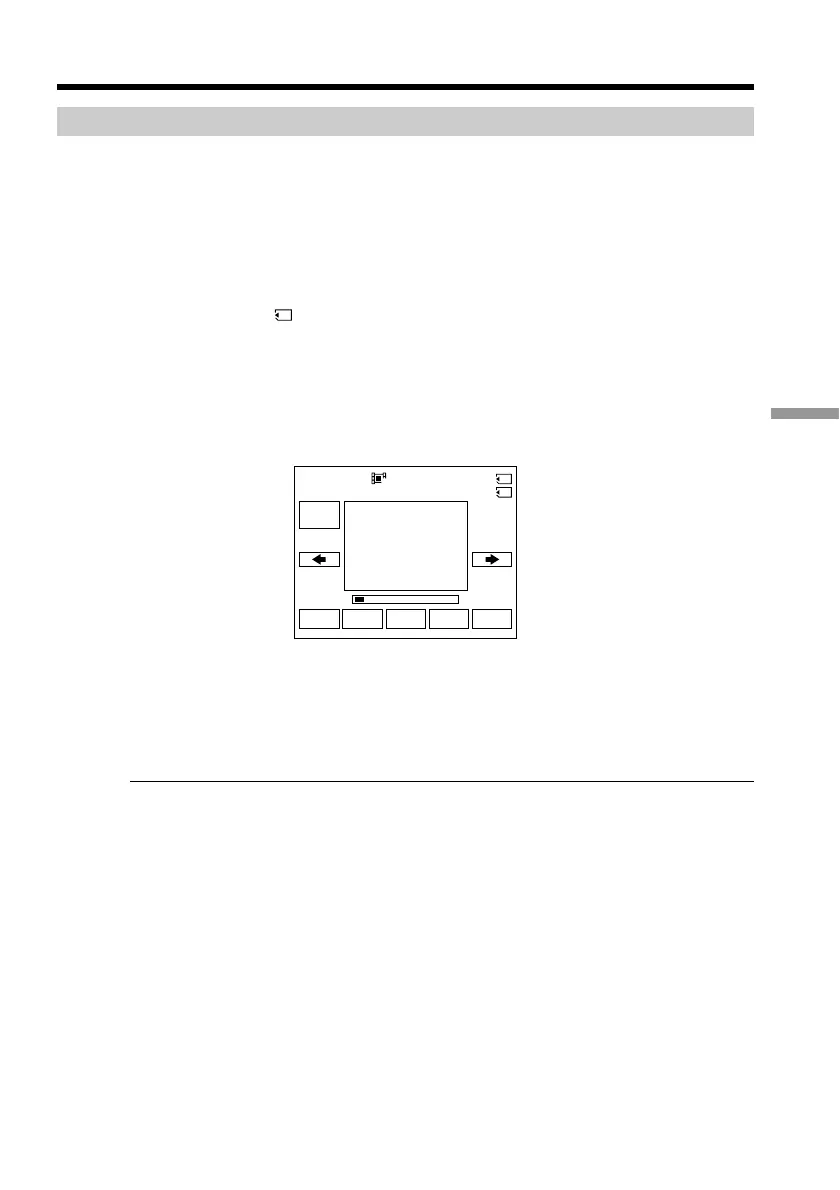
The moving picture recorded on a “Memory Stick” is divided into 23 parts.
You can select every each one point and play back pictures.
Before operation
Insert a “Memory Stick” into your camcorder.
(1) Set the POWER switch to MEMORY/NETWORK (DCR-TRV950 only) or VCR.
Make sure that the LOCK switch is set to the further side (unlock position).
(2) Press PLAY or
PB. The last recorded image is displayed.
(3) Press –/+ to select the desired moving pictures.
– : To see the previous picture
+ : To see the next picture
(4) Press </, to select the point where you want to play back.
< :To see previous part
, :To see next part
(5) Press MPEG N X to start playback.
To stop MPEG movie playback
Press MPEG N X
When recording time is too short
The moving picture may not be divided into 23 parts.
FN
MPEG
N X
INDEXCAM
+–
320
1/2
0
:
00
:
00MOV00001
Viewing moving pictures – MPEG movie playback














 To Next Page