181
“Memory Stick” Operations
DATE DAY & TIME
JUL 4 2002
Using the optional printer
You can use the optional printer on your camcorder to print images on print paper.
For details, refer to the operating instructions of the printer.
There are various ways of printing still images. The following describes the setup for
printing with the DATE/DAY & TIME information superimposed and the print setup
required to select 9PIC PRINT.
Before operation
•Insert a recorded “Memory Stick” into your camcorder.
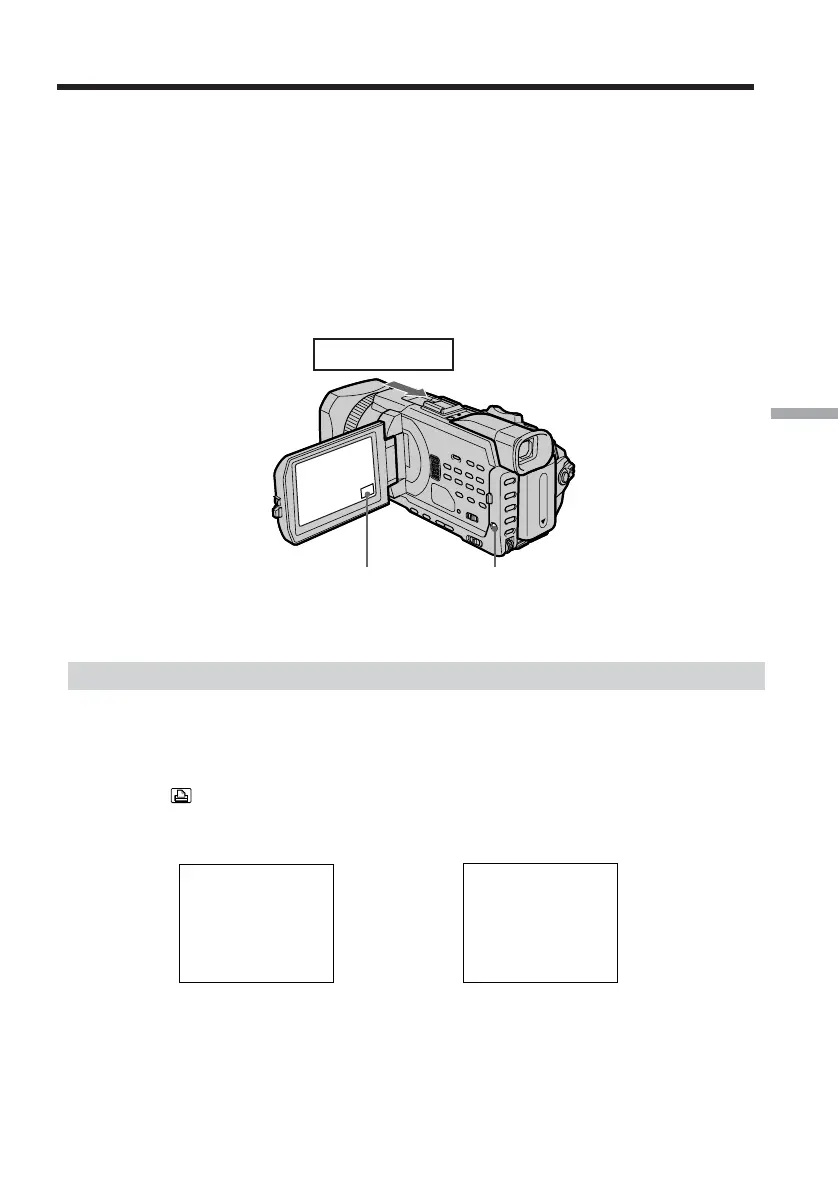
•Attach the optional printer to your camcorder as illustrated.
Inserting DATE/DAY & TIME
You can print the recorded DATE/DAY & TIME data on the print paper.
(1) Set the POWER switch to MEMORY/NETWORK (DCR-TRV950 only). Make
sure that the LOCK switch is set to the further side (unlock position).
(2) Press MENU, then turn the SEL/PUSH EXEC dial to select DATE/TIME in
, then press the dial (p. 213).
(3) Turn the SEL/PUSH EXEC dial to select the desired mode.
MENUF N
Printer














 To Next Page