171
“Memory Stick” Operations
You can copy images recorded on a “Memory Stick” and record them to a tape.
Before operation
Insert a “Memory Stick” and a tape for recording into your camcorder.
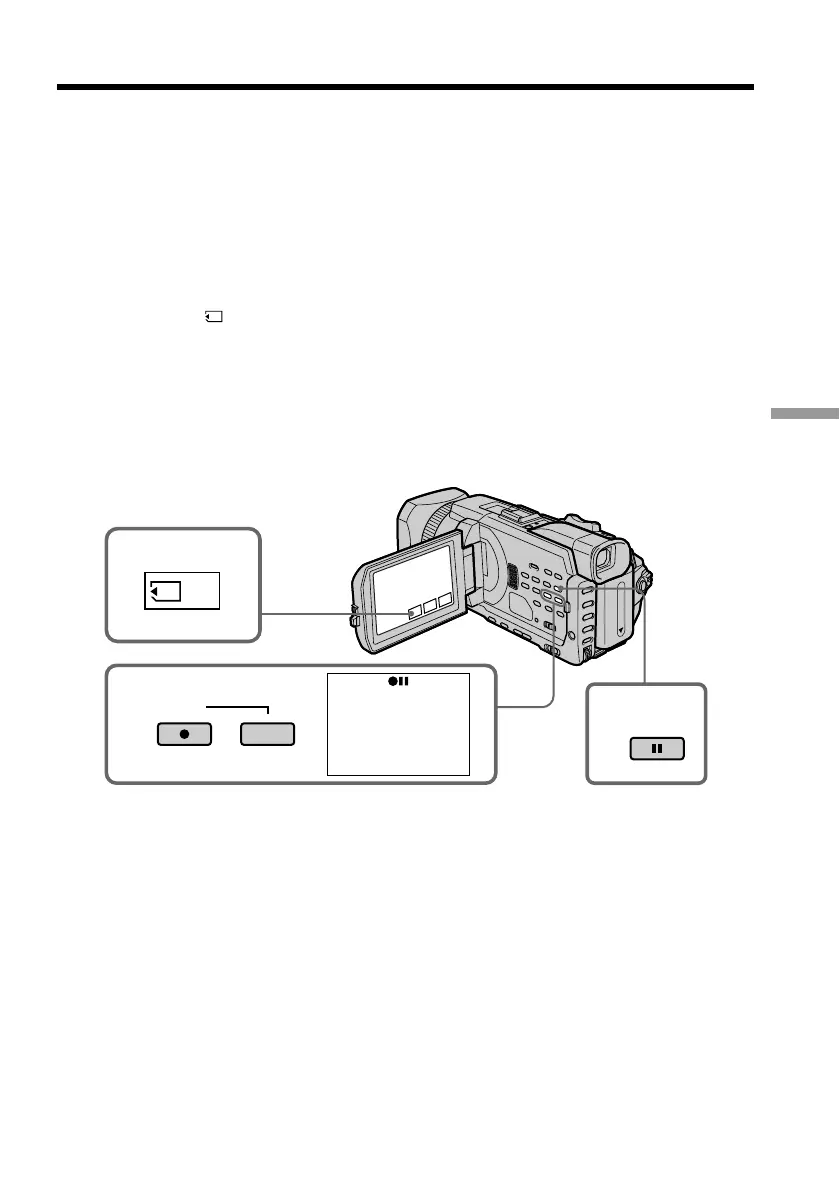
(1) Set the POWER switch to VCR.
(2) Using the video control buttons, search a point where you want to record the
desired images. Set the tape to playback pause.
(3) Press z REC and the button on its right simultaneously on your camcorder.
The tape is set to the recording pause.
(4) Press
PB. The last recorded image is displayed.
(5) Press –/+ to select the desired image.
– : To see the previous image
+ : To see the next image
(6) Press X to start recording and press X again to stop.
z appears on the screen during recording.
(7) If you have more to copy, repeat steps 5 and 6.
To stop copying in the middle
Press x.
Copying images recorded on a “Memory
Stick” to a tape
3
4
PB
2
REC
PAUSE














 To Next Page