205
Using the Network function
– DCR-TRV950 only
You can access the Internet via a Bluetooth compliant device from your camcorder.
Once the access is made, you can view a Web page, send/receive your e-mail, etc. This
section described only how to open the Network Menu.
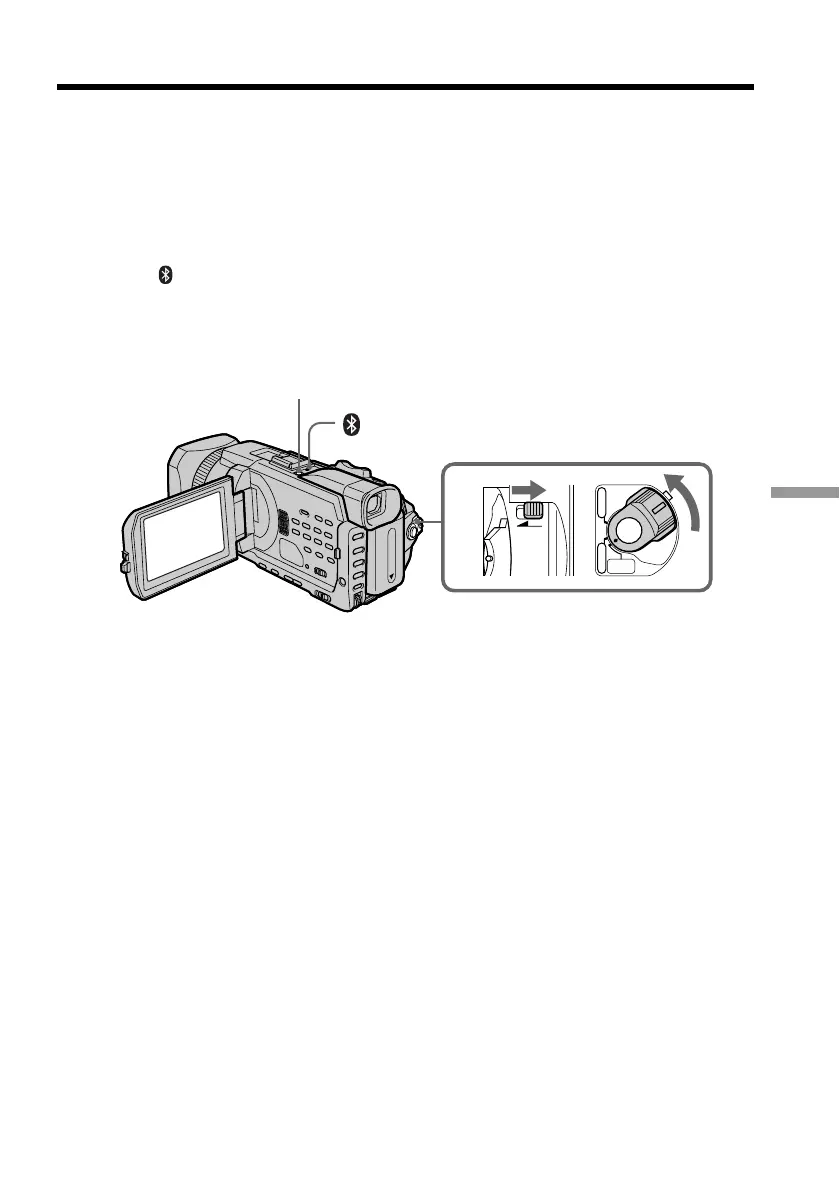
(1) Set the POWER switch to MEMORY/NETWORK.
Make sure that the LOCK switch is set to the further side (unlock position).
(2) Press NETWORK.
(Bluetooth) lamp lights up and Network Menu appears.
For the details, refer to the Network Function Operating Instructions supplied with
your camcorder.
— Using the Network function —
Accessing the network
1
LOCK
POWER
CAMERA
MEMORY/
NETWORK
VCR
OFF
(
CHG
)
(Bluetooth) lamp
NETWORK














 To Next Page