74
Adjusting the exposure
You can manually adjust and set the exposure. Adjust the exposure manually in the
following cases:
– When you need a fine adjustment for the backlit subjects.
– When shooting subjects and dark backgrounds.
– When recording dark pictures (e.g. night scenes) faithfully.
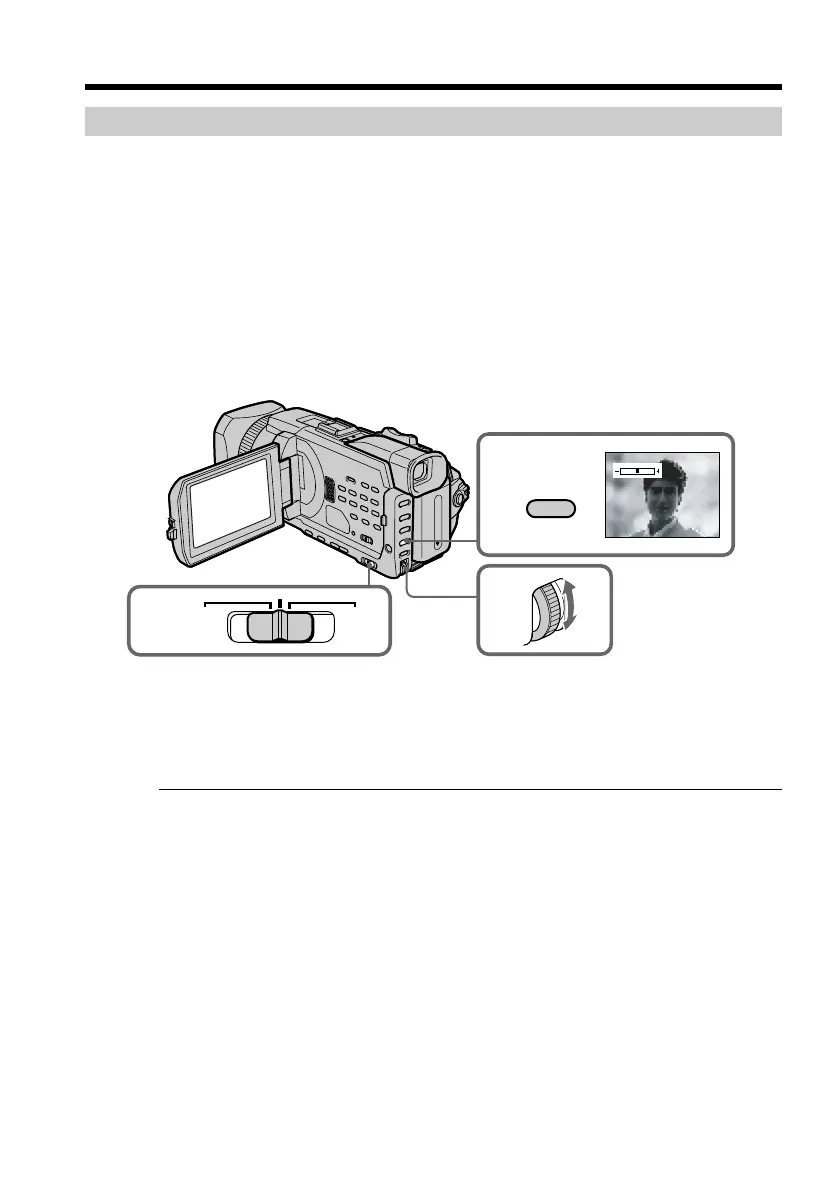
(1) Set the AUTO LOCK selector to the center (auto lock release) position while
the POWER switch is set to CAMERA or MEMORY/NETWORK(DCR-TRV950
only). (p. 67)
(2) Press EXPOSURE. The exposure indicator appears.
(3) Turn the SEL/PUSH EXEC dial to adjust the brightness.
To return to automatic exposure
Set the AUTO LOCK selector to AUTO LOCK or press EXPOSURE. The exposure
indicator disappears.
When you adjust the exposure manually, the following functions do not work:
– Backlight
– Spot light
– Shutter speed adjustment
If you press PROGRAM AE
Your camcorder also returns to automatic exposure.
Shooting with manual adjustment
3
1
AUTO
LOCK
HOLD
2
EXPOSURE














 To Next Page