28
Recording a picture
After recording
(1) Set the POWER switch to OFF (CHG).
(2) Close the LCD panel.
(3) Eject the cassette.
(4) Remove the battery pack.
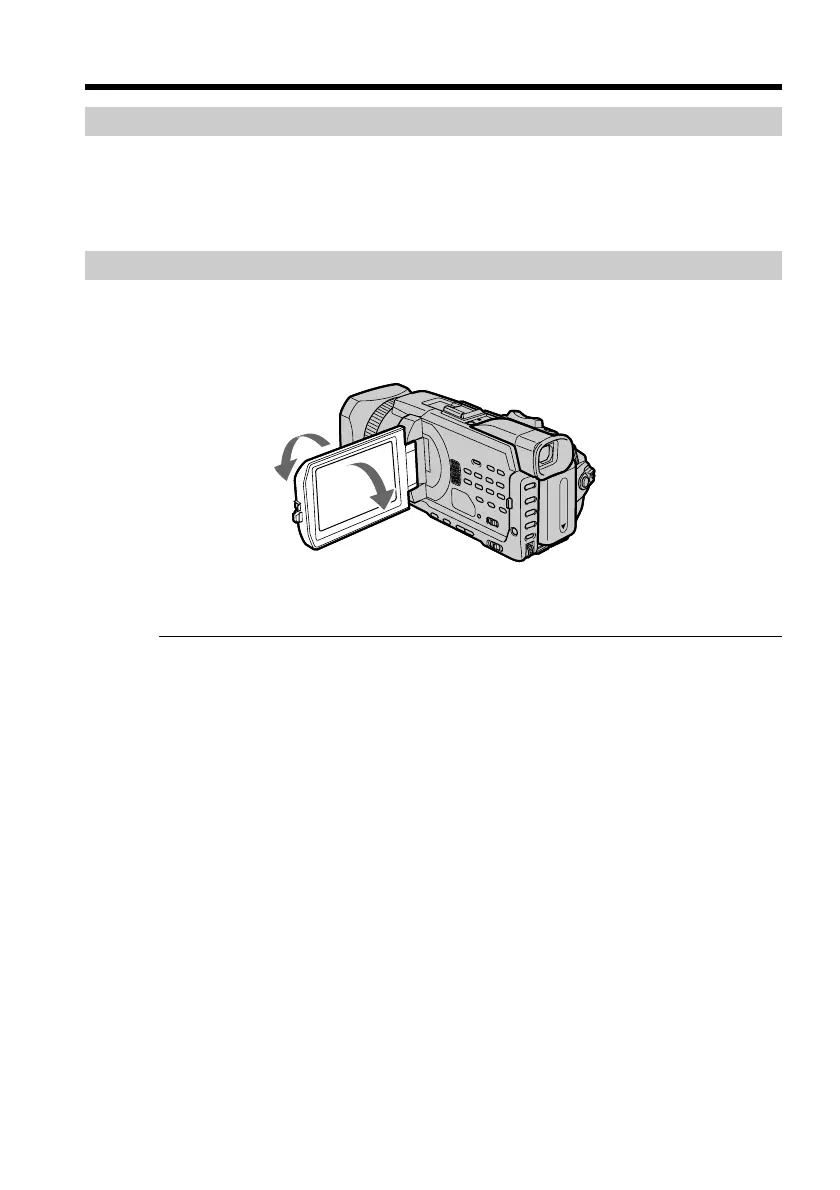
Adjusting the LCD screen
The LCD panel can be opened up to 90 degrees.
The LCD panel moves about 90 degrees to the viewfinder side and about 180 degrees to
the lens side.
When closing the LCD panel, set it vertically, and swing it into the camcorder body.
Note
When the LCD panel is opened, the viewfinder automatically turns off and no image is
displayed in the viewfinder. However, in the Mirror Mode, images are displayed in the
viewfinder as well (p. 32).
LCD screen
•When you use the LCD screen outdoors in direct sunlight, the LCD screen may be
difficult to see. If this happens, we recommend that you use the viewfinder.
•When you adjust the angle of the LCD panel, make sure if the LCD panel is opened up
to 90 degrees.
180°
90°














 To Next Page