86
You can enlarge playback images recorded on tapes. Besides the operation described
here, your camcorder can enlarge still images recorded on the “Memory Stick” (p. 173).
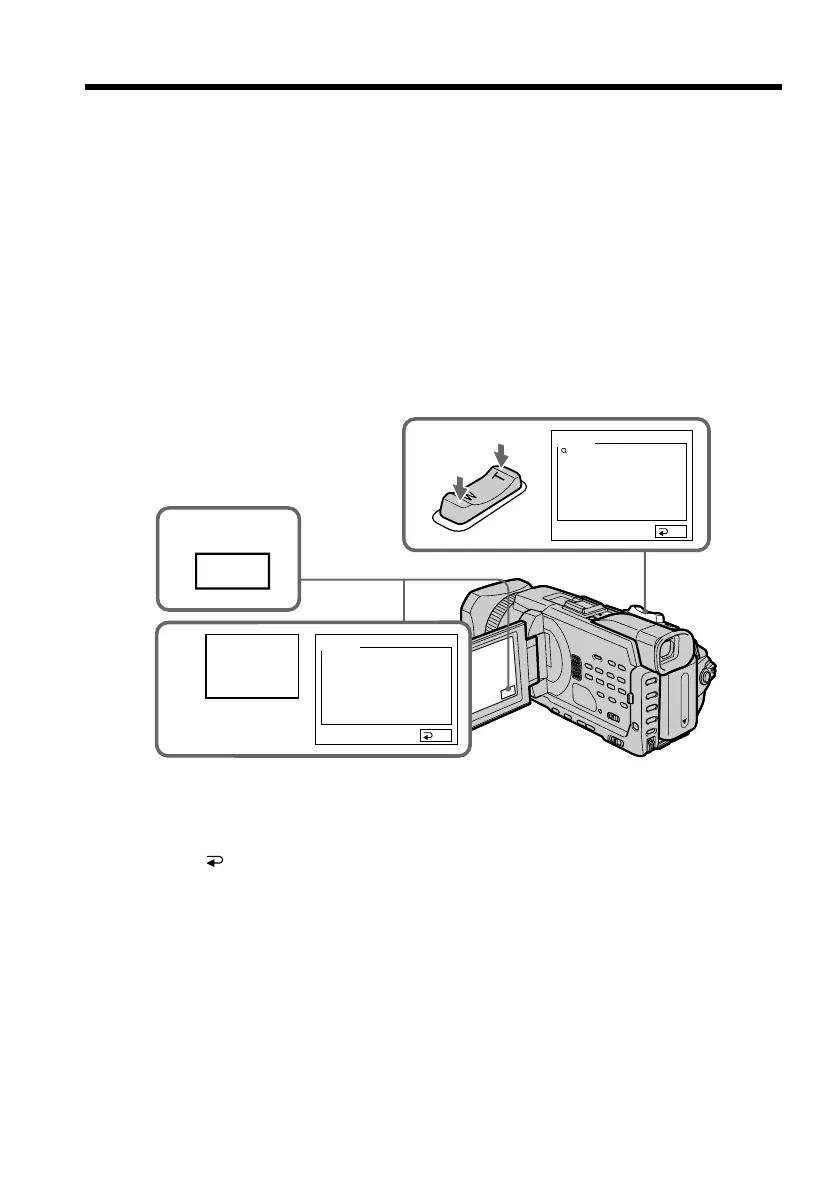
(1) In the playback or playback pause, press FN and select PAGE2.
(2) Press PB ZOOM. The PB ZOOM screen appears.
(3) Press the area you want to enlarge in the frame on the PB ZOOM screen.
The area you pressed moves to the center of the screen, and the playback
image is enlarged approximately at twice the size. If you press the other area
again, the area moves to the center of the screen.
(4) Adjust the zoom ratio by the power zoom lever.
You can enlarge the image from approximately 1.1 times up to five times its
size.
W: Decreases the zoom ratio.
T: Increases the zoom ratio.
To cancel the PB ZOOM
Press END.
Enlarging images recorded on tapes
– Tape PB ZOOM
1
FN
2
PB
ZOOM
END
END
4
× 5.0
PB ZOOM
PB ZOOM














 To Next Page