178
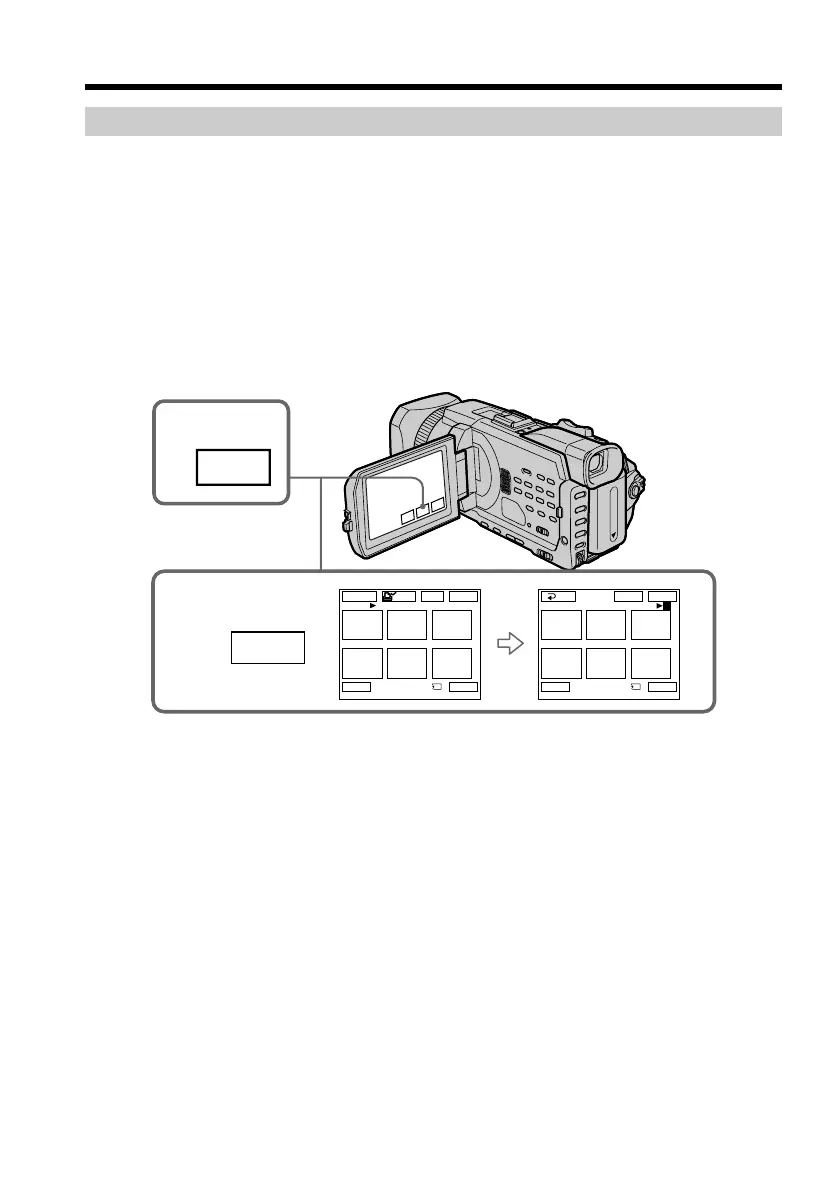
Deleting selected images on the index screen
Before operation
Insert a “Memory Stick” into your camcorder.
(1) Set the POWER switch to MEMORY/NETWORK (DCR-TRV950 only). Make
sure that the LOCK switch is set to the further side (unlock position).
(2) Press INDEX to display the index screen.
(3) Press DEL. Then press the images you want to delete. The number of the
selected image is highlighted.
(4) Press EXEC. “DELETE?” appears on the LCD screen.
(5) Press OK. The selected images are deleted.
To return to FN
Press EXIT.
To cancel deleting an image
Press CANCEL in step 5.
Deleting images – DELETE
2
INDEX
3
1 3
2
456
EXIT
123
456
EXITDEL
MARK
-
MARK
-
EXEC
DEL
1 / 40
Tt
3 / 40
Tt
RET.
DEL














 To Next Page