68
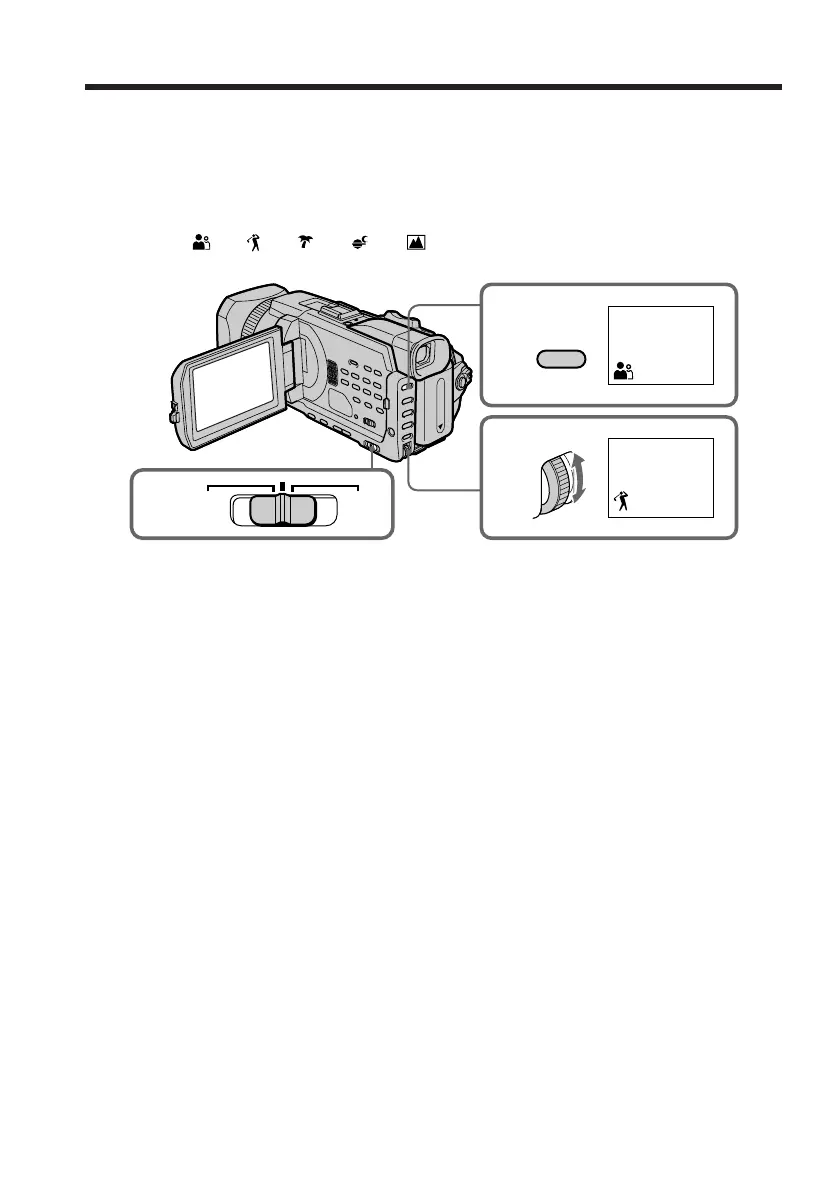
(1) Set the AUTO LOCK selector to the center (auto lock release) position while
the POWER switch is set to CAMERA or MEMORY/NETWORK(DCR-TRV950
only). (p. 67)
(2) Press PROGRAM AE.
(3) Turn the SEL/PUSH EXEC dial to select the desired mode.
The indicator changes as follows:
y y y y
To cancel the PROGRAM AE
Set the AUTO LOCK selector to the AUTO LOCK or press PROGRAM AE.
The PROGRAM AE indicator disappears.
Shooting with manual adjustment
3
2
PROGRAM
AE
1
AUTO
LOCK
HOLD














 To Next Page