82
Interval recording
5
4
MENU
POWER
CAMERA
MEMORY/
NETWORK
VCR
INTERVAL
STBY
OFF
(
CHG
)
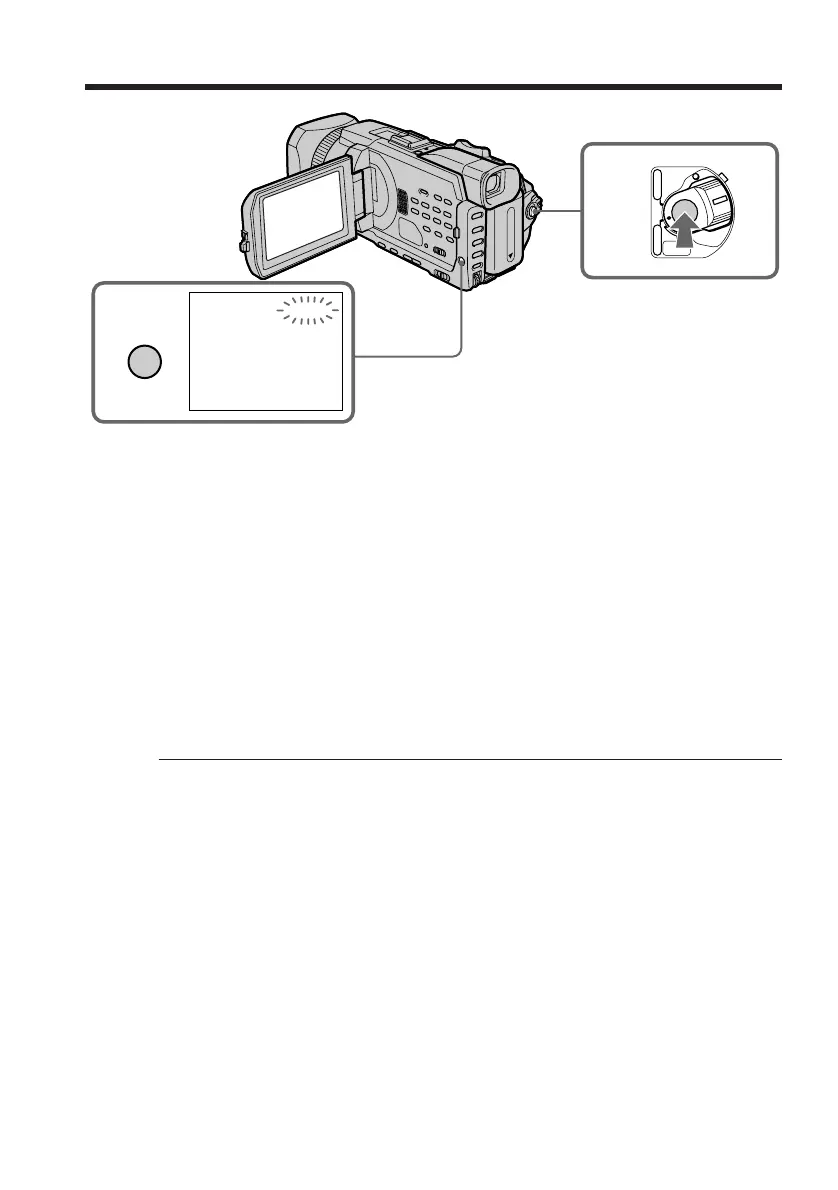
(4) Press MENU to erase the menu display. The INTERVAL indicator flashes.
(5) Press START/STOP to start interval recording. The INTERVAL indicator
lights up.
To cancel the interval recording
Perform either of the following:
– Set INT. REC to OFF in the menu settings.
– Set the POWER switch to other than CAMERA.
To perform normal recording during the interval recording
Press START/STOP.
The INTERVAL indicator flashes. During the waiting time you can perform normal
recording only once.
To stop normal recording, press START/STOP again. Step4 is displayed on the screen.
On recording time
There may be a discrepancy in the recording time of up to +/– six frames from the
selected time.
When pressing START/STOP during recording time
Interval recording stops. To restart it, press START/STOP again.














 To Next Page