35
4 If you selected “ALL DISCS”, press
·∏ (or MD · on the remote). If
you selected “1DISC”, press the
MD 1 – 3 button for the slot
containing the desired MD.
J appears, then all the tracks play in
random order.
To cancel Shuffle Play
Press p to stop play, then press CONTINUE.
Tip
To skip a track, turn SELECTOR clockwise (or press
MD + on the remote).
You cannot return to the previous track.
Notes
• You cannot use Repeat Play during Shuffle Play
for “ALL DISCS”.
• If you press SHUFFLE or PROGRAM while
playing an MD, “Push STOP !” appears. To
change the playing mode, first press p to stop
play.
Programming the MD
tracks
— Program Play
You can make a program of up to 25 tracks
from all the MDs in the order you want them
to be played.
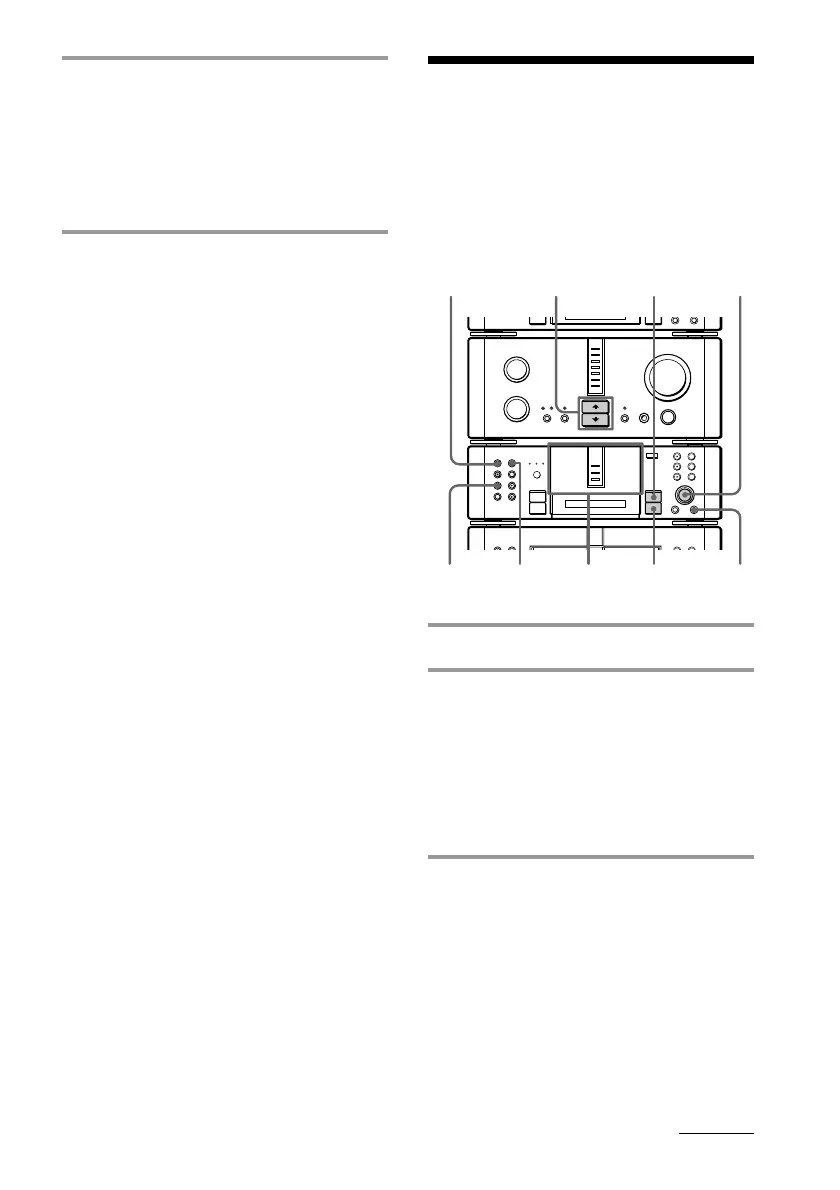
1 Insert an MD (MDs).
2 Press FUNCTION >/. repeatedly
to switch the function to MD.
Notes
• You can program MD tracks only while the
MD deck is stopped.
• Wait for the number of tracks and the
playing time on the MD to appear, then
proceed to the next step.
3 Press PROGRAM while the MD
deck is in stop mode.
continued
•
•
•
•
•
•
•
•
•
0
10
N
)
n
0
N
·∏
p
+=
§
1
8
6
4
3
25
p
CONTINUE









 To Next Page