80
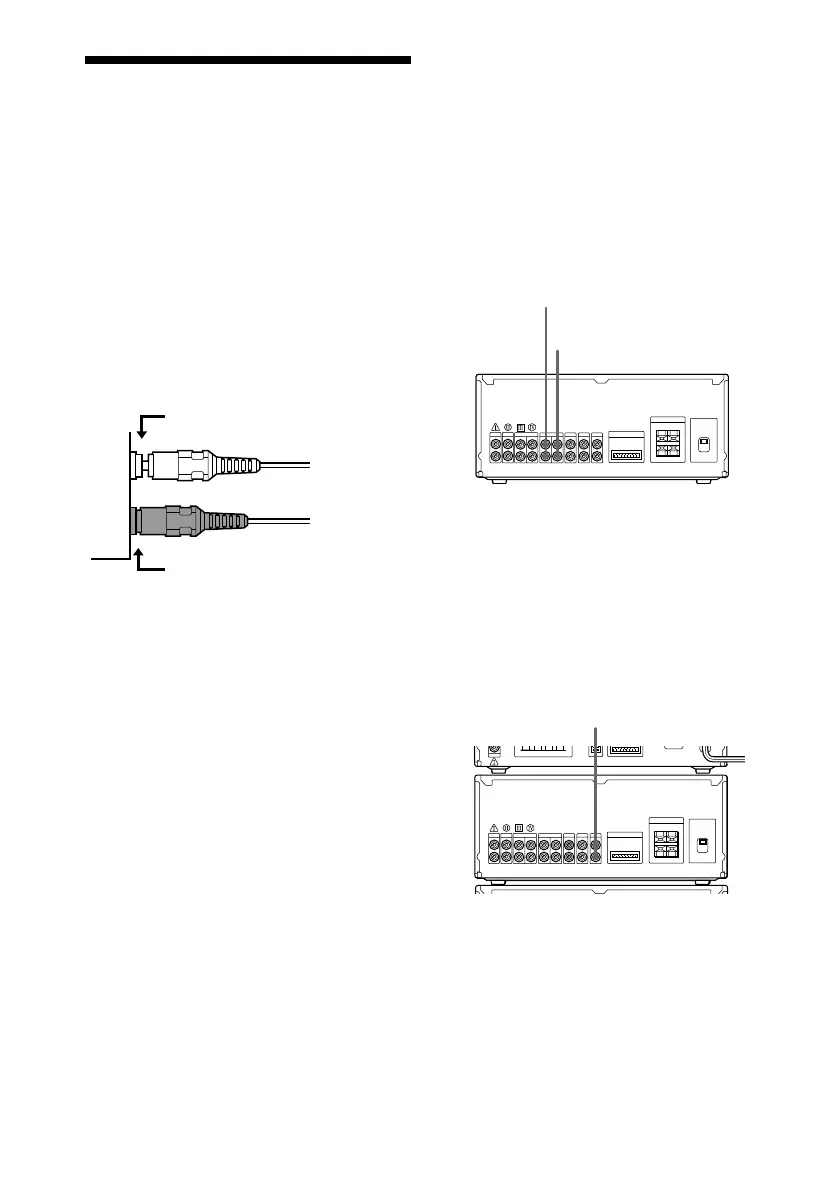
To the audio output of
an analog component
Connecting the tape deck
Connect the tape deck to the TAPE jacks on
the amplifier using audio cords (sold
separately).
If you connect the optional TC-TX770 tape
deck, see “Connecting the optional TC-TX770
tape deck” on page 84 (DHC-EX880MD only).
See the operating instructions included with
the tape deck for details.
Connecting other analog
components
Connect the analog component to the
VIDEO3 jacks (VIDEO jacks for DHC-MD717)
on the amplifier using an audio cord (sold
separately).
Insert completely
Not pushed in all the way
Connecting optional
AV components
To enhance your system, you can connect
optional components. Refer to the
instructions of each component. Before
making connections, take the cap off the
jacks, and keep it for future use.
Connecting the audio
cords
Insert the plugs firmly, pushing them in all
the way.
To the audio output of
a tape deck
To the audio input of
a tape deck
N.G.
OK









 To Next Page