82
Connecting optional AV
components (continued)
Listening to the
sound of digital
components
1 Prepare the connected digital
component (e.g., CS/BS tuner).
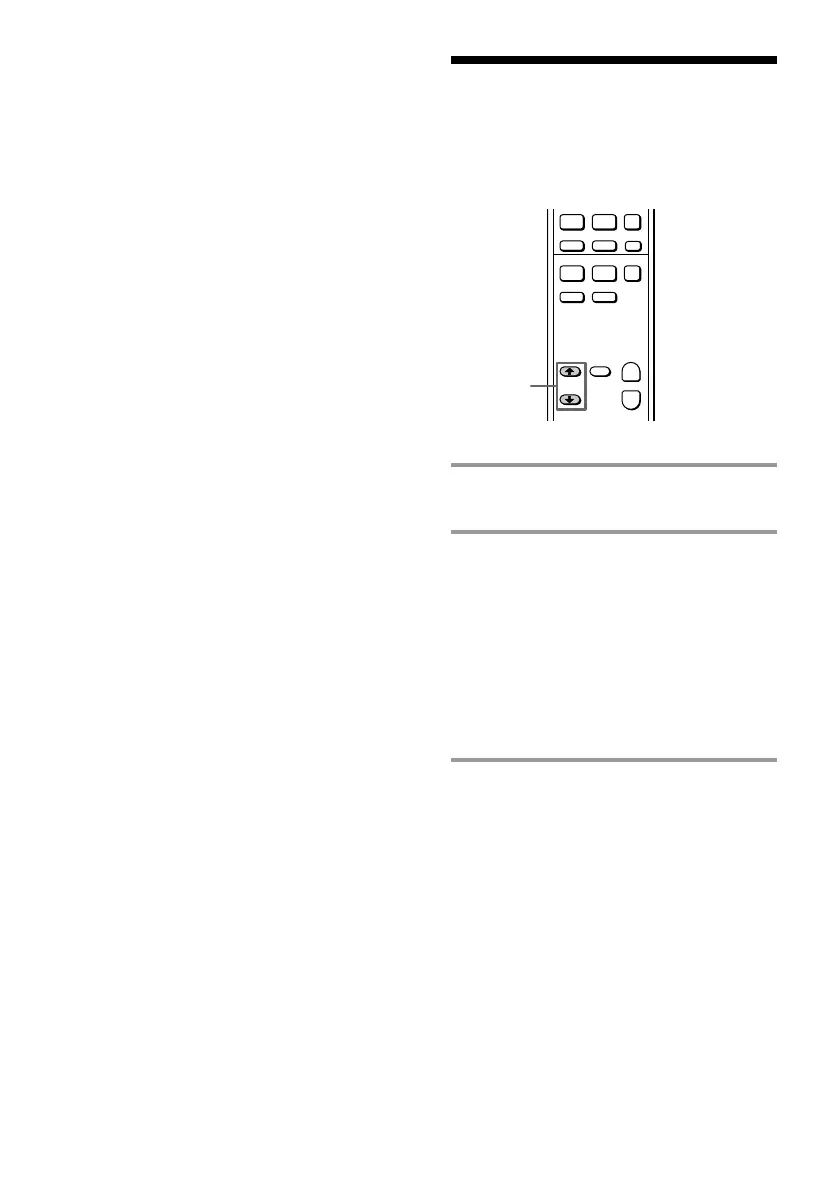
2 Press FUNCTION >/ . repeatedly
to select the sound source.
Select “VIDEO 1” (“CS/BS” for
DHC-MD717) to listen to the sound of a
component connected to the VIDEO1
jacks (CS/BS jacks for DHC-MD717).
Select “VIDEO 2” (“LD/DVD” for
DHC-MD717) to listen to the sound of a
component connected to the VIDEO2
jacks (LD/DVD jacks for DHC-MD717).
Note
You cannot listen to the sound of a digital
component just by connecting the optical cable. You
must also connect the digital component to the
analog input jacks on the amplifier using an audio
cord.
When you connect a digital component to the
VIDEO 1 DIGITAL IN jack (CS/BS DIGITAL IN jack
for DHC-MD717), connect the audio cord to the
VIDEO1 (CS/BS) jacks. When you connect a digital
component to the VIDEO 2 DIGITAL IN jack (LD/
DVD DIGITAL IN jack for DHC-MD717), connect
the audio cord to the VIDEO2 (LD/DVD) jacks.
Tip
You can also connect a digital component to the
VIDEO 2 DIGITAL IN jack (LD/DVD DIGITAL IN
jack for DHC-MD717) (digital) on the MD deck and
the VIDEO2 IN jacks (LD/DVD IN jacks for
DHC-MD717) (analog) on the amplifier in the same
manner.
Notes
• When you make a digital recording using an
optical cable, the recording level is automatically
adjusted. You cannot adjust the recording level.
• Many types of DVD software cannot be digitally
recorded. In these cases, an analog recording is
made even if the DVD player is connected using
optical cables.
·
P
+=
p
ª·
)0
p
+
–
2









 To Next Page