37
Using the MD display
n
n
n
You can check the remaining time of the
current track or that of the MD.
Checking the remaining
time of a track
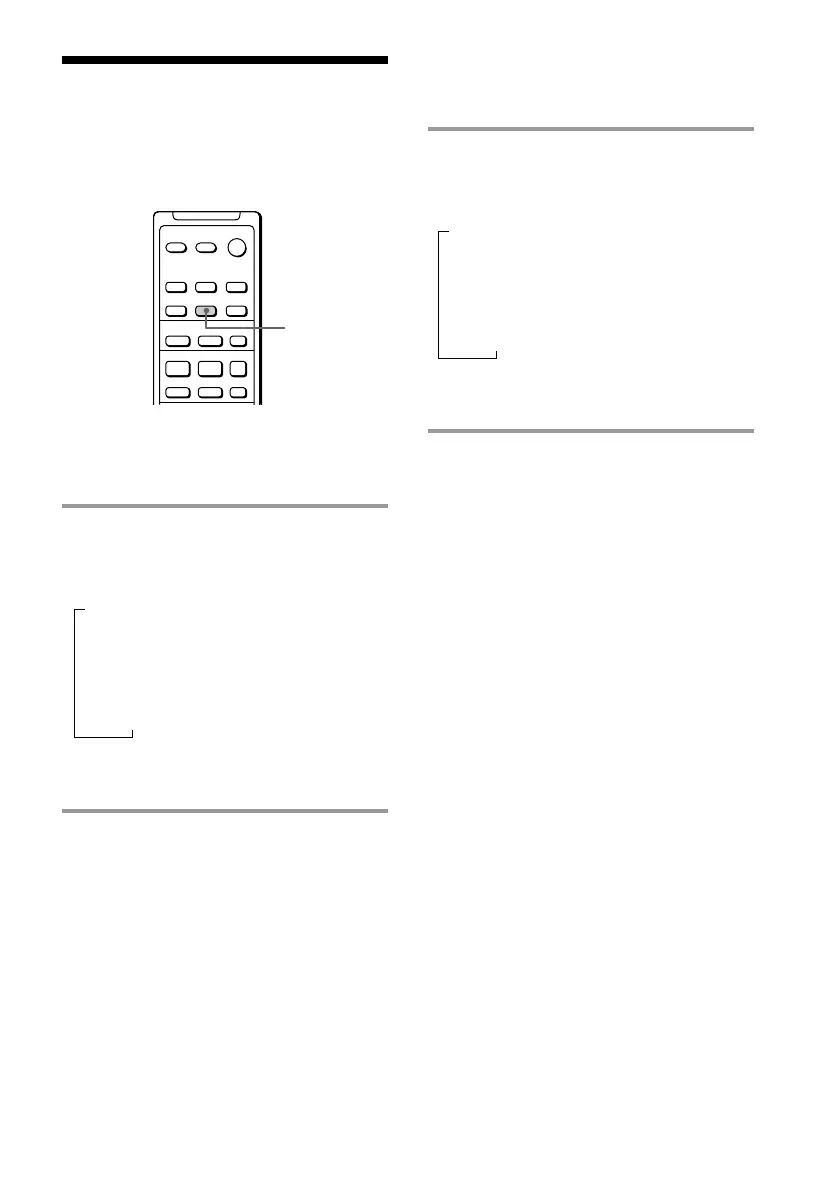
/ Press DISPLAY during play.
Each time you press the button, the
display changes as follows:
Playing time and the track number on the
current track
Remaining time and the track number on the
current track
Track title on the current track*
* “No Name” appears if no track title is stored.
See page 57 for assigning track titles.
n
n
n
Checking the remaining
time of an MD
/ Press DISPLAY in stop mode.
Each time you press the button, the
display changes as follows:
Total playing time and the number of tracks on
the MD
Remaining recordable time on the MD
(only for a recordable MD)
Disc title on the MD**
**“No Name” appears if no disc title is recorded.
See page 57 for assigning disc titles.
·
P
+=
p
–
+
DISPLAY









 To Next Page