29
nn
n
n
To add a track to the program
1 Press PROGRAM repeatedly in stop mode
until the desired program number
(PROGRAM-1 to 3) appears.
2 Press DISC SKIP (or CD D.SKIP on the
remote) until the desired CD appears.
3 Turn SELECTOR (or press CD = or +
on the remote) until the track number you
want to add appears, then press
ENTER/YES (or PROGRAM on the
remote).
The selected track is added to the end of the
program.
To clear a track from the end of
the program
1 Press PROGRAM repeatedly in stop mode
until the desired program number
(PROGRAM-1 to 3) appears.
2 Press CLEAR.
Each time you press the button, a track is
cleared from the end of the program.
Tips
• To program the entire CD as one step of the
program, press ENTER/YES (or PROGRAM on
the remote) while “AL” is displayed in step 4.
• When you want to record the program, see
“Recording your favorite CD tracks on an MD”
(see page 43).
• The program you made remains after the Program
Play has finished. To play the same program
again, select the program number (PROGRAM-1
to 3), then press ·∏ (or CD · on the remote).
However, when you make a recording with the
Hit Parade feature (see page 46), PROGRAM-3 is
erased.
• If you press any § and open a disc tray, the tracks
on the CD in that tray are erased from the
programs.
• “Step Full” appears when you try to program 26
or more tracks. In addition, “--m--s” appears when
the total program time exceeds 100 minutes, or
when you select a track whose number is 21 or
over.
Using the CD display
You can check the remaining time of the
current track or that of the CD.
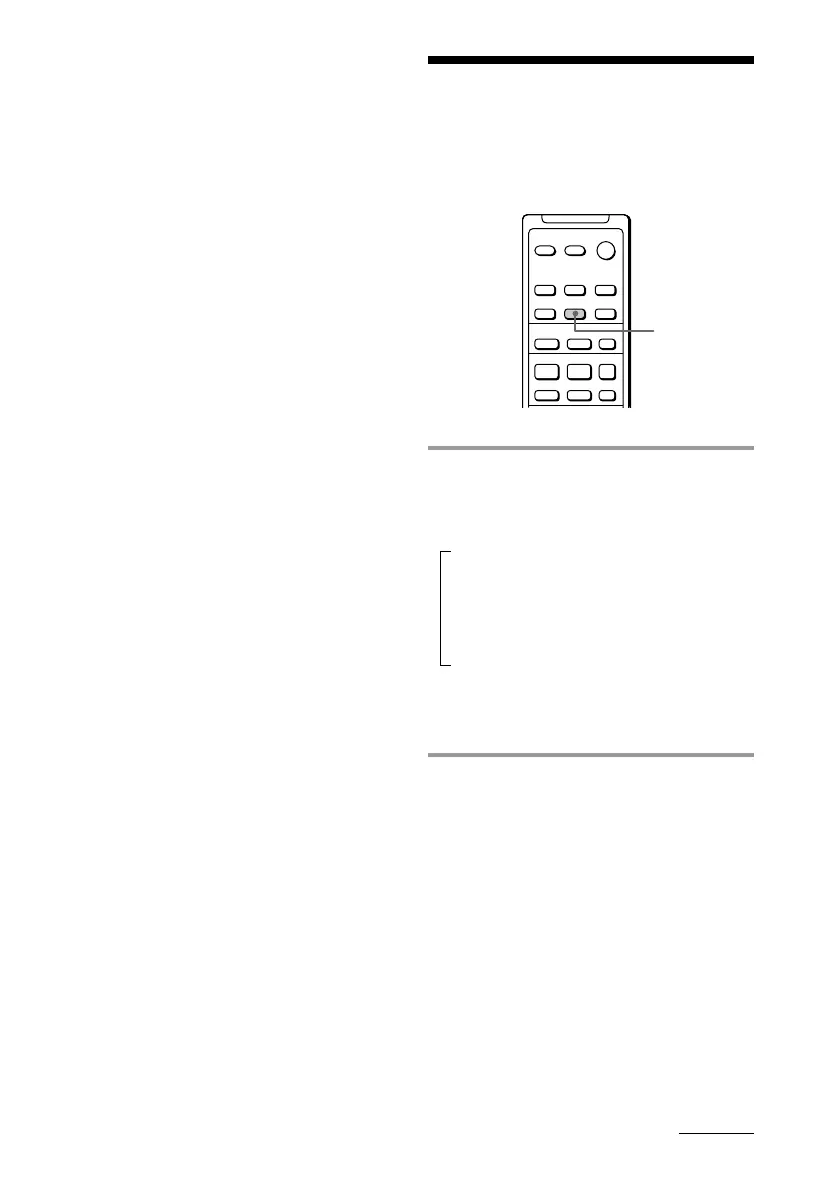
/ Press DISPLAY during play.
Each time you press the button, the
display changes as follows:
Elapsed playing time on the current track
Remaining time on the current track
Remaining time on the current CD*
1
Track title*
2
(only for CDs with CD text)
*1 The remaining time on the CD is not displayed
during Program or Shuffle Play.
*2 “No Name” appears for CDs without CD text.
continued



 To Next Page