53
1 Press REC 1 to 3 for the slot number
containing the recordable MD, and
set the MD deck to recording
standby.
2 Press MENU/NO, then turn
SELECTOR until “LevelSync ?”
appears.
3 Press ENTER/YES.
“LevelSync ON?” appears.
4 Press ENTER/YES again.
“LEVEL-SYNC” lights up.
5 Press ·∏ on the MD deck (or
MD P on the remote).
Recording starts.
To stop recording
Press p on the MD deck.
To cancel the track marking
1 Press MENU/NO during recording pause,
then turn SELECTOR until “LevelSync ?”
appears.
2 Press ENTER/YES.
“LevelSyncOFF?” appears.
3 Press ENTER/YES again.
“LEVEL-SYNC” disappears.
When “LEVEL-SYNC” is off, a track number
is marked only at the beginning.
Note
You cannot mark track numbers automatically if the
sound source to be recorded is noisy (e.g., tapes or
radio programs).
Marking track numbers at
a specific point while
recording
You can mark track numbers at any time
while recording, regardless of the type of
sound source.
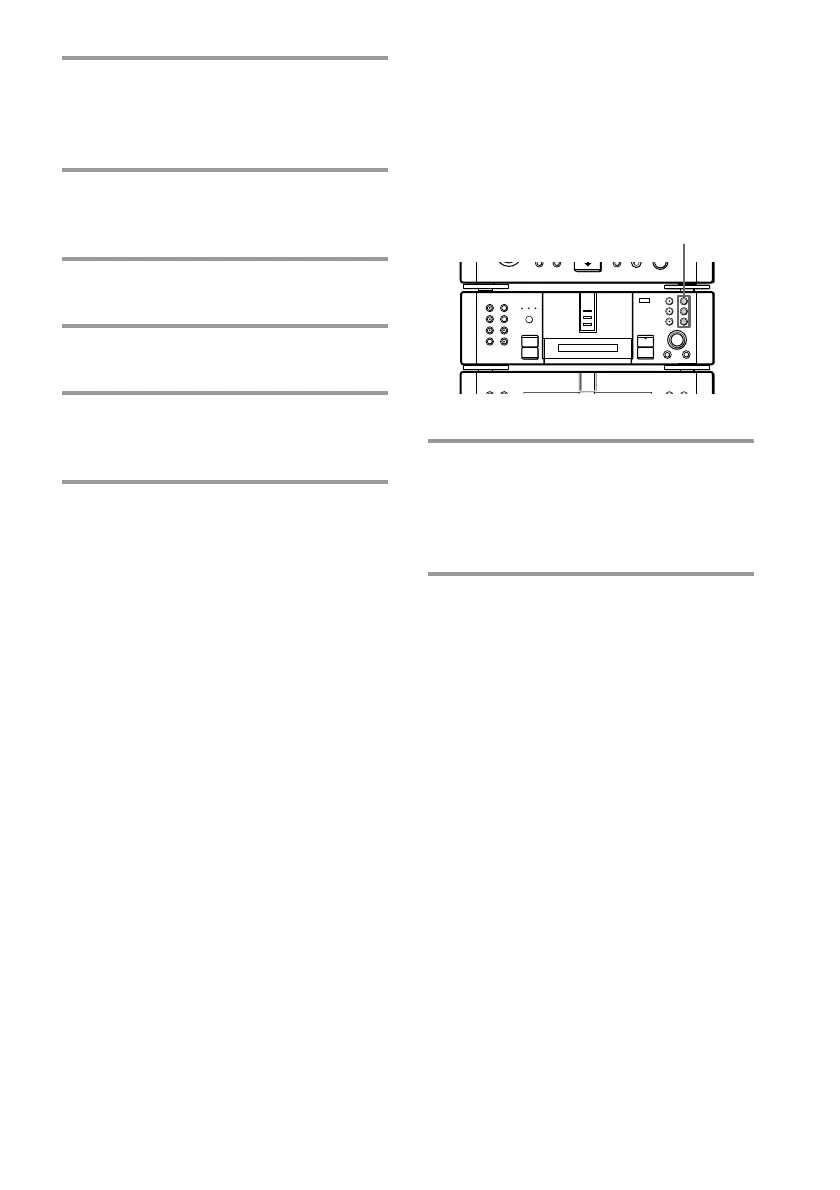
/ Press REC 1 – 3 for the slot number
containing the recordable MD while
recording at the point you want to
add a track mark.
A track number is marked at that point.
•
•
•
•
•
•
•
•
•
0
10
)
n
0
N
·∏
p
+=
§
REC 1 – 3









 To Next Page