Extended Menu
6-20 Setup Menu
Chapter 6 Setup Menu
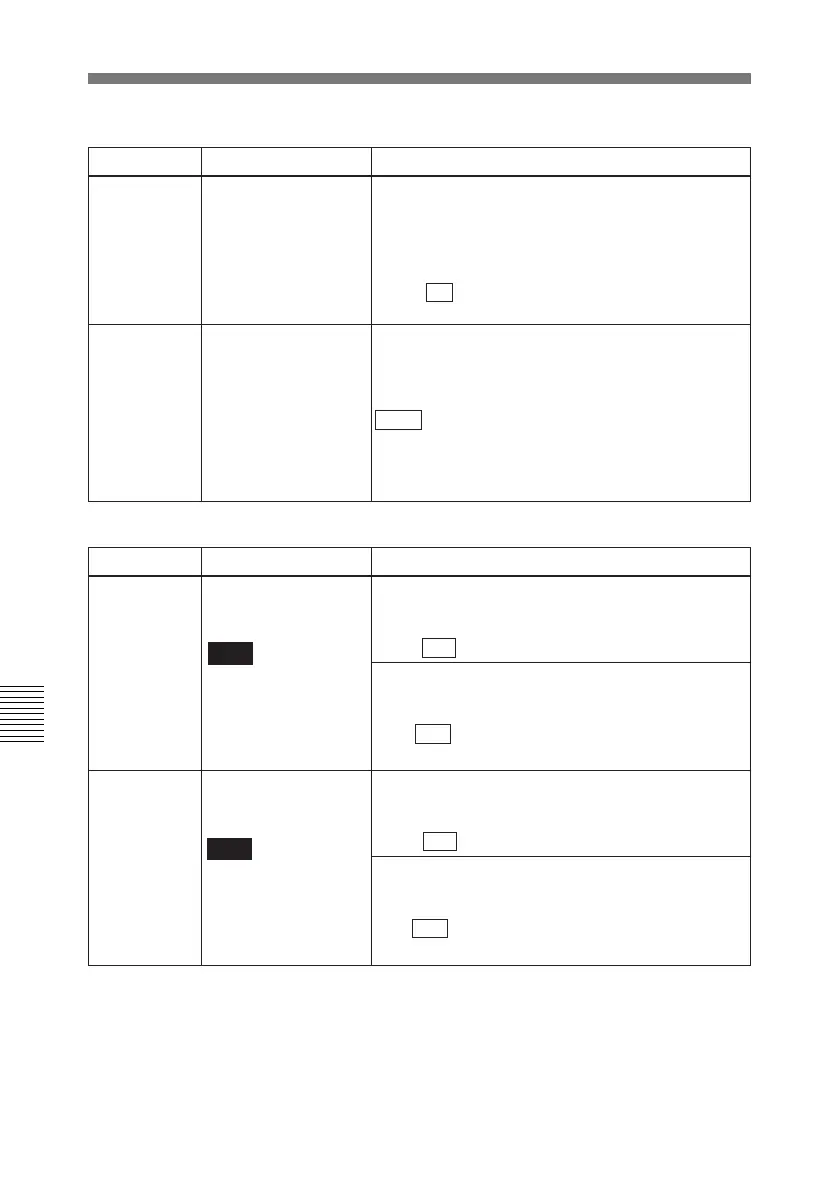
Menu items in the 600s, relating to the time code generator
Item number Item name Settings
601
VITC POSITION
SEL-1
Note
You can insert the
VITC signal in two
places. To insert it in
two places, set both
items 601 and 602.
602
VITC POSITION
SEL-2
Note
You can insert the
VITC signal in two
places. To insert it in
two places, set both
items 601 and 602.
In 525 mode
Select a line to insert the VITC in.
12H... 16H ...20H: Select any line from 12 to 20.
In 525 mode
Select a line to insert the VITC in.
12H... 18H ...20H: Select any line from 12 to 20.
In 625 mode
Select a line to insert the VITC in.
9H... 19H ...22H: Select any line from 9 to 22.
In 625 mode
Select a line to insert the VITC in.
9H... 21H ...22H: Select any line from 9 to 22.
Menu items in the 500s, relating to tape protection
Item number Item name Settings
501
STILL TIMER
Select the time delay from the tape transport
stopping (either the “STOP” mode” or the still
playback mode in search mode) until the unit
automatically switches to the tape protection mode,
in order to protect the rotary heads and the tape.
0.5S... 8M ...30M: Set the value in the range 0.5
seconds to 30 minutes.
502 TAPE PROTECTION
MODE FROM
SEARCH
Select the operation of the protection mode to
protect the rotary heads and tape when in the still
playback mode in search (jog/shuttle/variable)
mode.
STEP : Step forward at
1
/30 normal speed every 2
seconds.
STDBY: Switch to “Standby OFF mode” (the unit
not on standby).



 To Next Page