13
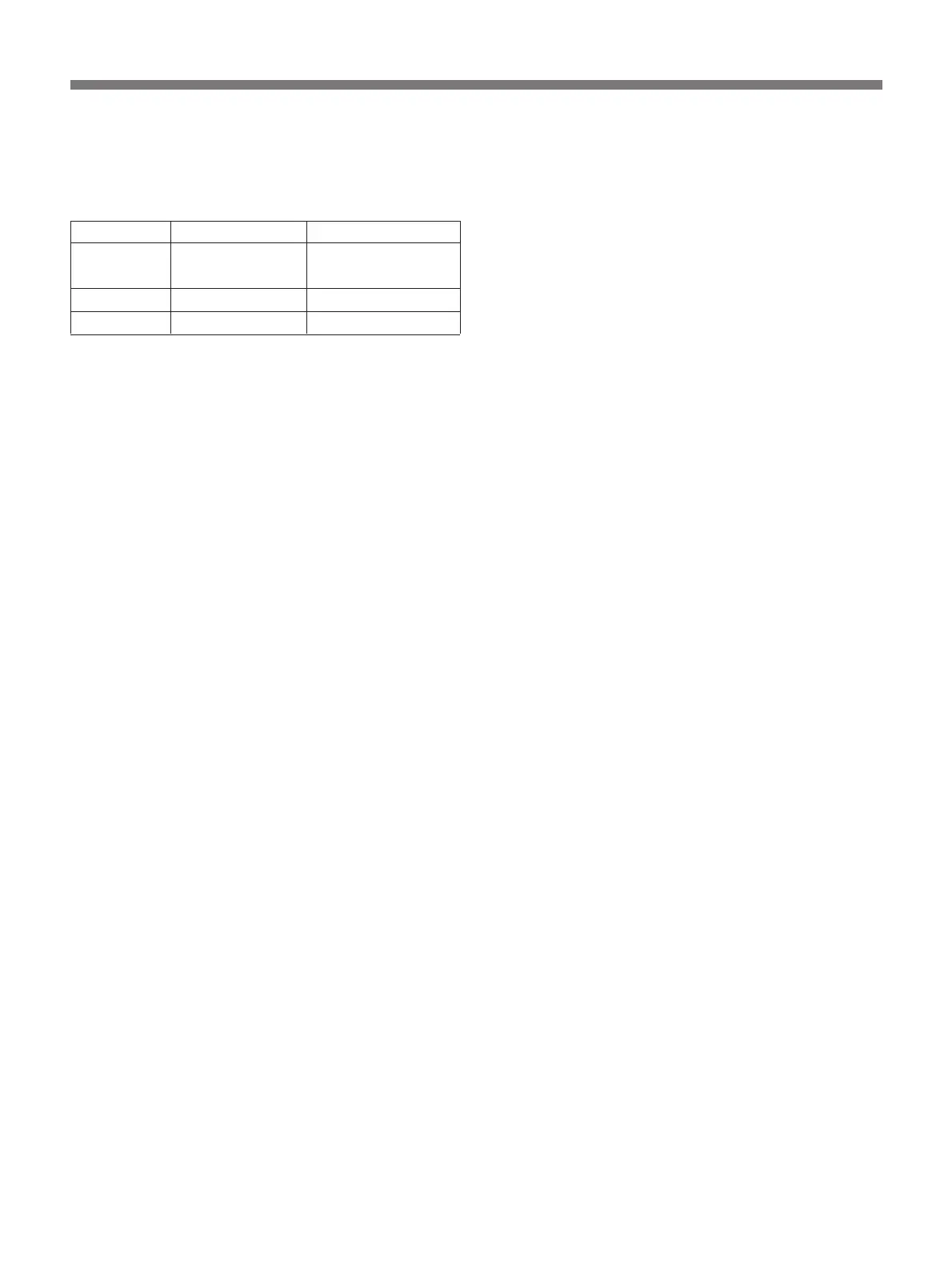
!¶ FILTER selector
Selects the appropriate filter according to lighting
conditions.
Filter number Color temperature Lighting conditions
1 3200K Iodine lamp, sunrise
or sunset
2 5600K+
1
/16ND
1)
Bright outdoor
3 5600K Cloudy or rainy
1)
ND: Neutral density filter
!• AUTO W/B BAL (automatic white/black
balance adjustment ) switch
Select “A” or “B” with the WHITE BAL selector and
push this switch to WHT to automatically adjust white
balance. To automatically adjust black balance, push
this switch to BLK. You can do this irrespective of the
WHITE BAL selector setting. The setting value is
stored in the camera's memory. When you release this
switch, the switch returns to the center position
automatically.
!ª UP/ON and DOWN/OFF buttons
Press either of these buttons with the DISP CHG
switch to make one of the following six settings to:
•Set the title characters (see page 67.)
•Turn on/off the LOW LIGHT indication (see page
47.)
•Adjust the reference level of the automatic iris (see
page 53.)
•Adjust the detail level (see page 63.)
•Adjust the master pedestal level (see page 58.)
•Adjust the shutter speed (see page 59.)
@º WHITE BAL (white balance memory) selector
A or B: Select A or B to make the camera use the
white balance setting stored in memory position A
or B.
PRE: Set to PRE when there is no time to adjust the
white balance. This function provides a factory-
preset white balance value for a color temperature
of 3200K for the selected FILTER selector
position.
@¡ ABL (automatic black level) switch
When the entire picture is too bright, such as during
outdoor shooting, set this switch to ON. A well-
contrasted picture will be obtained.
@™ SC (subcarrier) PHASE control
Turn this control to fine tune the SC phase using a
small screwdriver. Do this after roughly adjusting the
SC phase using the SC PHASE selector (see page 66.)
Do this adjustment when you are using two or more
cameras simultaneously.
@£ SC (subcarrier) PHASE selector
Switch this selector to 0˚ or 180˚ to roughly adjust the
SC phase difference between the gen-lock input and
the video output signals when using two or more
cameras simultaneously. (See page 66.)
@¢ H (horizontal) PHASE control
Turn this control to adjust the H phase difference
between the gen-lock input and video output signals
using a small screwdriver. (See page 66.)


 To Next Page