27
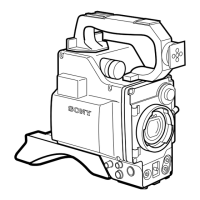
Attaching and Adjusting the Electronic Viewfinder
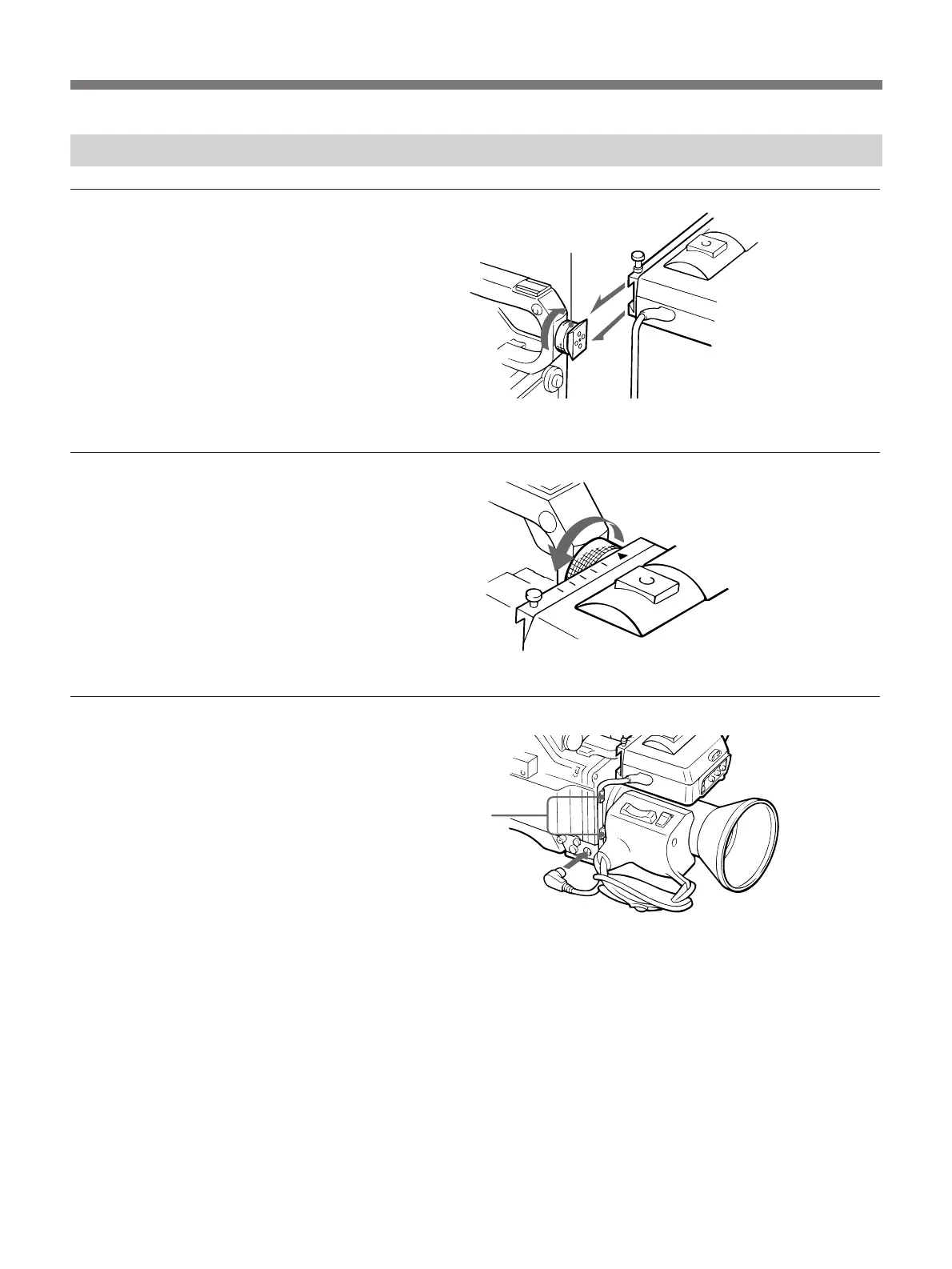
1 Loosen the lock ring. Align
and guide the viewfinder along
the mount.
To detach the viewfinder,
loosen the lock ring. Then
while pulling up the pin, slide
the viewfinder off the mount.
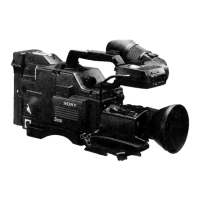
2 Turn and tighten the lock ring
to fix the viewfinder.
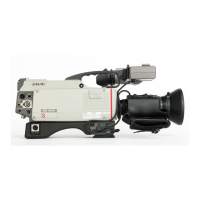
3 Connect the viewfinder
connector cable to the VF
connector on the camera head.
Lock ring
Tighten
to VF connector
Clamp the cord.
Pin


 To Next Page