52
Adjustment and Settings
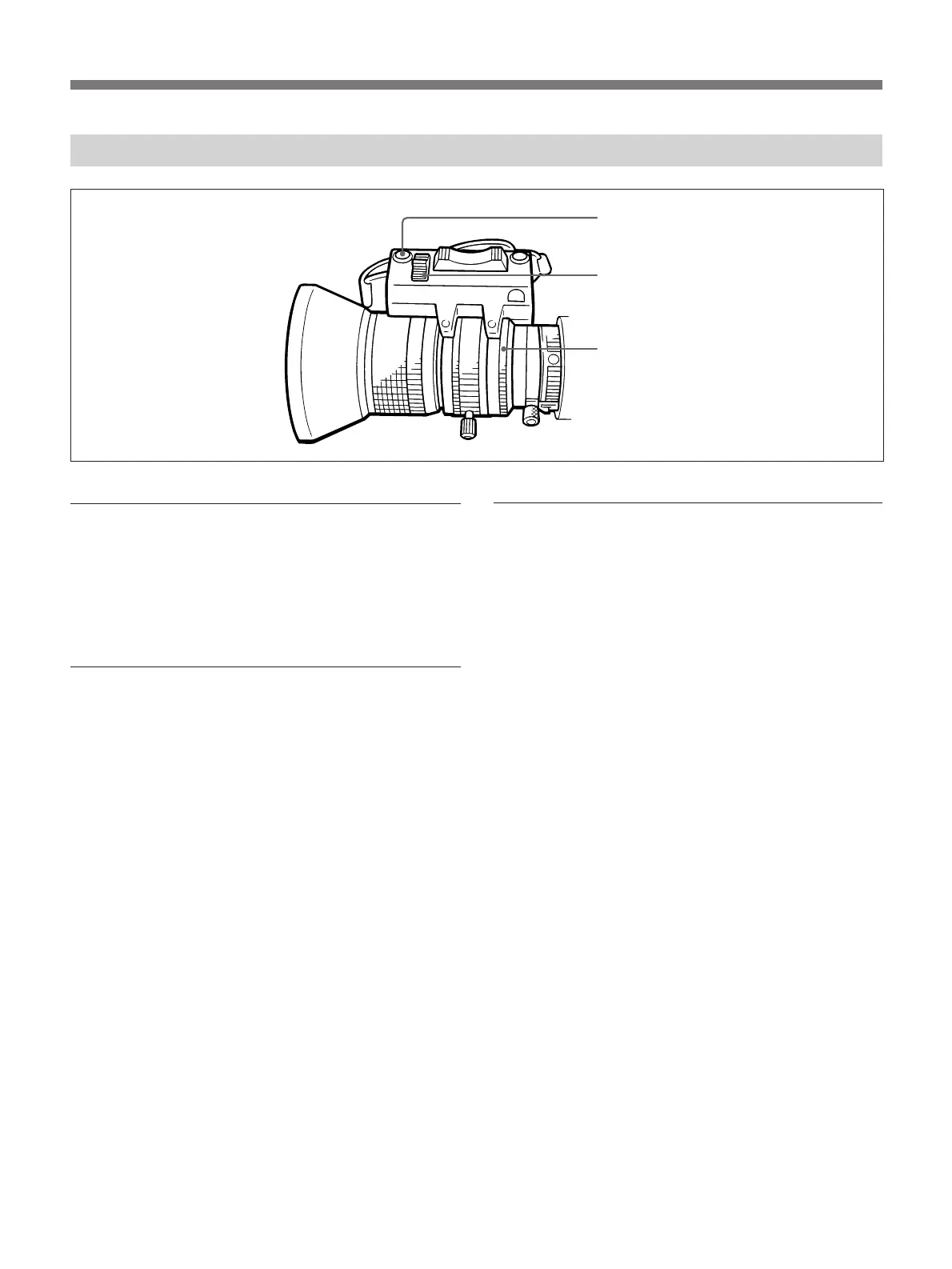
Adjusting the Iris
Automatic iris adjustment
Set the IRIS selector to “A.” This is the normal setting
for the automatic iris.
This setting makes the iris automatically adjust to the
brightness of the object being shot.
Adjusting the iris manually
Use manual adjustment when recording an object
against a bright sky or a scene with high contrast.
Set the IRIS selector to “M.”
Using the zebra pattern for iris adjustment
The zebra pattern appears on the portion of the screen
where the video output is about 70 to 80% IRE
(NTSC) or 490 to 560 mV (PAL). This pattern acts as
a reference when you manually adjust the iris. (For the
procedure, see “Checking the Video Level,” page 64.)
Temporary automatic adjustment
1 To automatically adjust the iris while the IRIS
selector is set to “M”, keep the Instant Automatic
Iris Adjustment (IAIA) button depressed.
2 To fix the iris value that was set in Step 1, release
the IAIA button. The iris remains fixed at this
value until it is manually adjusted again.
Instant automatic
iris adjustment
button
IRIS selector
Iris ring



 To Next Page