64
0918
dB
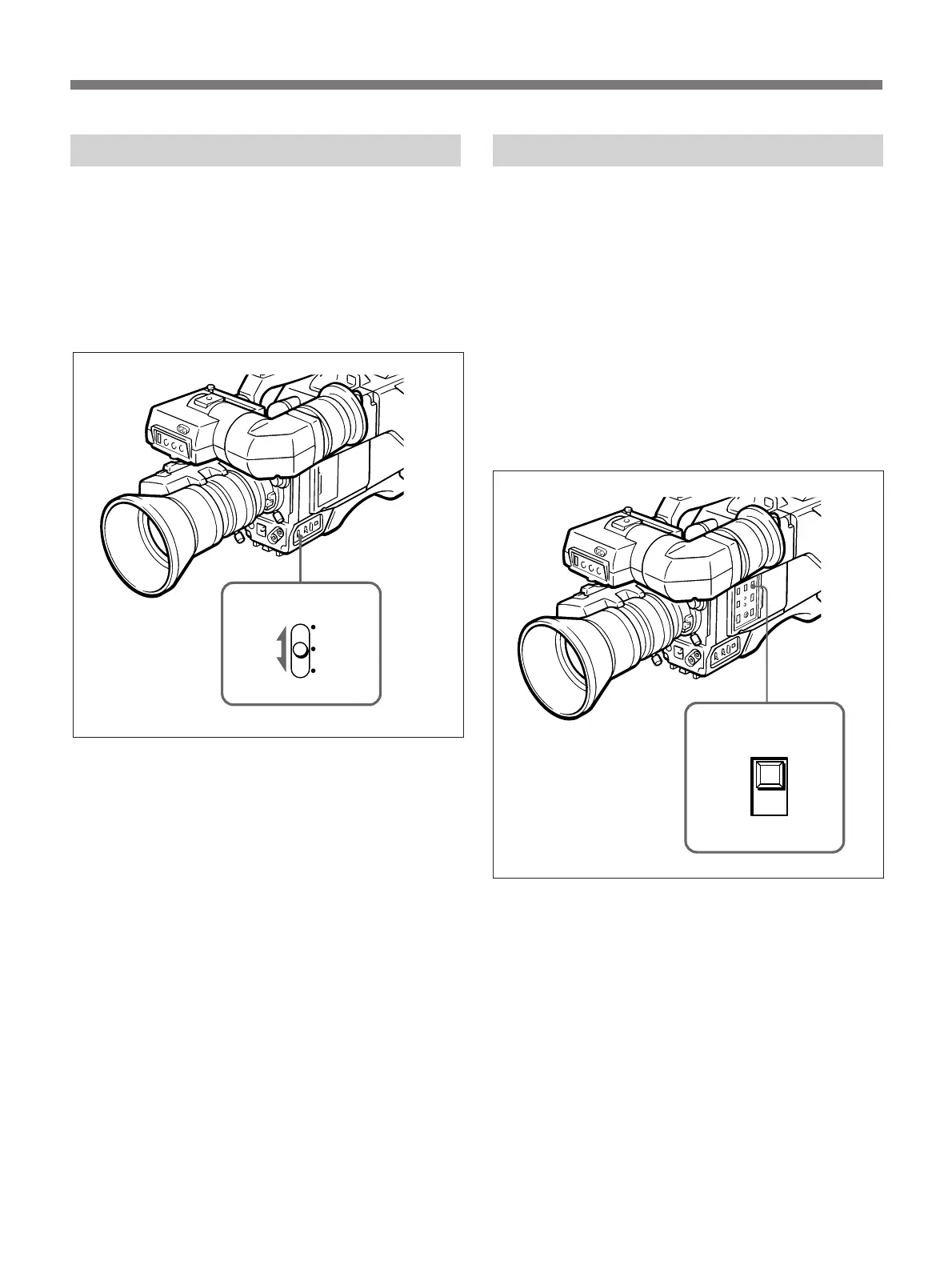
Selecting the Output Level
If you cannot get a clear picture because of insufficient
light, set the GAIN selector to a higher or lower
position. (The GAIN selector is normally set to “0
dB”.)
The video output level can be raised by 9 dB by setting
the GAIN selector to “9 dB” and by 18 dB by setting
the selector to “18 dB”.
Checking the Video Level
Use the zebra pattern (generated by the camera) as a
reference when adjusting the iris manually. The zebra
pattern indicates areas of the picture where the video
level is approximately 70 to 80% IRE (for NTSC) or
490 mV to 560 mV (for PAL).
When the ZEBRA switch is set to ON, a zebra pattern
appears on the part of the viewfinder screen where the
video output level is 70 to 80% IRE or 490 to 560 mV.
Adjust the iris so that the zebra pattern appears over
the subject being shot (for example, the face of a back-
lit person).
If it is not necessary to use the zebra pattern to adjust
the iris, set the ZEBRA switch to OFF.
Advanced Operations
GAIN selector



 To Next Page