32
Make sure the power switches on the camera, VTR,
and other equipment are set to OFF.
Attach the CA-537/537P Camera Adaptor to the
camera head before attaching any of the below
equipment.
Connections
Consult the “Differences in functions” on page 38 for
details on the functions available with different VTRs.
For the general use of the camera with a VTR attached,
see “Basic Operations” on page 43.
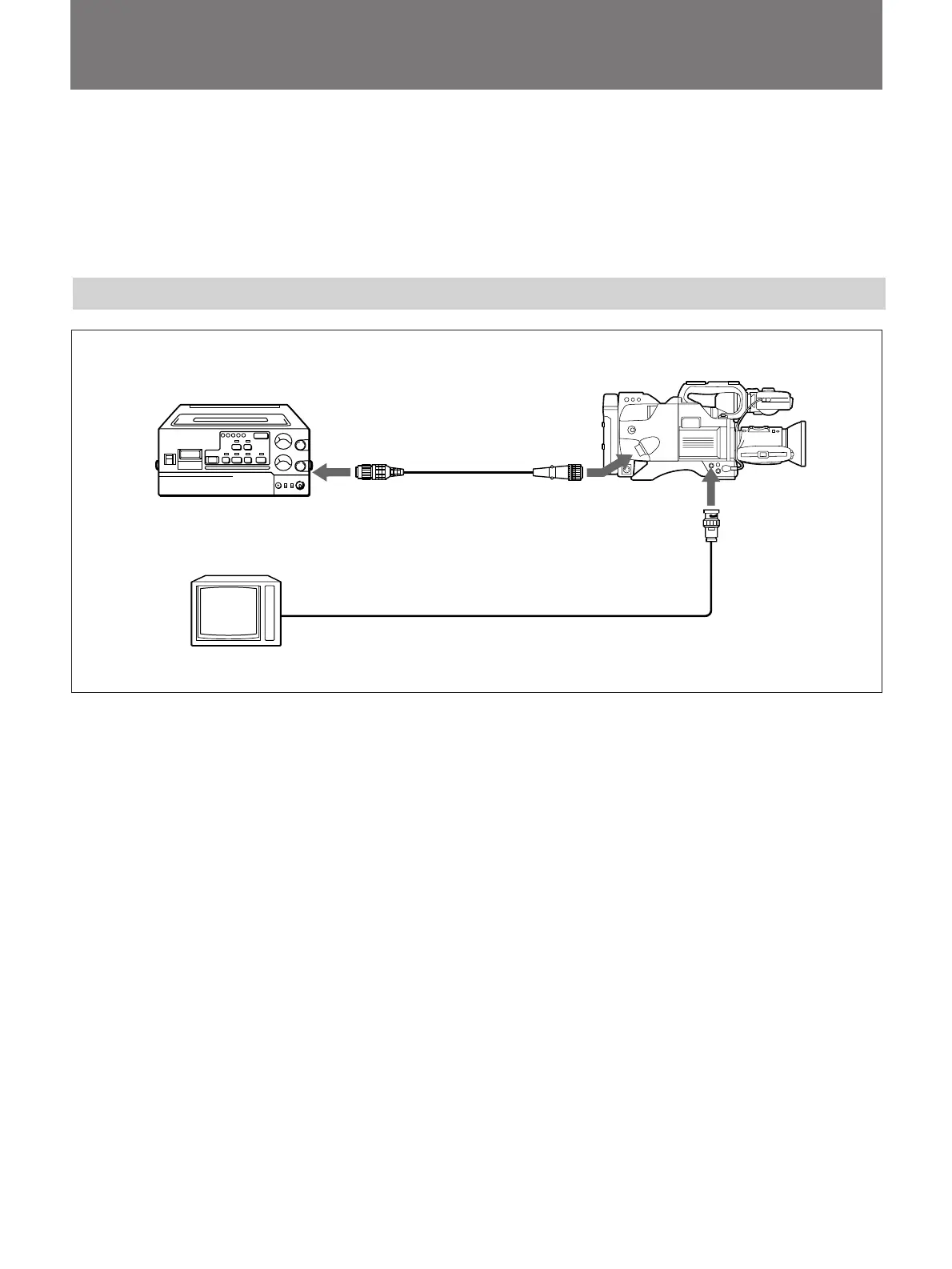
Connecting an S-VHS Format Portable VTR
to camera
connector
CA-537/537P
DXC-327B/327BP
VIDEO OUT
When monitoring the
picture using a video
monitor
Video monitor
1)
The camera cable can be extended up to 10 meters (33 feet).
CCZQ-A camera
cable
1)
(not supplied)
VTR/CCU/CMA
S-VHS format VTR
• When a video monitor equipped with an S-video
input connector, connect the S-video connectors on
the VTR and video monitor. Then a picture with high
resolution with a Y/C separate signal can be
monitored.
• When an S-VHS format VTR is connected via a CA-
537/537P Camera Adaptor, set the VTR SELECT
switch on the CA-537/537P to “3”. Then a Y/C
separate signal is output from the VTR/CCU/CMA
connector on the CA-537/537P.
• A composite video signal is output from the VIDEO
OUT connector.



 To Next Page