67
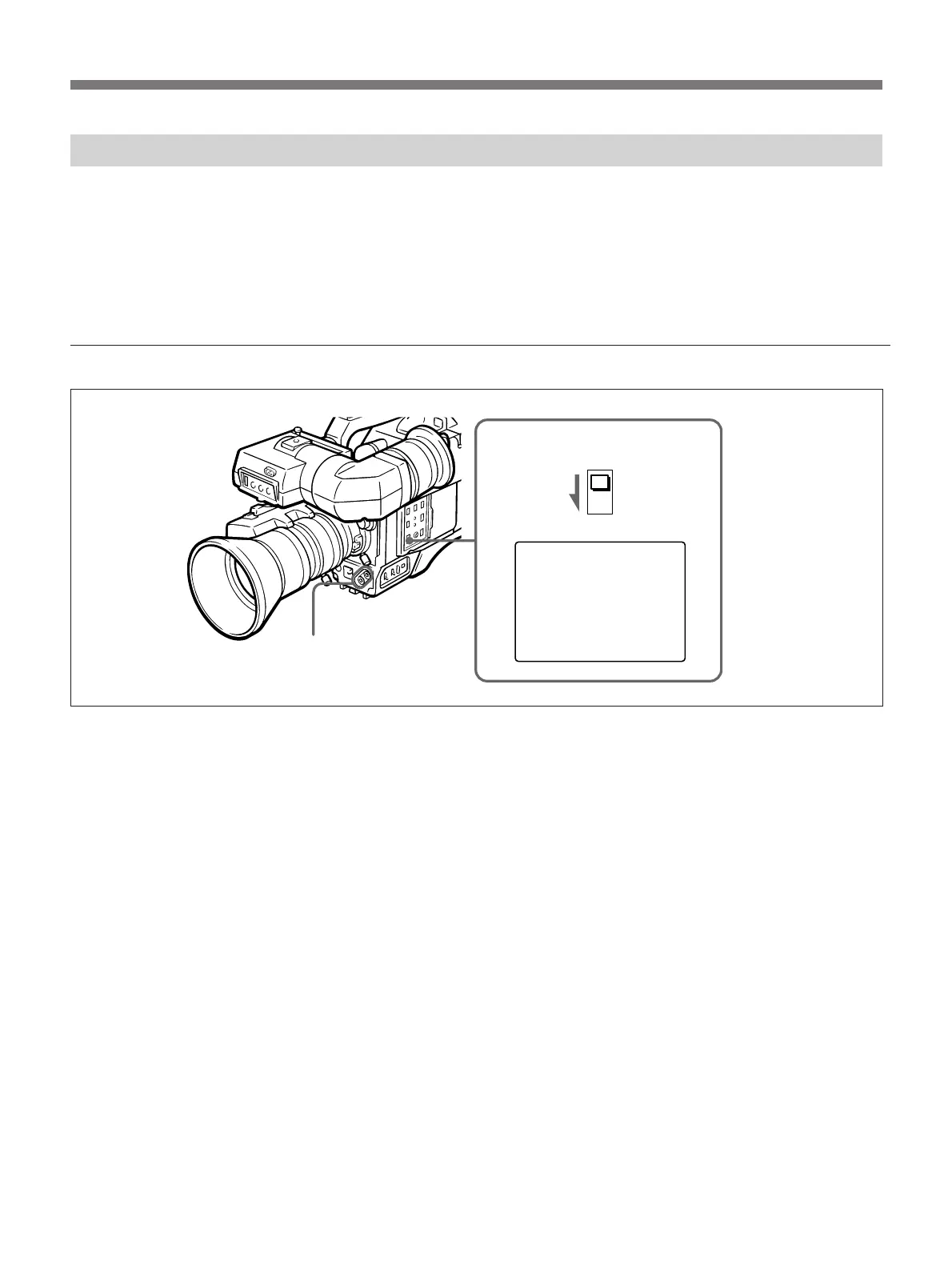
TITLE SET ?
1
2
DISP CHG switch
UP/ON button,
DOWN/OFF button
Title Characters Setting
This camera contains a built-in character generator that
allows you to superimpose characters over the picture
being shot. Both the picture and the superimposed
characters appear on the monitor screen. If a recording
VTR is connected to the camera, the superimposed
characters can be recorded on the VTR.
Preparation
1 Press the DISP CHG switch several times until the
above indication appears on the viewfinder display
screen.
2 To put the camera into the title setting mode, press
the UP/ON button.
To clear all the memorized characters
Press the UP/ON and DOWN/OFF buttons at the same
time.



 To Next Page