68
ABCDEFGHIJK
LMNOPQRSTUVW
XYZ ; < = > ?
0123456789:X,-./
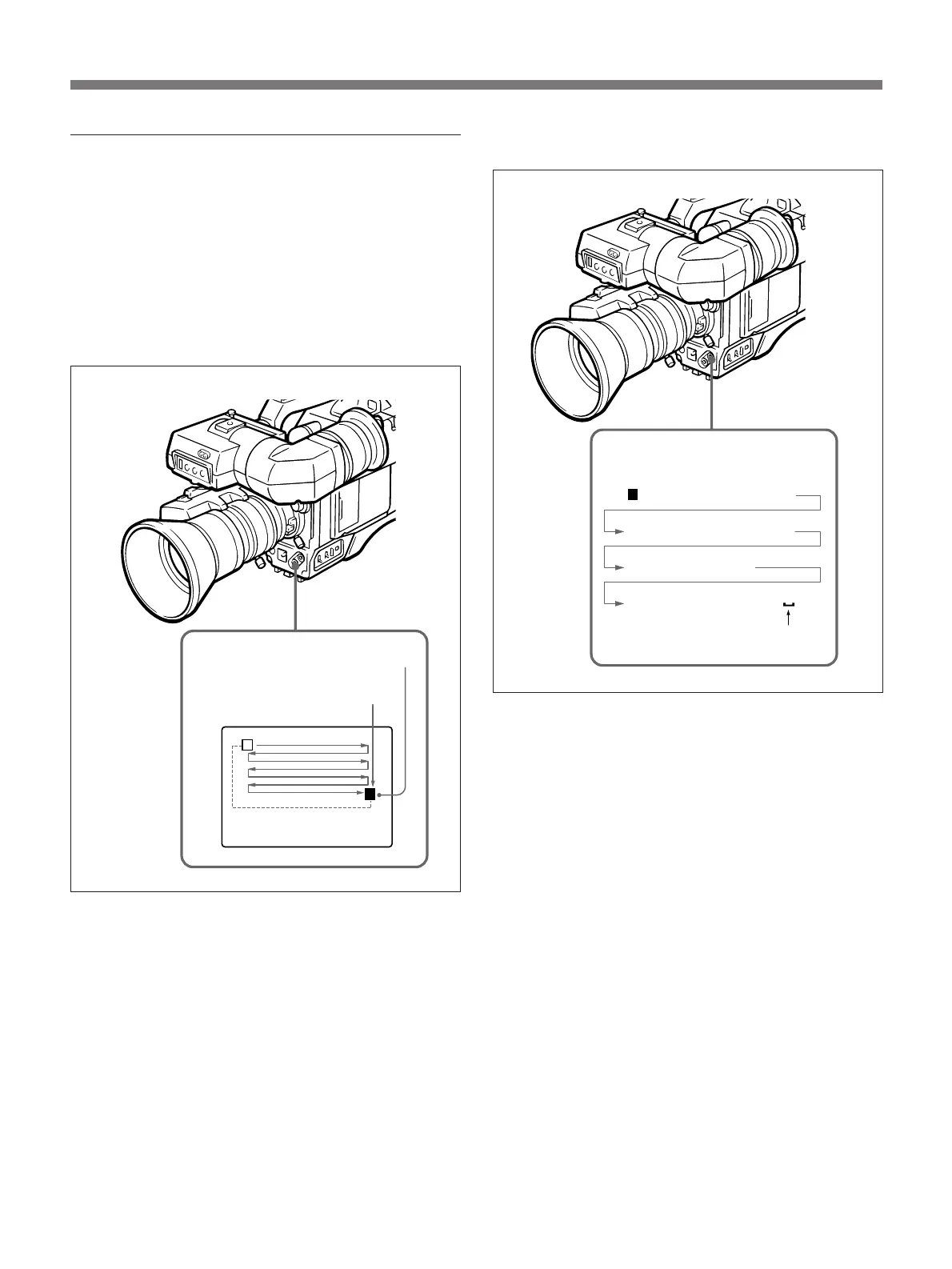
Setting title characters
1 To set characters and letters from the display, press
the UP/ON button repeatedly until the cursor
flashes on the character you want to set.
To change the characters in reverse
alphabetical order
While pressing the UP/ON button, press the
DOWN/OFF button.
2 Press the DOWN/OFF button to set the selected
character.
The cursor moves one space to the right.
3 Repeat the above steps 1 to 2 to set all the
characters.
Setting procedure
Set title characters one by one choosing them from the
display using the UP/ON and DOWN/OFF buttons.
Up to 12 characters can display on one line. Up to 4
lines can be displayed. Title characters, once set,
remain in the memory of the camera, and are not
erased when the power is turned off.
Moving the cursor
DOWN/OFF button
Scanning order
UP/ON button
Space
Advanced Operations
The cursor blinks.
Initial cursor position



 To Next Page