45
Monitoring the VTR Picture and
Audio Output
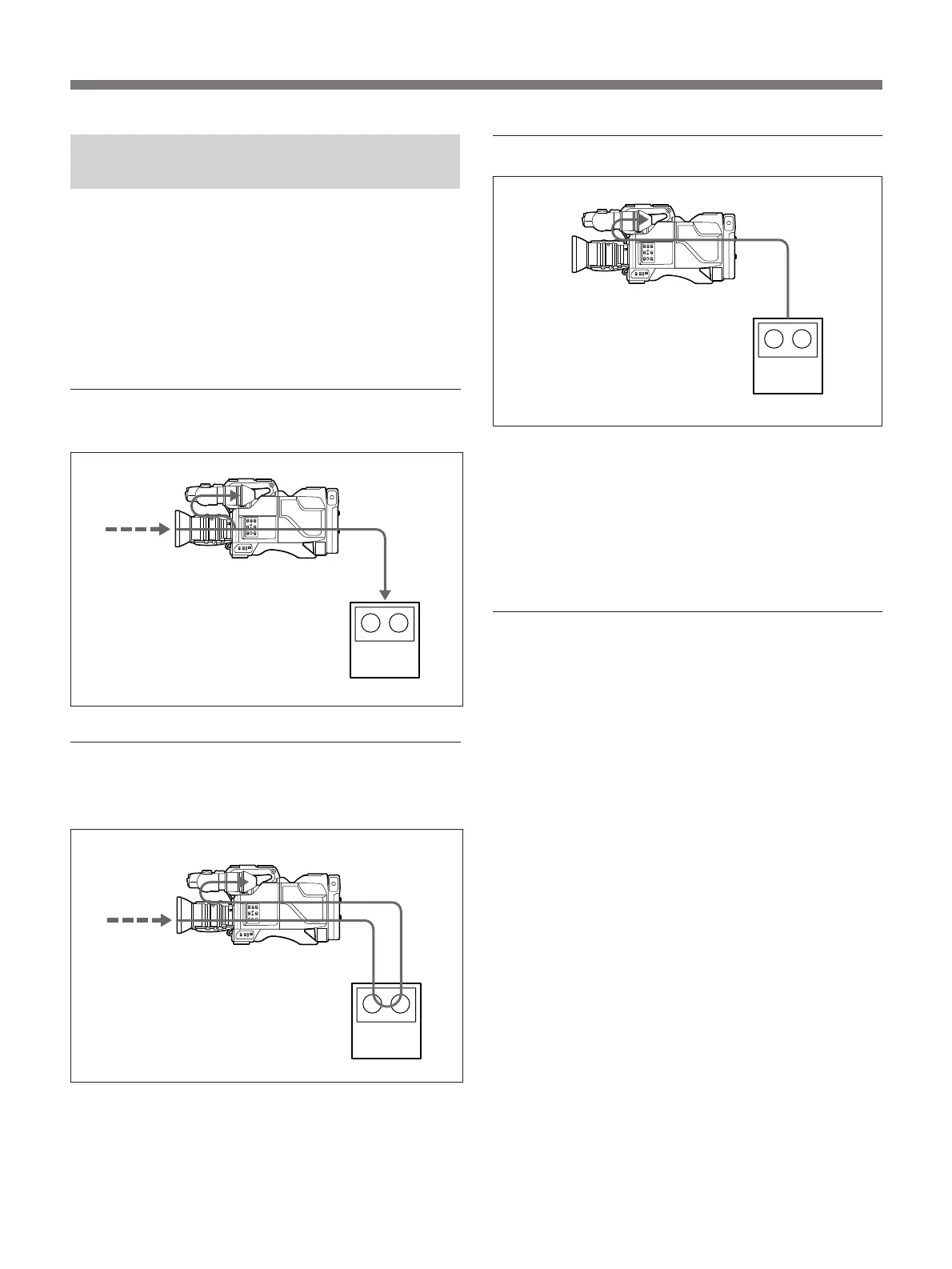
You can see the following three types of images on the
viewfinder screen when the camera and the VTR are
connected with the CCZQ camera cable. Note,
however, that with some types of VTRs, you may not
be able to monitor a picture. (For more details on the
pictures which can be seen on the viewfinder screen,
see the “Differences in functions” on page 38).
A picture picked up by the camera (during
recording)
An E-E mode picture from the VTR (when
the RET button on the lens is pressed
during recording)
A playback picture (during playback)
Noise on the monitoring
While the playback picture from the VTR displays on
the viewfinder screen, some of the video signals output
from the camera such as the sync signal, may mix with
the playback picture so that streaks of noise roll
horizontally or vertically across the screen.
Monitoring the audio output
You can monitor the audio signal during recording and
reviewing by connecting an earphone to the
EARPHONE jack on the camera adaptor. Note,
however, that with some types of VTR, you may not
be able to monitor the audio output.
Portable VTR
Portable VTR
Portable VTR



 To Next Page