48
L.L.IND
BATT
WHITE
BLACK
GAIN
SHUTTER
: ON
: 12.5V
: PRESET
: AUTO
: 0DB
: OFF
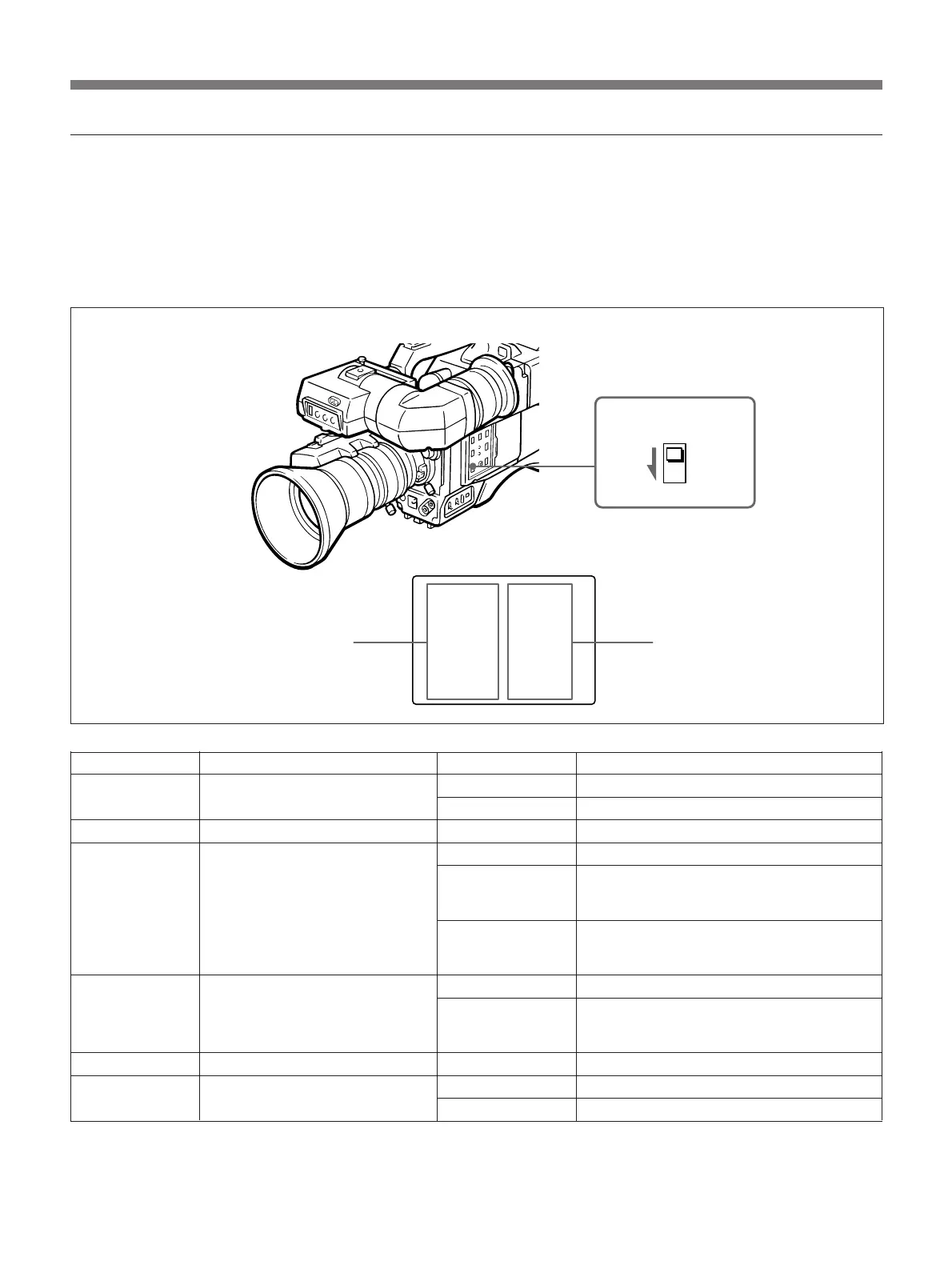
Viewfinder screen
DISP CHG switch
Adjustment and Settings
Current settings
The viewfinder screen shows you the settings of the
switches on the camera head, camera adaptor, and
zoom lens. If necessary, change the settings using the
procedures described in this section and the table
below.
Press the DISP CHG switch several times until the
following (see illustration below) display appears on
the viewfinder screen.
The following table explains the meanings of the
below screen display items.
Setting status
Switch indicators
Switch indicators Meaning Setting Status Meaning
L.L. IND Setting the “LOW LIGHT” indication ON “LOW LIGHT” is displayed.
OFF “LOW LIGHT” is not displayed.
BATT Battery voltage XX.XV The battery voltage level is displayed.
PRESET For the factory preset value
WHITE White balance adjustment mode AUTO/A or AUTO/B For automatic adjustment. (The white
balance has been adjusted automatically
using the volume stored in memory A or B.)
MANUAL For manual adjustment using the CCU-M7/
M7P, CCU-M5/M5P Camera Control Unit, or
RM-M7G Camera Remote Control Unit.
AUTO For automatic adjustment
BLACK Black balance adjustment MANUAL For manual adjustment using the CCU-M7/
M7P, CCU-M5/M5P Camera Control Unit, or
RM-M7G Camera Remote Control Unit.
GAIN Setting the video output level 0 DB, 9 DB, 18 DB The video output level is 0 dB, 9 dB or 18 dB.
SHUTTER Setting the shutter speed OFF The shutter speed cannot be changed.
Shutter speed set The set shutter speed is displayed.



 To Next Page