EasyManua.ls Logo

Sony EV-S7000 - Synchronized editing (continued)

Sony EV-S7000
84 pages
Print Icon
To Next Page IconTo Next Page
To Previous Page IconTo Previous Page
Loading...
Synchronized
editing
(continued)
ee
64
|
Editing
Operation
(when
recording
on
this
VCR)
Before
you
start
editing
©
Make
connections
according
to
the
illustration
on
page
62.
¢
If
the
playback
VCR
is
equipped
with
an
S-video
output
connector,
use
the
supplied
S-video
cable
for
additional
connection
of
the
VCRs.
¢
If
the
playback
VCR
is
a
monaural
type,
connect
the
white
plug
to
its
audio
output
jack
and
the
white
plug
on
the
other
end
to
the
LINE
IN
2
AUDIO
L
(white)
jack
of
this
VCR.
On
the
playback
VCR
¢
If
available,
activate
the
EDIT
mode.
¢
If
available,
set
LANC
to
S
or
equivalent.
On
this
VCR
¢
Set
LANC
to
M
in
the
SET
UP
MENU.
See
“Using
the
SET
UP
menu”
on
page
32.
¢
Adjust
the
recording
level.
For
details,
see
page
37.
¢
Check
if
the
playback
VCR
has
a
JOG/SHUTTLE
function,
then
set
SHUTTLE
MODE
to
either
A
or
B.
(See
“Using
the
SET
UP
menu”
on
page
32.)
Note
that
some
VCRs
do
not
have
a
JOG/SHUTTLE
function.
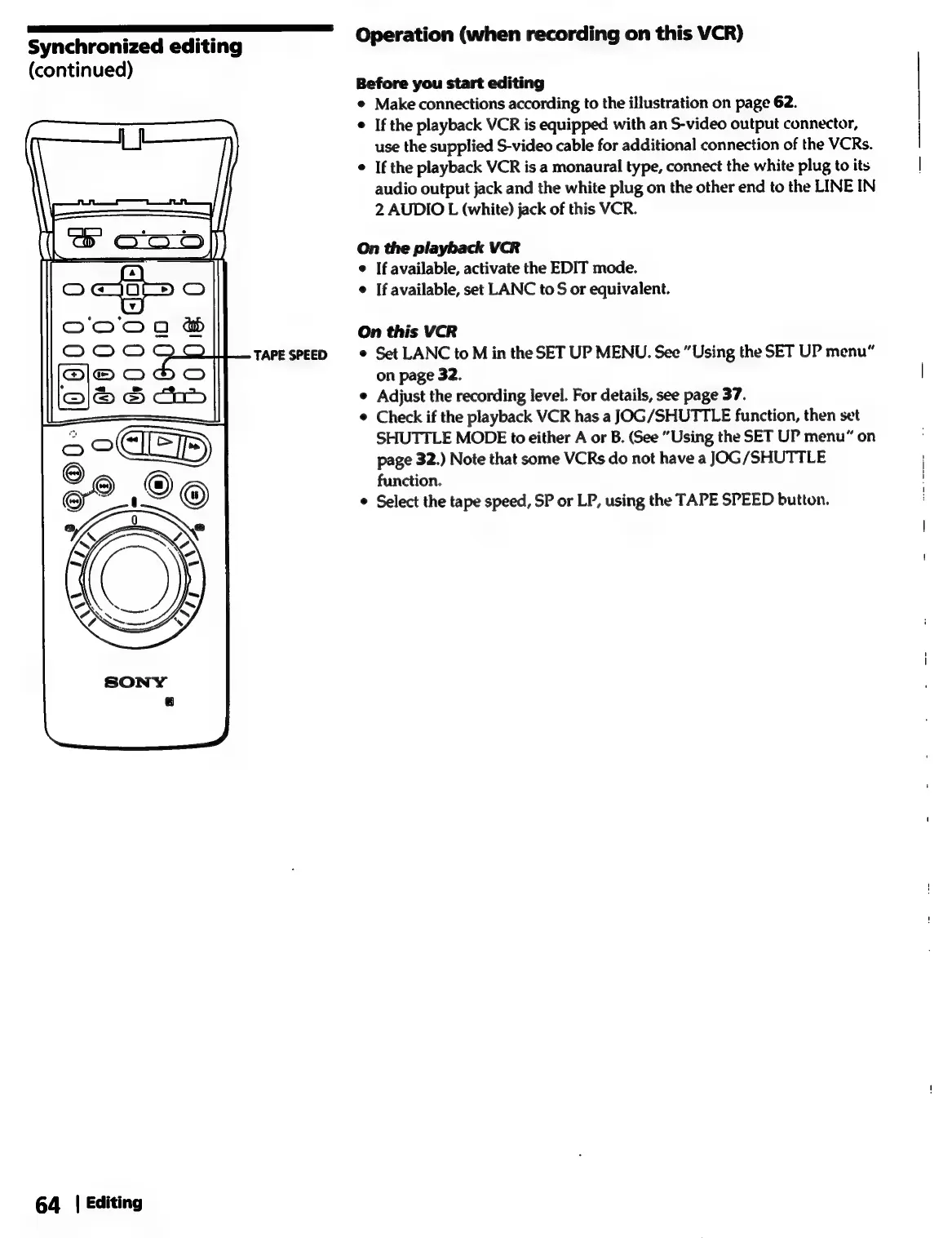
Select
the
tape
speed,
SP
or
LP,
using
the
TAPE
SPEED
button.

Related product manuals