EasyManua.ls Logo

Sony EV-S7000 - Assemble editing (continued)

Sony EV-S7000
84 pages
Print Icon
To Next Page IconTo Next Page
To Previous Page IconTo Previous Page
Loading...
Assemble
editing
(continued)
Tip
©
The
TOTAL
TIME
figure
gives
the
total
time
for
all
the
events.
The
tape
speed
of
the
recording
tape
must
match
that
of
the
events
to
be
entered,
or
the
events
will
not
be
recorded
properly.
Notes
¢
Leave
a
space
of
about
two
seconds
between
the
IN
frame
and
OUT
frame,
or
the
events
cannot
be
marked
correctly.
e
When
you
want
to
stop
assemble
editing,
press
ASSEMBLE
again.
©
When
the
TIME
CODE
is
less
than
0:01:00:00,
the
editing
will
not
be
very
precise.
In
this
case,
do
the
editing
manually
as
described
in
the
“Synchronized
editing”
section
on
page
62.
68
|
Editing
5
Find
the
last
scene
of
the
event
you
want
to
assemble
edit.
Once
the
end
of
the
first
event
has
been
found,
go
to
step
6.
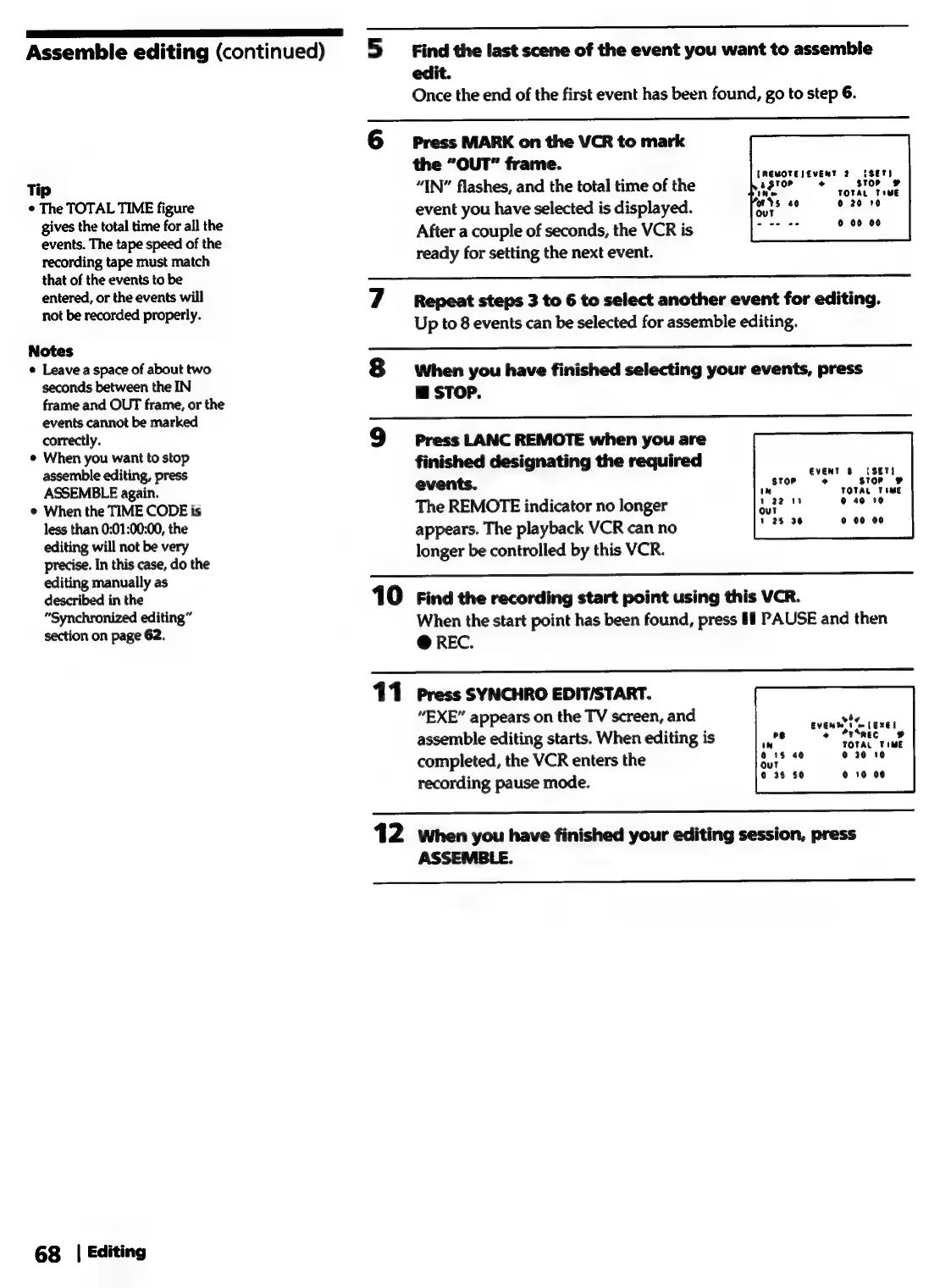
6
Press
MARK
on
the
VCR
to
mark
the
“OUT”
frame.
“IN”
flashes,
and
the
total
time
of
the
event
you
have
selected
is
displayed.
After
a
couple
of
seconds,
the
VCR
is
ready
for
setting
the
next
event.
[REMOTEJEVENT
2
SET!
agtoe
ry
stop
10
TOTAL
TIME
‘ots
40
0
20
10
out
0
00 00
7
Repeat
steps
3
to
6
to
select
another
event
for
editing.
Up
to
8
events
can
be
selected
for
assemble
editing.
8S
when
you
have
finished
selecting
your
events,
press
@
STOP.
9
press
LANC
REMOTE
when
you
are
finished
designating
the
required
events.
APs
TOTAL
TIME
The
REMOTE
indicator
no
longer
ae
eset
appears.
The
playback
VCR
can
no
longer
be
controlled
by
this
VCR.
EVENT
@
(SET)
°
store
our
1
2$
36
o
00 00
10
Find
the
recording
start
point
using
this
VCR.
When
the
start
point
has
been
found,
press
If
PAUSE
and
then
@
REC.
11
Press
SYNCHRO
EDIT/START.
“EXE”
appears
on
the
TV
screen,
and
assemble
editing
starts.
When
editing
is
completed,
the
VCR
enters
the
recording
pause
mode.
r
EVENT
1
wm
(EXE!
o
“rSnec
@
TOTAL
TIME
©
30
10
0
10
06
12
when
you
have
finished
your
editing
session,
press
ASSEMBLE.

Related product manuals