27
Section 3
Diagnostics
3-1. Device Check
This unit is provided with a self-diagnosis function for checking the communication function of each device.
Diagnosis result can be monitored on the BOARD STATUS page of the DIAGNOSIS menu.
3-1-1. BOARD STATUS (DIAGNOSIS Menu)
When “NG” is displayed on this page, there may be a problem with the relevant device or its connection.
Item Setting Function
DPR Display only Indicates the status of the LSI (IC500 and IC800) on the DPR-393 board.
VIF Display only Indicates the status of the LSI (IC300) on the VIF-77 board.
SY Display only Indicates the status of the LSI (IC102) on the MB-1259 board.
OHB Display only Indicates the status of BI-358 board.
HOURS METER Display only Displays the total working time.
Displaying
1. Turn the DISPLAY/MENU switch to the MENU side while pressing the MENU SEL knob/ENTER button.
The TOP MENU screen showing the entire configuration of menu items appears.
2. Set the cursor to [DIAGNOSIS] and press the MENU SEL knob/ENTER button.
3. Set the cursor to [BOARD STATUS] and press the MENU SEL knob/ENTER button.
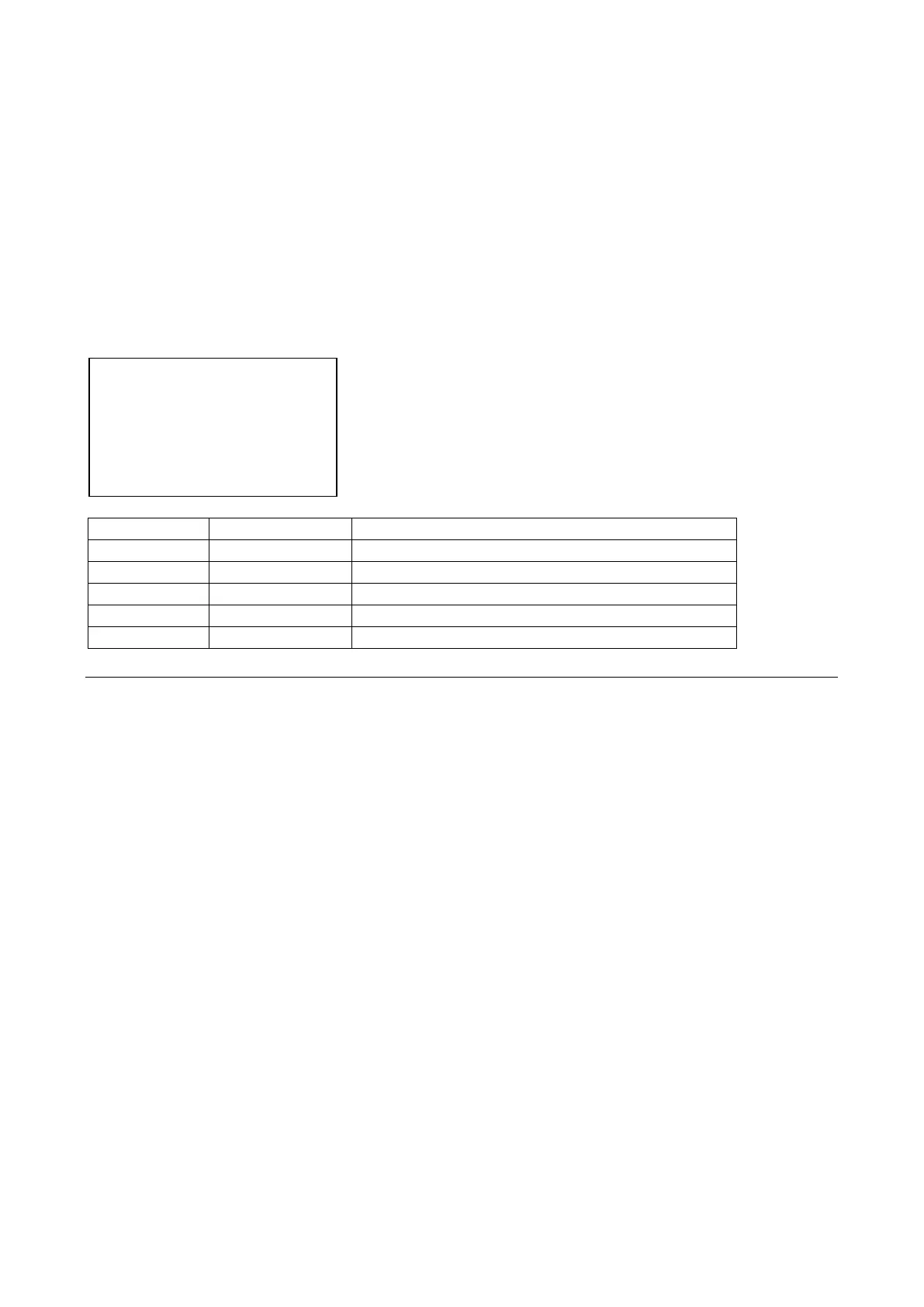
<BOARD STATUS> D01 TOP
OHB : OK
DPR : OK
SY : OK
VIF : OK
HOURS METER : xxxx H



 To Next Page