83
5-4. Video System Level Adjustment
Perform the video system level adjustment according to the system that the customer uses.
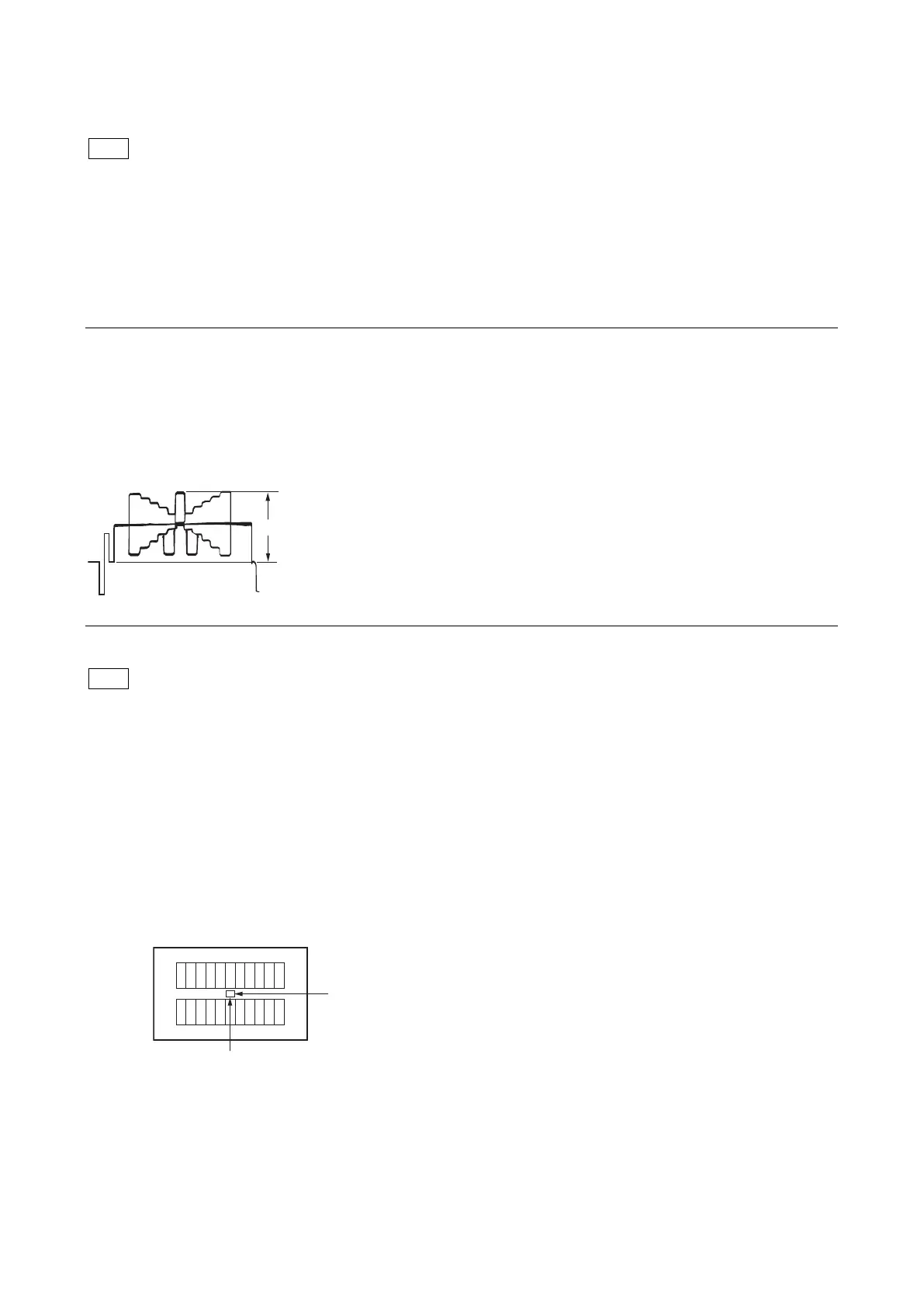
5-4-1. H/V Ratio Adjustment
Equipment: Waveform monitor (R, G, B)
Test Point: SDI 1 connector
Object: Grayscale chart
Preparation
• Setting for the MSU
DETAIL OFF button → ON (unlit)
KNEE OFF button → OFF (lit)
• Shoot the grayscale chart so that it is aligned with the under scanned monitor frame.
• Lens iris: F4 to F5.6
• A = 600 ±20 mV
If the lens aperture is greater than F5.6, adjust the light amount with the shutter.
Procedure
1. Operate the control panel of MSU, and set as follows.
Customers' settings must be restored after the adjustment. Write down the customers' settings.
(1) PAINT button → ON (lit)
(2) Touch panel operation: (Page 1) → [Detail] → [1/3]
Setting:
• Level → 99
• Limiter → 0
• Crispening → –25
• Level Dep → 25
2. Operate the [PAINT] menu of MSU, and set as follows.
Touch panel operation: (Page 1) → [Detail] → [2/3]
3. Adjust the H/V Ratio adjustment, a ratio between H and V detail amounts (white) to be added shall be equal.
• Adjustment item: [H/V Ratio] (Reference value: 20 to 40)
4. Change the settings to the recorded customers' settings.
5. Store the reference file.
(Refer to “5-4-12. File Store”.)



 To Next Page