80
5-3-3. White Shading Adjustment
Equipment: Waveform monitor (R, G, B)
Test Point: SDI 1 connector
Subject: Full-white pattern
In the case of any of the following case is applicable, white shading is not adjusted correctly.
• The brightness of the subject is uneven.
• The brightness is not set correctly.
• Iris value of lens is not set correctly.
• Zoom position is not set correctly.
Obey the content of the following preparation and procedure, use calibrated equipment and tools.
Preparation
• Setting for the MSU
KNEE OFF button → OFF (lit)
MASTER GAIN → 0 (0 dB)
• Shoot the full-white pattern so that it is aligned with the under scanned monitor frame.
• Lens iris: F4 to F5.6
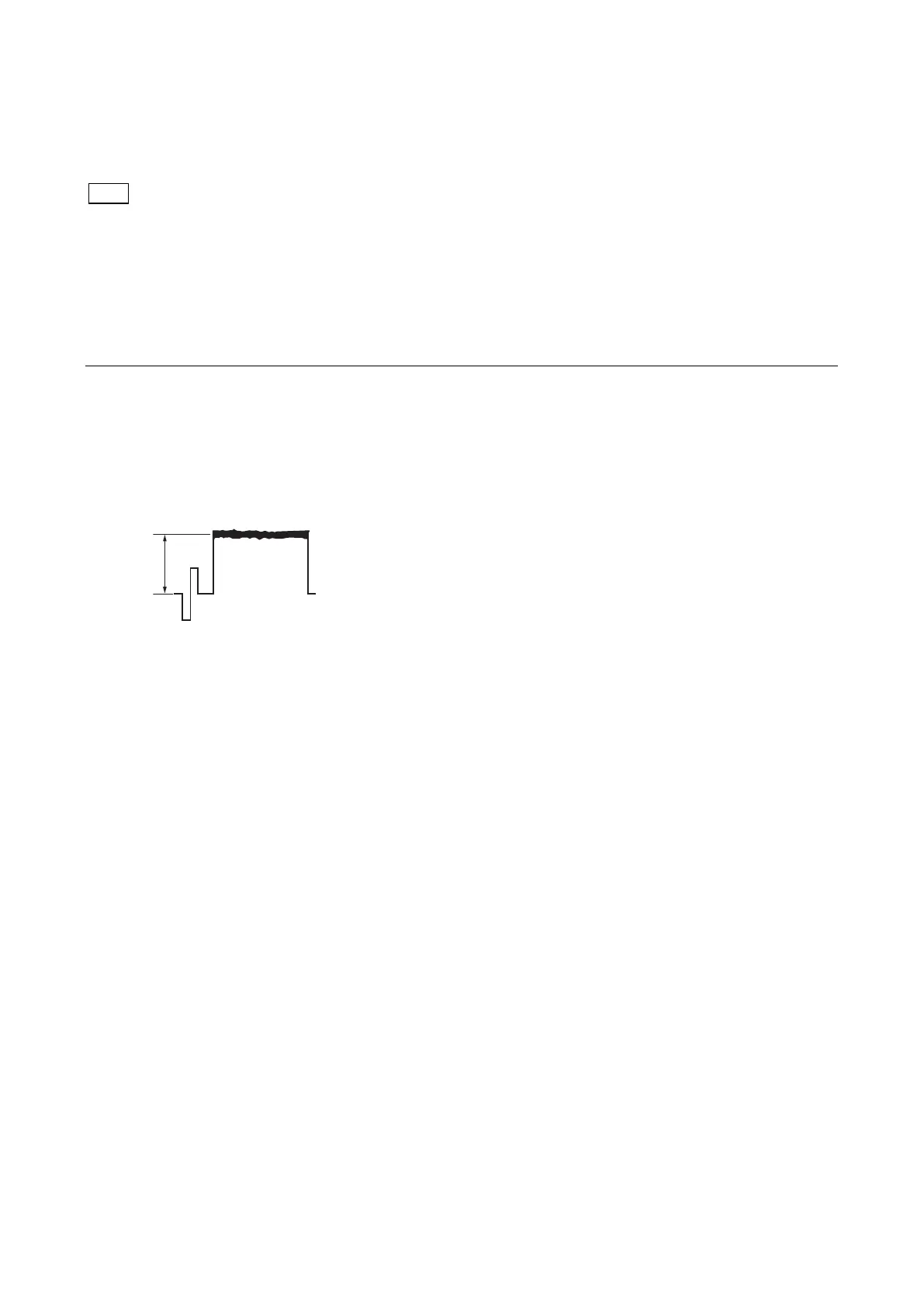
• A = 600 ±20 mV
If the lens aperture is greater than F5.6, adjust the light amount with the shutter.
• Lens focus: ∞
• Set the lens extender or the lens shrinker to the following settings.
Lens extender (×2) → OFF
Lens shrinker (×0.8) → OFF
• Set as follows on the camera setup menu.
MENU: OPERATION
PAGE: LENS FILE
ITEM: FILE
1. Select the file in accordance with the lens attached. If there is no appropriate file, select NO OFFSET.
2. Change the name of lens with MSU.



 To Next Page