126
8-2. SERVICE Menu
This unit is provided with the SERVICE menu that is useful for maintenance and adjustment of the camera.
The menu content is displayed on the monitor connected to the SDI MONI connector.
As for how to display the SERVICE menu, refer to “8-1-1. How to Display the SERVICE Menu/ How to Change the Setting Values”.
8-2-1. SERVICE Menu List
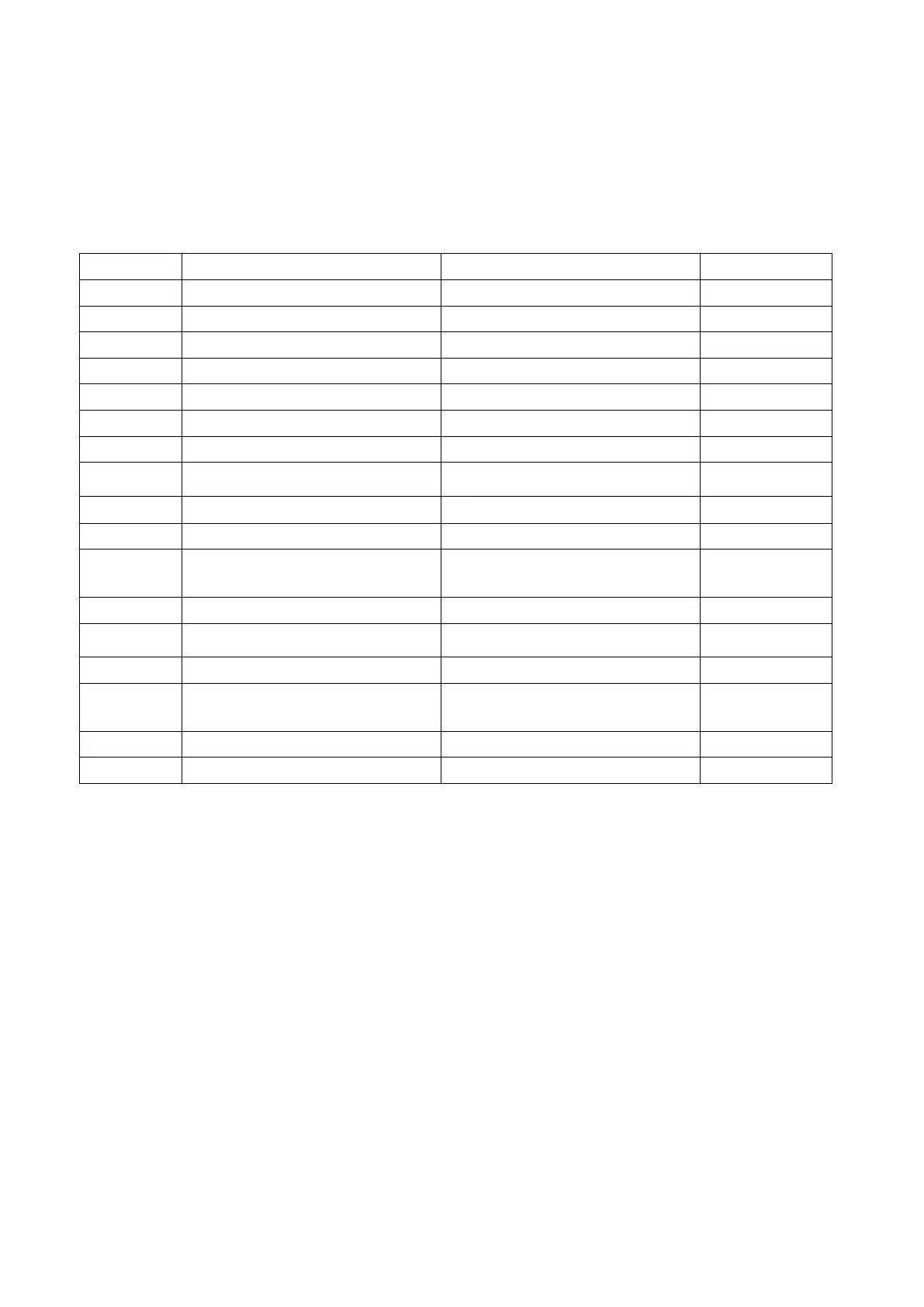
S01 SET UP Lens communications setting Page 127
S02 CC FILTER Color temperature conversion filter setting Page 127
S03 MANUAL RPN Manual RPN compensation Page 128
S04 RPN MANAGE RPN automatic detection Page 128
S05 OHB-ADJ1 Sensitivity adjustment Page 128
S07 WHITE SHADING White shading adjustment Page 129
S08 SERIAL NO.
Model name displaying, Serial number
displaying
Page 129
S09 OPTION Gain extend, Chroma filter characteristic setting Page 130
S10 SCENE FILE CUSTOMIZE Additional items to SCENE FILE setting Page 130
Executing version up or displaying version.
* ALL IN PACKAGE FILE is not used in this
Page 131
S12 RF MONITOR Reception state of the RF signal displaying Page 131
S13 CD BASEBAND MONITOR 1
Reception state of the sync and the audio
displaying
Page 131
Used at the time of factory shipment
Model name, recovery data of the serial number
reading
Page 132
S16 VCO ADJUST VCO oscillation frequency adjustment Page 132
S17 LOG Log acquisition, Log clear Page 133



 To Next Page