15
Adjusting the Flange Focal Length
Adjustment of the flange focal length (the distance
between the lens mount attachment plane and the imaging
plane) is necessary in the following situations:
• The first time a lens is attached
• When changing lenses
• If the focus is not sharp at both telephoto and wide angle
when zooming
The flange focal length can be more precisely adjusted by
using the focus assist indicators.
See “Displaying the focus assist indicators” on page 23 for
the focus assist indicators.
Note
The various parts of the lens used in adjusting the flange
focal length are in different positions on different lenses.
Refer to the operation manual for the particular lens.
Adjusting procedure
1 Set the iris control to manual, and open the iris fully.
2 Place a flange focal length adjustment chart
approximately 3 meters from the camera and adjust
the lighting to get an appropriate video output level.
3 Loosen the Ff (flange focal length) ring lock screw.
4 With either manual or power zoom, set the zoom
ring to telephoto.
5 Aim at the flange focal length adjustment chart and
turn the focus ring to focus the image.
6 Set the zoom ring to wide angle.
7 Turn the Ff ring to bring the chart into focus. Take
care not to move the distance ring.
8 Repeat steps 4 through 7 until the image is in focus
at both telephoto and wide angle.
9 Tighten the Ff ring lock screw.
Attaching an Eyepiece Viewfinder
Warning
When the viewfinder is attached, do not leave the camera
with the eyepiece facing the sun. Direct sunlight can enter
through the eyepiece, be focused in the viewfinder and
cause fire.
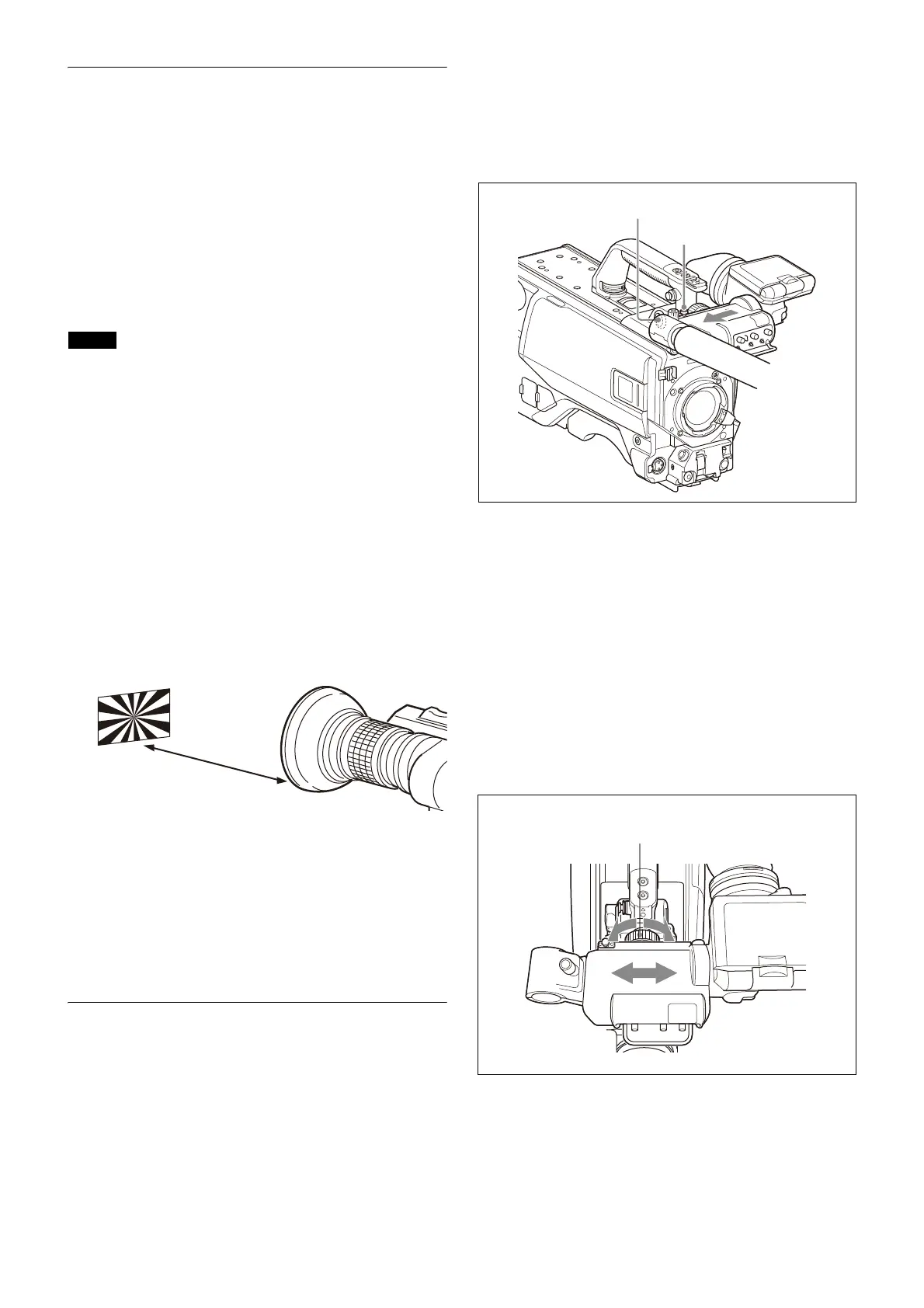
Attaching a viewfinder
This section describes using a HDVF-20A/200/EL20/EL30
(the HDVF-EL30 is shown in the diagrams).
For details about the viewfinder, refer to the operation
manual of the viewfinder.
1
Slide the viewfinder in the direction of the arrow.
The viewfinder stopper automatically pops down.
2 Set the viewfinder left-right position, then tighten
the left-right positioning ring (see
“To adjust the
position to the left or right”
below).
3 Connect the viewfinder cable to the VF connector of
the camera.
Adjusting the viewfinder position
The viewfinder position may be adjusted towards the front
and rear and to the left and right to make it easier to view.
To adjust the position to the left or right
1
Loosen the viewfinder left-right positioning ring.
2 Slide the viewfinder left or right to move it into a
good viewing position.
3 Tighten the viewfinder left-right positioning ring.
Viewfinder stopper
VF connector
Viewfinder left-right
positioning ring



 To Next Page