26
7 Turn the MENU SELECT knob to display the desired
setting and press the MENU SELECT switch.
8 To finish the adjustment, set the DISPLAY switch to
OFF to exit Menu mode.
Setting the Camera
Outputs
You can specify video signals directly output from the
camera, with menu operations.
You can display the signal name by attaching a label
(supplied) for the configured output signal name to the
connector label area.
Notes
• The MAIN (camera picture), RET (return video), or VF (the
same picture as that displayed on the viewfinder screen)
setting is common to SD-SDI and VBS. Different signals
cannot be output.
• The output from the SDI MONI connector is 1080i, even if
the format setting is 720P.
Outputting the signal being shot (camera
picture)
The same textual information as that displayed on the
viewfinder screen can be added to the output signal by
setting CHARACTER to “ON” on the <SDI OUT> or <TEST
OUT> page.
To output as HD-SDI
To output as SD-SDI
To output as VBS
Constantly outputting a return video
• When a camera control unit is connected, one of the
signals being supplied to the camera control unit can be
output from the camera.
• The last selected return signal is output.
• The same textual information as that displayed on the
viewfinder screen can be added to the output signal by
setting CHARACTER to “ON” on the <SDI OUT> or <TEST
OUT> page.
To output as HD-SDI
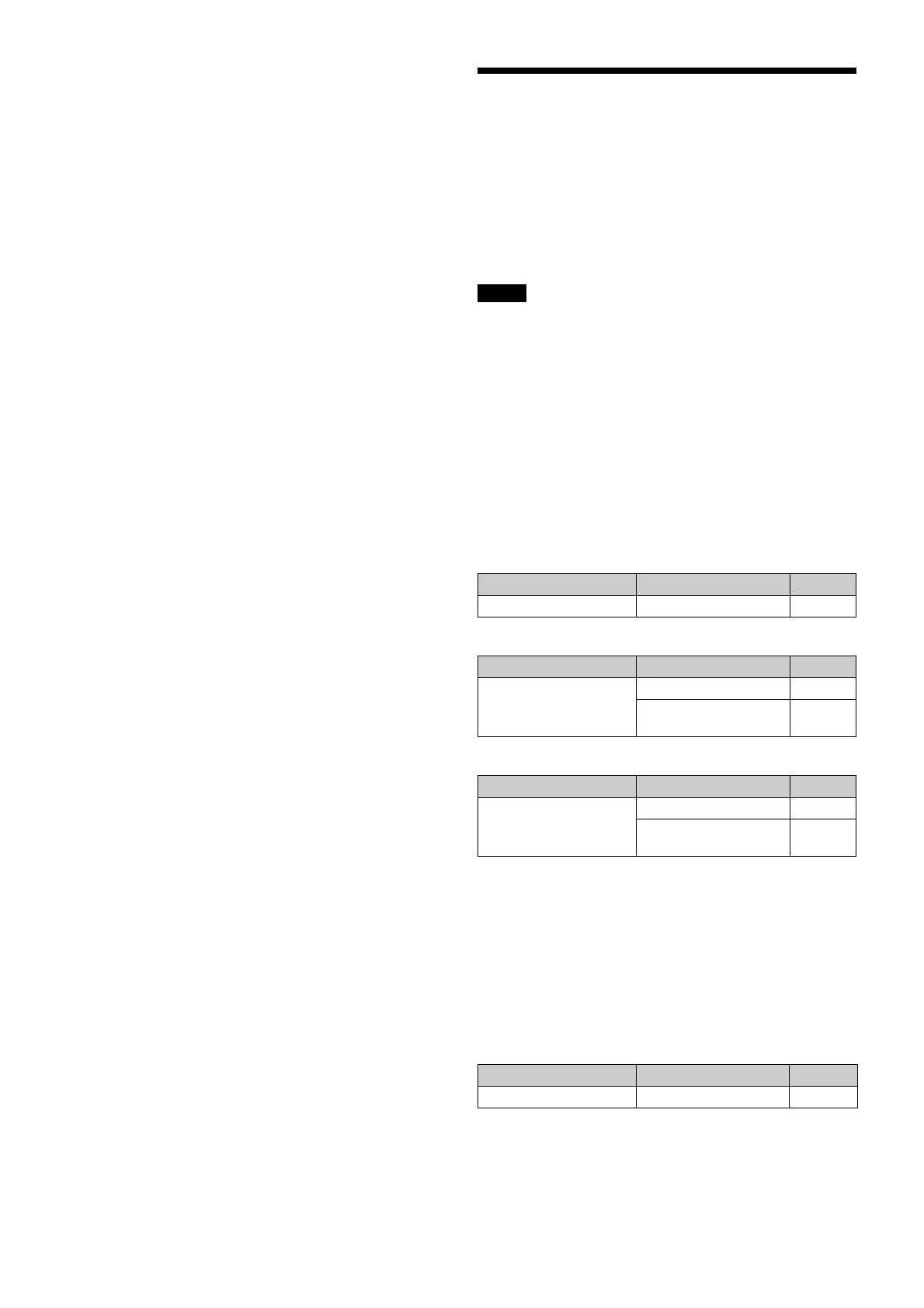
Menu page Item Setting
<SDI OUT> SDI-MONI OUT MAIN
Menu page Item Setting
<SDI OUT> SDI-MONI OUT SD-SDI
DOWN CONVERTER
SELECT
MAIN
Menu page Item Setting
<TEST OUT> OUTPUT VBS
DOWN CONVERTER
SELECT
MAIN
Menu page Item Setting
<SDI OUT> SDI-MONI OUT RET



 To Next Page