20
Adjustments and
Settings for Shooting
Adjusting the Black Balance and White
Balance
In order to maintain high picture quality, it is necessary to
set the black balance and white balance appropriately for
the conditions.
Note
When a camera control unit or a remote control device-
such as the MSU or RCP series-is connected, control is
performed from the RCP/MSU, and the switches on the
camera are disabled.
Black balance adjustment
The black balance needs adjustment in situations like the
following:
• The first time the camera is used
• When the camera is used after a long period of disuse
• When the surrounding temperature changes greatly
• When the gain value is changed using the setup menus
Normally, there is no need to adjust the black balance every
time the camera is turned on.
White balance adjustment
Always readjust the white balance when lighting conditions
change.
About the viewfinder screen
After the process of adjusting the black balance or white
balance begins, messages about the progress and results
of the adjustment will be displayed on the viewfinder
screen.
Note
Adjusted values set through automatic adjustment, and
other settings, are stored in the camera’s memory and
preserved even when the camera power is turned off.
Adjusting the black balance
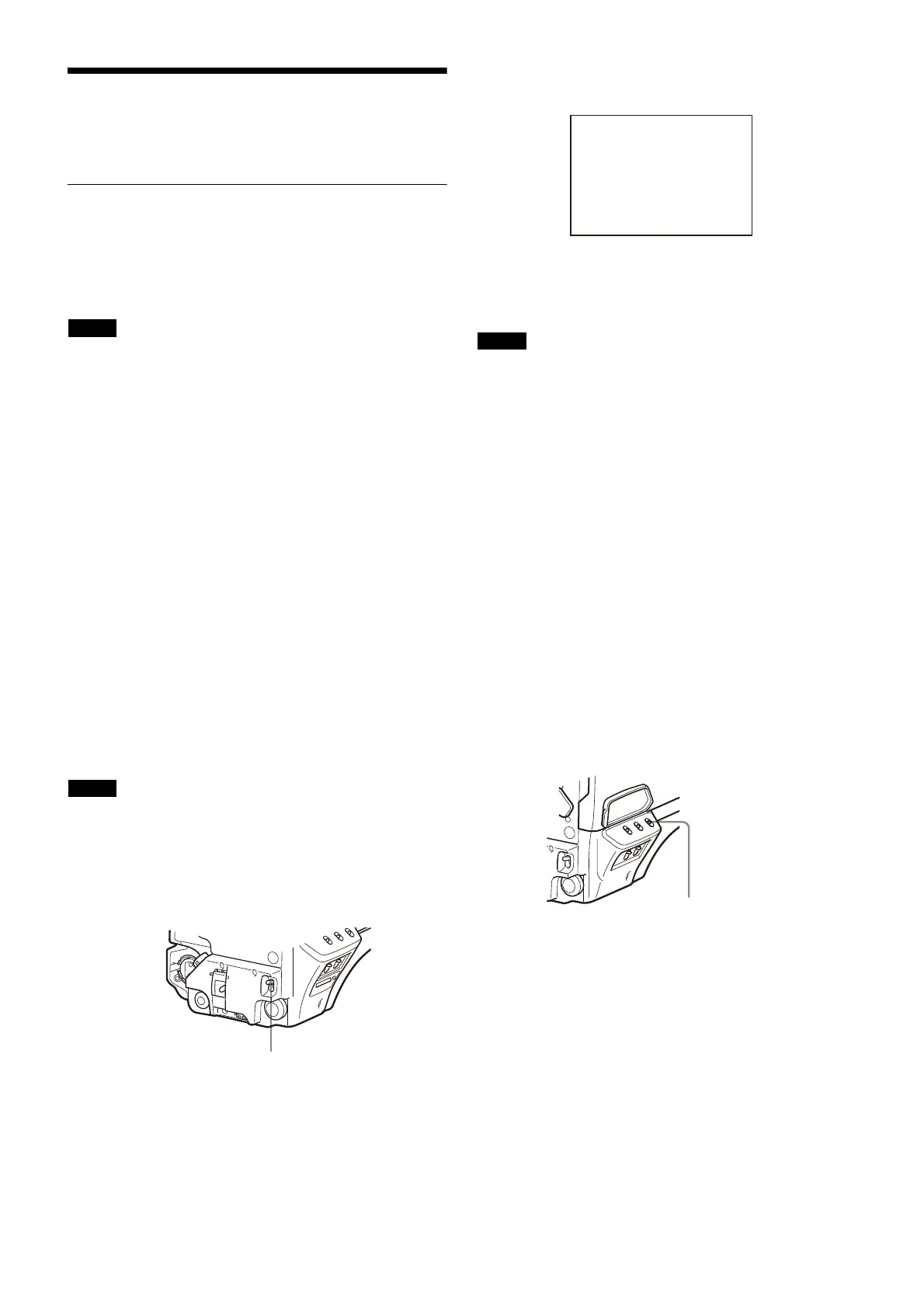
Push the AUTO W/B BAL switch toward BLK (downward).
Automatic adjustment of black balance begins.
In automatic adjustment of black balance, both the black
set and black balance are adjusted.
During adjustment, a message like the one in the figure
below will be displayed on the viewfinder screen.
When the adjustment process is completed, the message
“ABB: OK” will be displayed. The adjusted value is
automatically stored in memory.
Notes
• During black balance adjustment, the iris will be
automatically closed.
• During black balance adjustment, the gain switching
circuit will work automatically, and the viewfinder screen
will flicker several times. This is not a malfunction.
When automatic black balance adjustment fails
If the automatic black balance adjustment process does not
end successfully, the error message “ABB: NG” will be
displayed on the viewfinder screen for approximately three
seconds.
If this error message is displayed, try black balance
adjustment again.
If the error message continues to be displayed after several
attempts, the camera requires internal inspection.
About black balance memory
The black balance values stored in memory will be
preserved even when the camera power is turned off.
Adjusting the white balance
1 Set the WHITE BAL switch to A or B.
2 Select the filter setting according to the lighting
conditions.
To select the ND filter
Press the ND filter select button while holding the
FILTER LOCAL button depressed.
Each press of the select button switches the available
ND filters (CLEAR, 1/4ND, 1/8ND, 1/16ND,1/64ND) in
sequence.
To select the CC filter
Press the CC filter select button while holding the
FILTER LOCAL button depressed.
Each press of the select button switches the available
CC filters (cross, 3200K, 4300K, 6300K) in sequence.



 To Next Page