17
GB
KLV-32/26/19T400A/26/19T400G/19T400W
4-000-037-11(1)
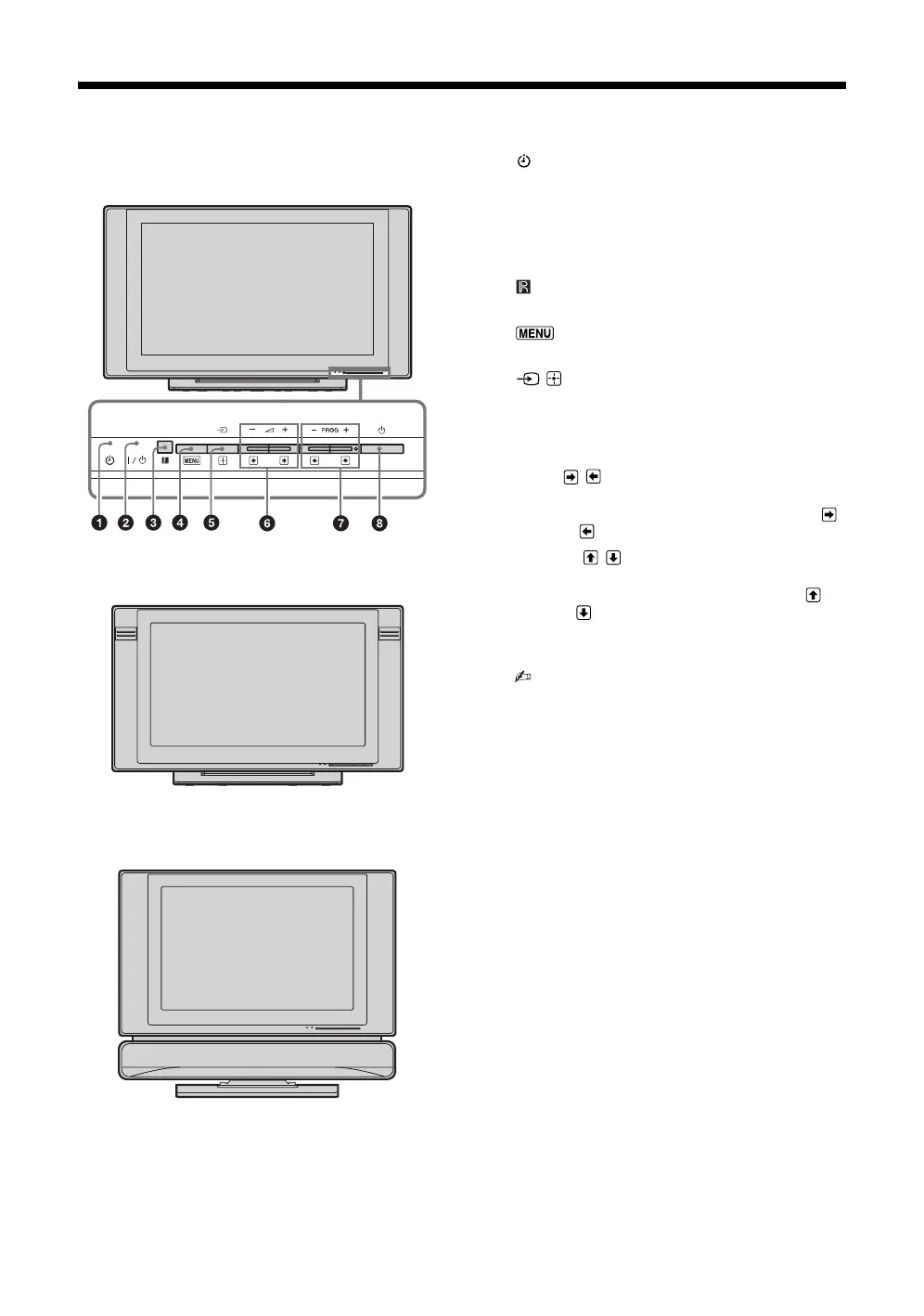
Overview of the TV buttons and indicators
1 – Timer indicator
Lights up in amber when the timer is set (page 27).
2 "/1 – Power indicator / Standby indicator
• Lights up in green when the TV is turned on.
• Flashes while the remote is being operated.
• Lights up in red when the TV is in standby mode.
3 – Remote sensor
Receives IR signals from the remote.
4
Displays or cancels the menu.
5 / – Input select / OK
• Displays the connected equipment list and selects
the input source (page 19).
• In TV menu: Selects the menu or option, and
confirms the setting.
6 2 +/-/ /
• Increases (+) or decreases (-) the volume.
• In TV menu: Moves through the options right ( )
or left ( ).
7 PROG +/-/ /
• Selects the next (+) or previous (-) channel.
• In TV menu: Moves through the options up ( ) or
down ( ).
8 1 – Power
Turns the TV on or off.
• To disconnect the TV from the AC power
completely, pull the plug from the AC power
outlet.
B KLV-32/26/19T400A
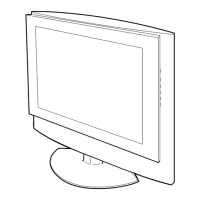
B KLV-26/19T400G
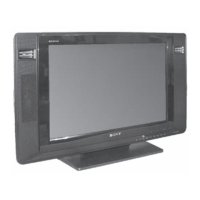
B KLV-19T400W
010COV.book Page 17 Thursday, June 19, 2008 11:21 AM


 To Next Page