26
GB
KLV-32/26/19T400A/26/19T400G/19T400W
4-110-401-11(1)
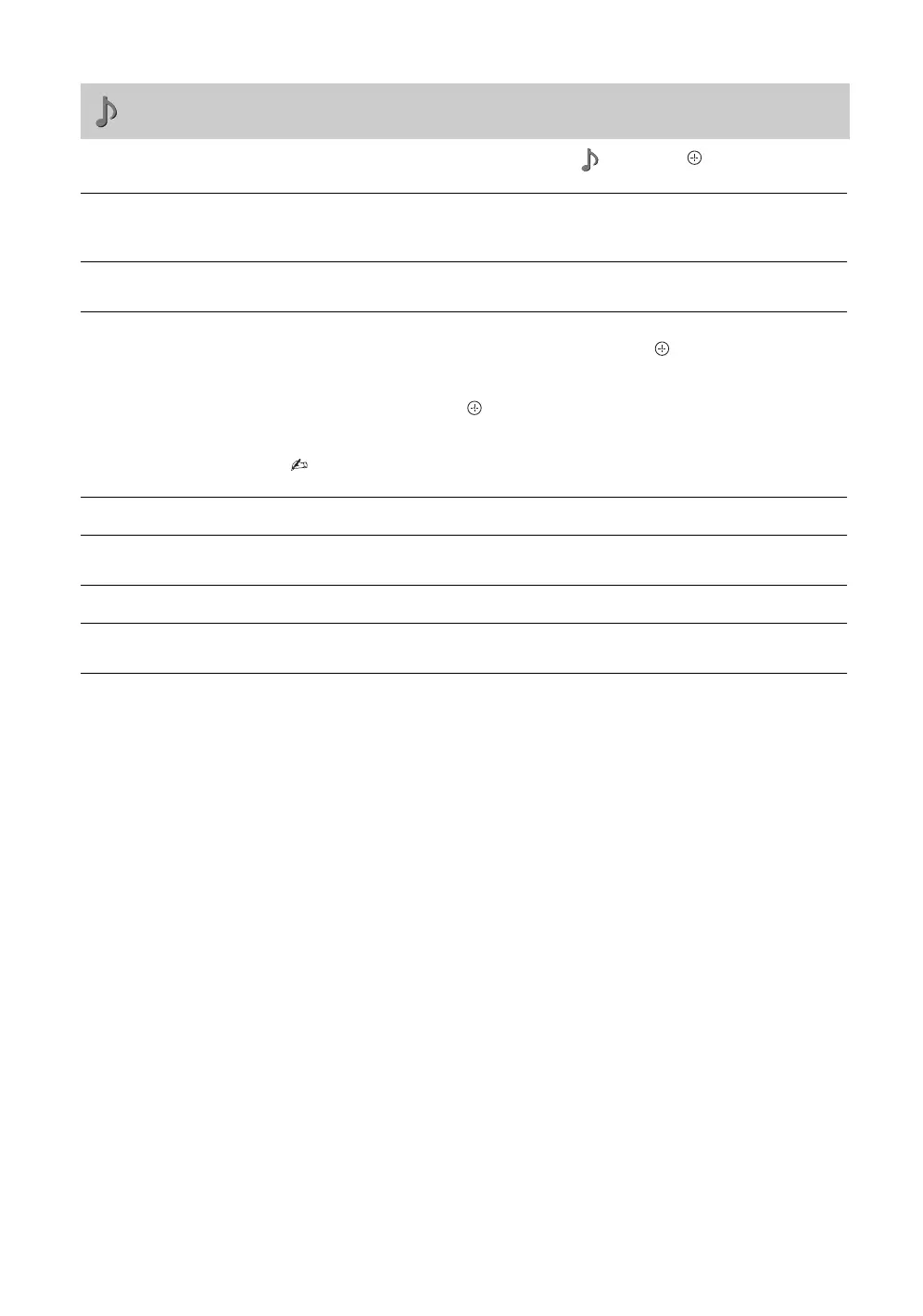
Press MENU and select “Settings”. Press F/f to select the “Sound” icon ( ), then press .
Sound menu
Sound Mode
“Dynamic”: Enhances treble and bass. Recommended for home entertainment.
“Standard”: For standard sound.
“Clear Voice”: Makes voice sound clearer.
Reset
Resets all the “Sound” settings except “Sound Mode” and “Dual Sound” to the
factory settings.
5 Band Equalizer
Adjusts sound frequency settings.
1 Make sure that “Adjust” is selected, then press .
Selecting “Reset” will set your TV to the factory settings.
2 Press G/g to select the desired sound frequency, then press F/f to adjust
the setting and press .
The adjusted settings will be received when you select “Sound Mode”
options.
• Adjusting higher frequency will affect higher pitched sound and adjusting lower
frequency will affect lower pitched sound.
Balance
Emphasises left or right speaker balance.
Intelligent Volume
Keeps a constant volume level even when volume level gaps occur (e.g. adverts tend
to be louder than programmes).
Volume Offset
Adjusts the volume level of the current input relative to other inputs.
Surround
Choose either “On” (surround), “Simulated Stereo” (stereo-like monaural sound) or
“Off”.
010COV.book Page 26 Thursday, June 19, 2008 9:17 AM


 To Next Page