1-8
34
Playing VIDEO CDs with
PBC Functions
(PBC Playback)
With PBC (Playback Control) functions, you
can enjoy simple interactive operations,
search functions, and other such operations.
PBC playback allows you to play VIDEO
CDs interactively by following the menu on
the TV screen.
1
Start playing a VIDEO CD with PBC
functions.
The menu for your selection appears.
2
Select the item number you want
by pressing X/x or the number
buttons.
3
Press ENTER.
4
Follow the instructions in the menu
for interactive operations.
Refer to the instructions supplied with
the disc, as the operating procedure may
differ according to the VIDEO CD.
To go back to the menu
Press O RETURN.
z
To play without using PBC, press ./> or the
number buttons while the player is stopped to select a
track, then press H or ENTER.
Play without PBC appears on the TV screen and the
player starts continuous play. You cannot play still
pictures such as a menu. To return to PBC playback,
press x twice then press H.
Note
Depending on the VIDEO CD, Press ENTER in
Step 3 may appear as Press SELECT in the
instructions supplied with the disc. In this case, press
H.
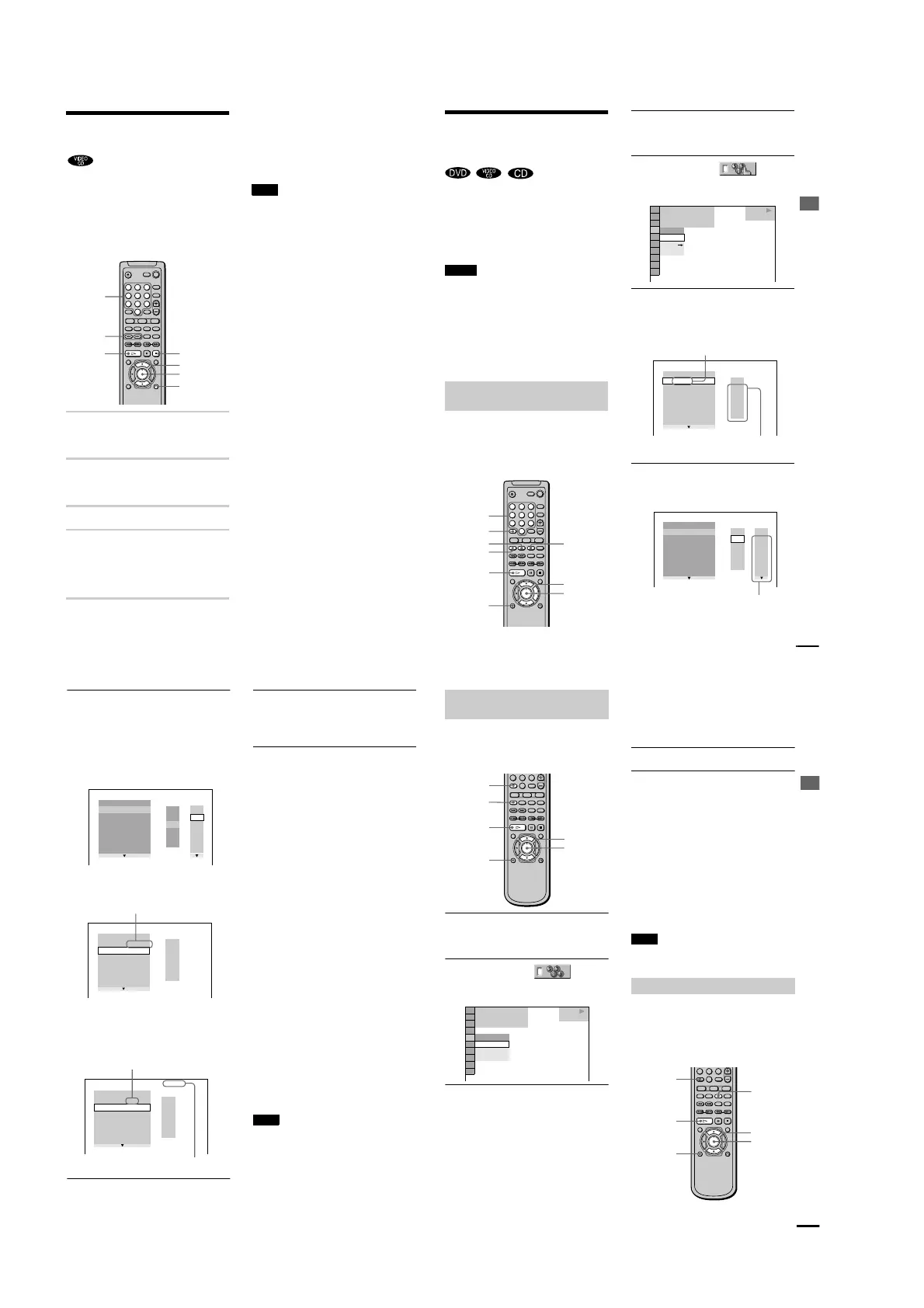
123
456
78
0
9
./>
H
ORETURN
X/x
x
ENTER
Number
buttons
Playing Discs
35
Various Play Mode
Functions
(Program Play, Shuffle
Play, Repeat Play, A-B Repeat Play)
You can set the following play modes:
• Program Play (page 35)
• Shuffle Play (page 37)
• Repeat Play (page 37)
• A- B Repeat Play (page 38)
Notes
•
The play mode is cancelled when:
you open the disc tray.
the player enters standby mode by pressing [/1
on the remote.
you turn the power off by pressing POWER on the
player.
•
If you are playing a VIDEO CD with PBC, you must
first cancel PBC playback before you can set a play
mode (except when you want to set A-B repeat for
moving pictures).
You can play the contents of a disc in the
order you want by arranging the order of the
titles, chapters or tracks on the disc to create
your own program. Yo u can program up to 99
titles, chapters, and tracks.
1 Press DISPLAY twice (When playing a
CD, press once).
The Control Menu appears.
2 Press X/x to select
(PROGRAM), then press ENTER.
The options for PROGRAM appear.
3 Press X/x to select “SET t”, then
press ENTER.
The display for programming appears.
4 Press c.
The cursor moves to the title or track (in
this case, 01 ).
Creating your own program (Program
Play)
123
456
78
0
9
H
X/x/c
DISPLAY
PROGRAM
CLEAR
ENTER
Number
buttons
SHUFFLE
REPEAT
OFF
OFF
SET
ON
1 8
(
3 4
)
1 2
(
2 7
)
T
1 : 3 2 : 5 5
DVD
PLAY
PROGRAM
1. TITLE
ALL CLEAR
2. TITLE
— —
3. TITLE
— —
4. TITLE
— —
5. TITLE
— —
6. TITLE
— —
7. TITLE
— —
T
— —
01
02
03
04
05
TRACK is displayed when you play a
VIDEO CD or a CD.
Titles or Tracks
recorded on a disc
PROGRAM
1. TITLE
— —
ALL CLEAR
2. TITLE
— —
3. TITLE
— —
4. TITLE
— —
5. TITLE
— —
6. TITLE
— —
7. TITLE
— —
T
C
ALL
01
02
03
04
05
06
— —
01
02
03
04
05
Chapters recorded on a di
sc
continued
36
5 Select the title, chapter, or track you
want to program.
xWhen playing a DVD
For example, select chapter 03 of title
02 .
Press X/x or the number buttons to select
02 under T, then press ENTER.
Next, press X/x or the number buttons to
select 03 under C, then press
ENTER.
xWhen playing a VIDEO CD or CD
For example, sel
ect track
02 .
Press X/x or the number buttons to select
02 under T, then press ENTER.
6 To program other titles, chapters, or
tracks, repeat Steps 4 to 5.
The programmed titles, chapters, and
tracks are displayed in the selected order.
7 Press H to start Program Play.
Program Play begins.
When the program ends, you can restart
the same program again by pressing H.
To return to normal play
Press CLEAR, or select OFF in Step 3.
To play the same program again, select ON
in Step 3 and press H.
To turn off the Control Menu
Press DISPLAY repeatedly until the Control
Menu is turned off.
To change the program
1 In Step 4, select the program number of
the title, chapter, or track you want to
change using X/x or the number buttons,
and press c.
2 Follow Step 5 for new programming.
To cancel the programmed order
To cancel all the titles, chapters, or tracks in
the programmed order, press X, and select
ALL CLEAR in Step 4. To cancel the
selected program, select the program using
X/x in Step 4, then press CLEAR, or select
-- in Step 5, then press ENTER.
z
You can do Repeat Play or Shuffle Play of the
programmed titles, chapters, or tracks. Press REPEAT
or SHUFFLE, or set REPEAT or SHUFFLE to on
in the C
ontrol Menu display during Program Play.
z You can select PROGRAM directly by pressing
PROGRAM.
Note
The number of titles, chapters, or tracks displayed are
the same number of titles, chapters, or tracks recorded
on a disc.
PROGRAM
1. TITLE
— —
ALL CLEAR
2. TITLE
— —
3. TITLE
— —
4. TITLE
— —
5. TITLE
— —
6. TITLE
— —
7. TITLE
— —
C
ALL
03
04
05
06
T
— —
01
02
03
04
05
02
01
T
— —
01
02
03
04
05
PROGRAM
1. TITLE 0 2
—
0 3
ALL CLEAR
2. TITLE
3. TITLE
— —
4. TITLE
— —
5. TITLE
— —
6. TITLE
— —
7. TITLE
— —
Selected title and chapter
PROGRAM
1. TRACK 0 2
ALL CLEAR
2. TRACK
3. TRACK
— —
4. TRACK
— —
5. TRACK
— —
6. TRACK
— —
7. TRACK
— —
0:15:30
— —
01
02
03
04
05
T
Selected track
Total time of the programmed tr
acks
Playing Discs
37
You can have the player “shuffle” titles,
chapters, or tracks and play them in a random
order. Subsequent “shuffling” may produce a
different playing order.
1 Press DISPLAY twice during playback
(When playing a CD, press once).
The Control Menu appears.
2 Press X/x to select
(SHUFFLE), then press ENTER.
The options for SHUFFLE
appear.
3 Press X/x to select the item.
xWhen playing a DVD (and when
Program Play is set to OFF)
• TITLE: shuffle titles and plays them
in a random order.
• CHAPTER: shuffle chapters and
plays them in a random order.
xWhen playing a VIDEO CD or CD
(Program Play is set to OFF)
• TRACK: shuffle tracks and plays
them in a random order.
xWhen playing a VIDEO CD, CD or
DVD (Program Play is set to ON)
• ON: shuffle titles or tracks selected
in Program Play and plays them in a
random order.
4 Press ENTER.
To return to normal play
Press CLEAR, or select “OFF” in Step 3.
To turn off the Control Menu
Press DISPLAY repeatedly until the Control
Menu is turned off.
z
You can set Shuffle Play while the player is
stopped. After selecting the SHUFFLE option, press
H. Shuffle Play starts.
z
You can select SHUFFLE directly by pressing
SHUFFLE.
Note
Up to 200 chapters in a disc can be played in random
order when “CHAPTER” is selected.
You can play all of the titles or tracks on a
disc or a single title, chapter or track
repeatedly.
You can use a combination of Shuffle or
Program Play modes.
Playing in random order (Shuffle
Play)
78
0
9
DISPLAY
H
X/x
ENTER
SHUFFLE
CLEAR
1 8
(
3 4
)
1 2
(
2 7
)
T
1 : 3 2 : 5 5
OFF
CHAPTER
TITLE
DVD
PLAY
OFF
Playing repeatedly (Repeat Play)
456
78
0
9
H
ENTER
X/x
DISPLAY
REPEAT
CLEAR
continued



 To Next Page