2-6 (E)
VPL-EX100
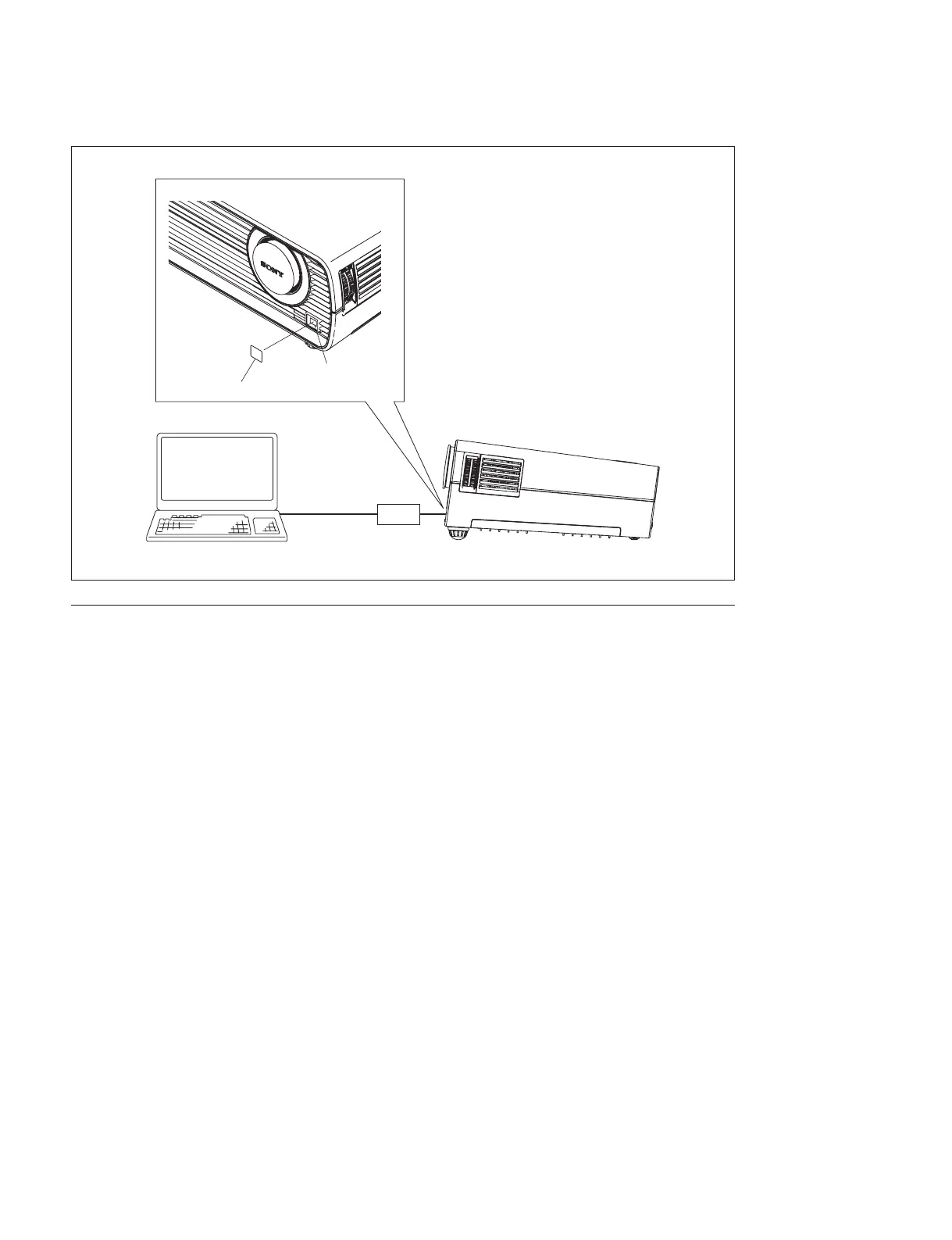
USB connection
Preparation
1. Set the Standby Mode to “Standard” in the Connection/Power menu.
(Refer to Operating Instructions.)
2. Install each application to PC.
3. Disconnect the AC plug of this unit.
4. Connect this unit with PC by RS-232C, USB-RS-232C dual, or USB, referring to the connection
fi gure.
2-4-2. Main (Scan Converter)
1. Copy the fi les to be written into the same folder of application fi le FlashUpgrader.exe.
The example for VPL-EX100 Ver. 1.00:
ex2av1000a.bin, ex2av1000a.inf
ex2bv1000a.bin, ex2bv1000a.inf
ex2dv1000a.bin, ex2dv1000a.inf
ex2kv1000a.bin, ex2kv1000a.inf
USB cable
USBX board
PC
USB connector
Remove the emblem (ELK).



 To Next Page