CRANEX
®
Novus e 7. Replacing parts
Service manual 99
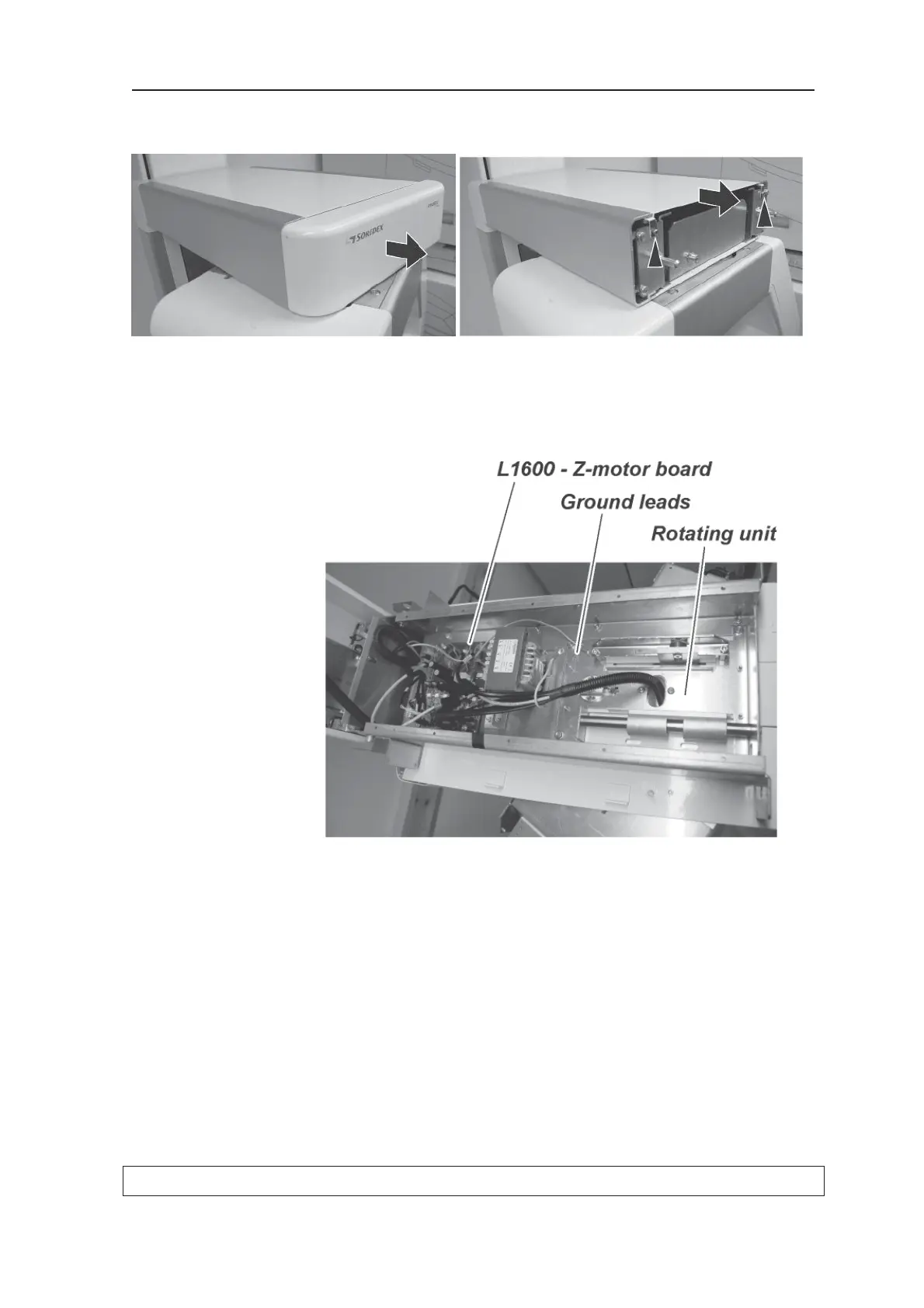
3. Remove the upper shelf top cover (2 x M4
screws) from the upper shelf.
3. Disconnect all the cables that connect the
rotating unit to the L1600 - Z-motor board. Also
disconnect the Ethernet cable and the ground
leads.
4. CAUTION: HEAVY OBJECT; THE FOLLOW-
ING TASK REQUIRES TWO PEOPLE.
Place some soft material on the ground so that
the rotating unit will not be damaged when it is
removed from the upper shelf and placed on
the ground.



 To Next Page