100 Service manual
7. Replacing parts CRANEX
®
Novus e
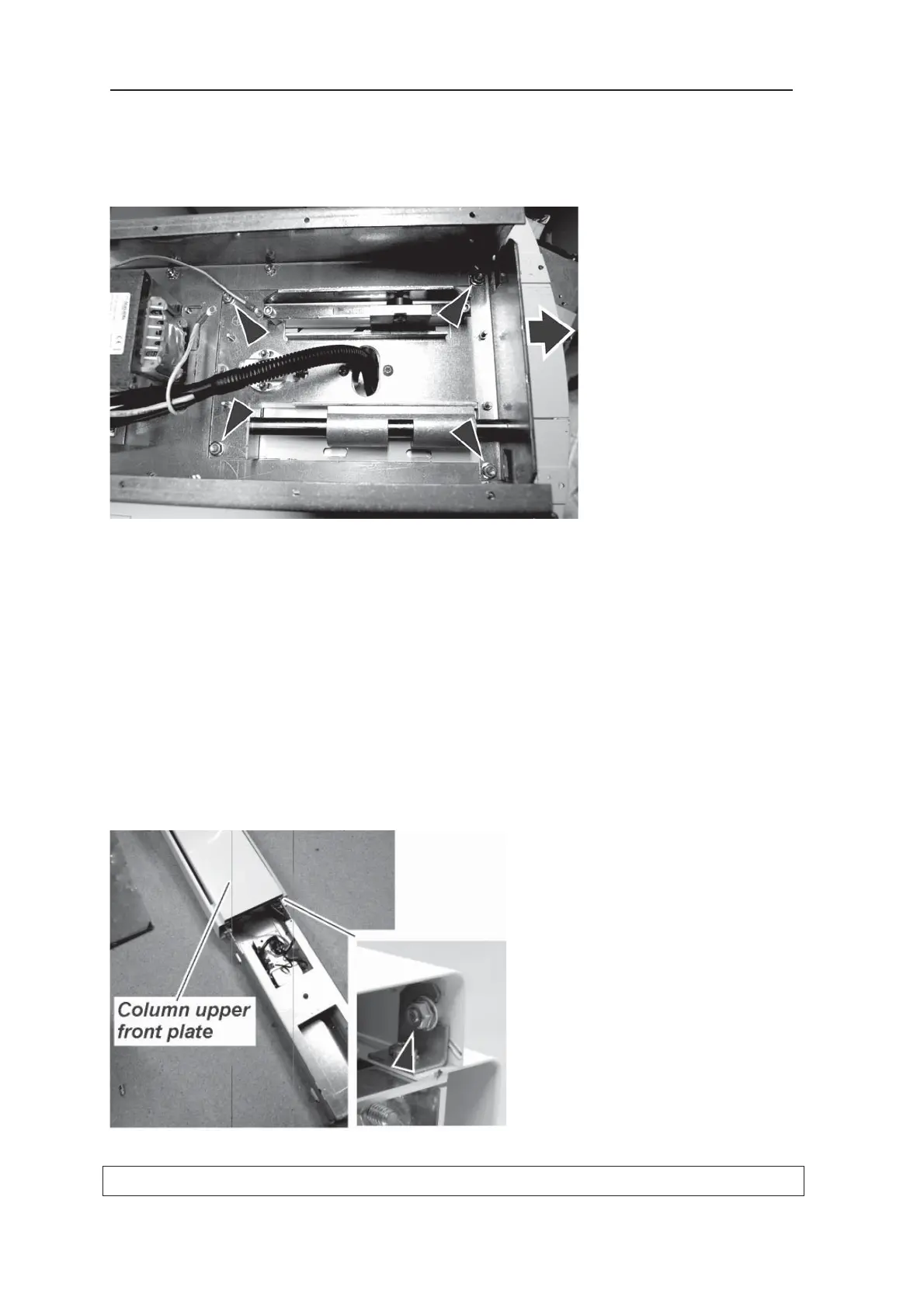
Loosen the 4 nuts that hold the rotating unit
to the upper shelf and then slide the rotating
unit off of the upper shelf and place it on the
ground.
5. CAUTION: HEAVY OBJECT; THE FOLLOW-
ING TASK REQUIRES TWO PEOPLE.
Remove the unit from the wall or exhibition
stand and lay it on the fl oor.
For information on how to do this refer to the
installation instructions and follow, in reverse
order, the instructions on how to attach the unit
to the wall or exhibition stand.
6. Loosen the nuts (4) that hold the column upper
front plate in position. There are two at the top
of the front plate and two at the bottom.



 To Next Page