102 Service manual
7. Replacing parts CRANEX
®
Novus e
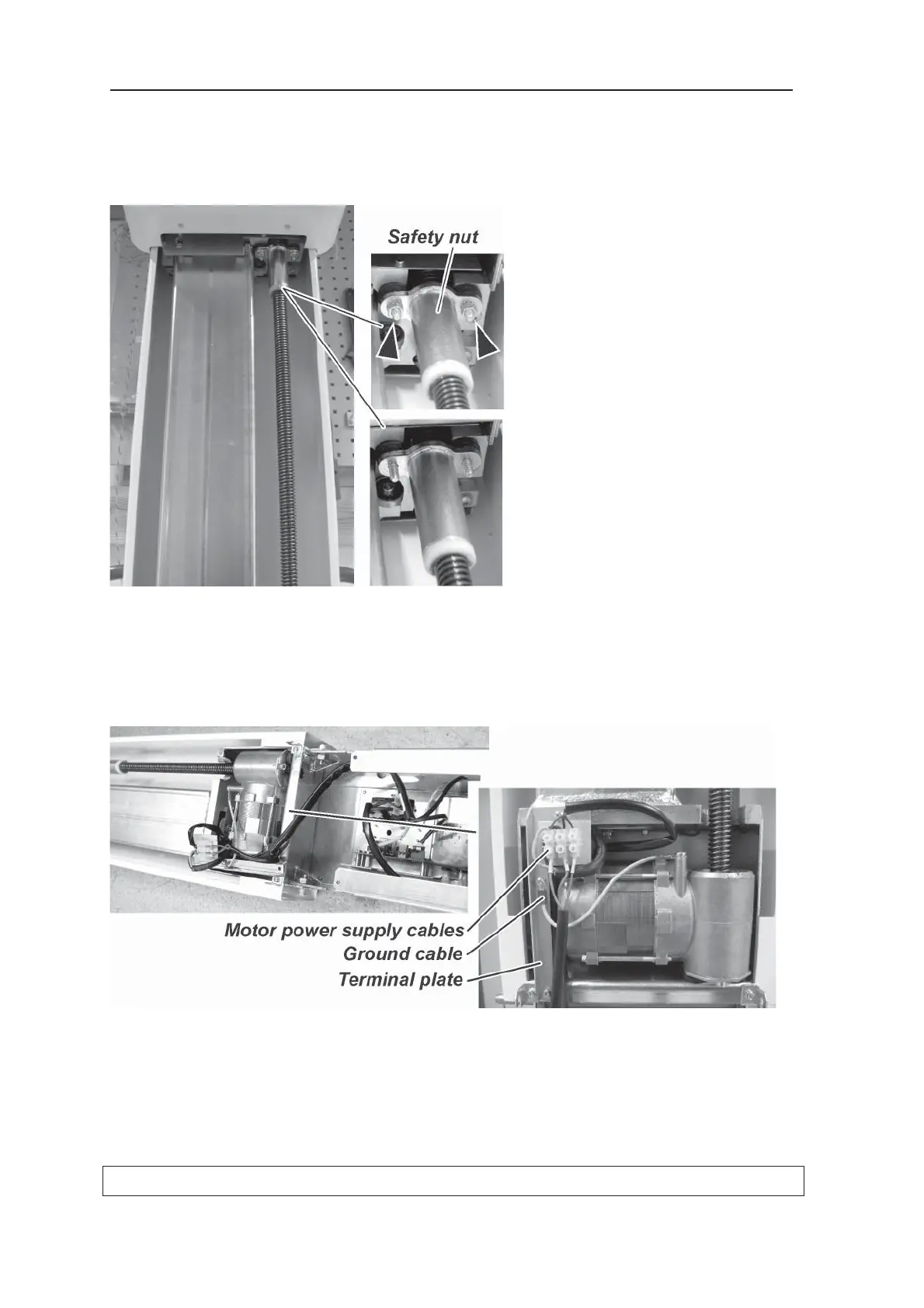
8. Remove the two nuts that hold the safety nut
to the bottom of the z-carriage assembly and
then slide the z-carriage upwards away from
the safety nut.
9. Remove the terminal plate from the column
assemble (2 screws) and then disconnect the
motor power supply cables from the terminal
block and the ground cable from the motor.



 To Next Page