CRANEX
®
Novus e 7. Replacing parts
Service manual 103
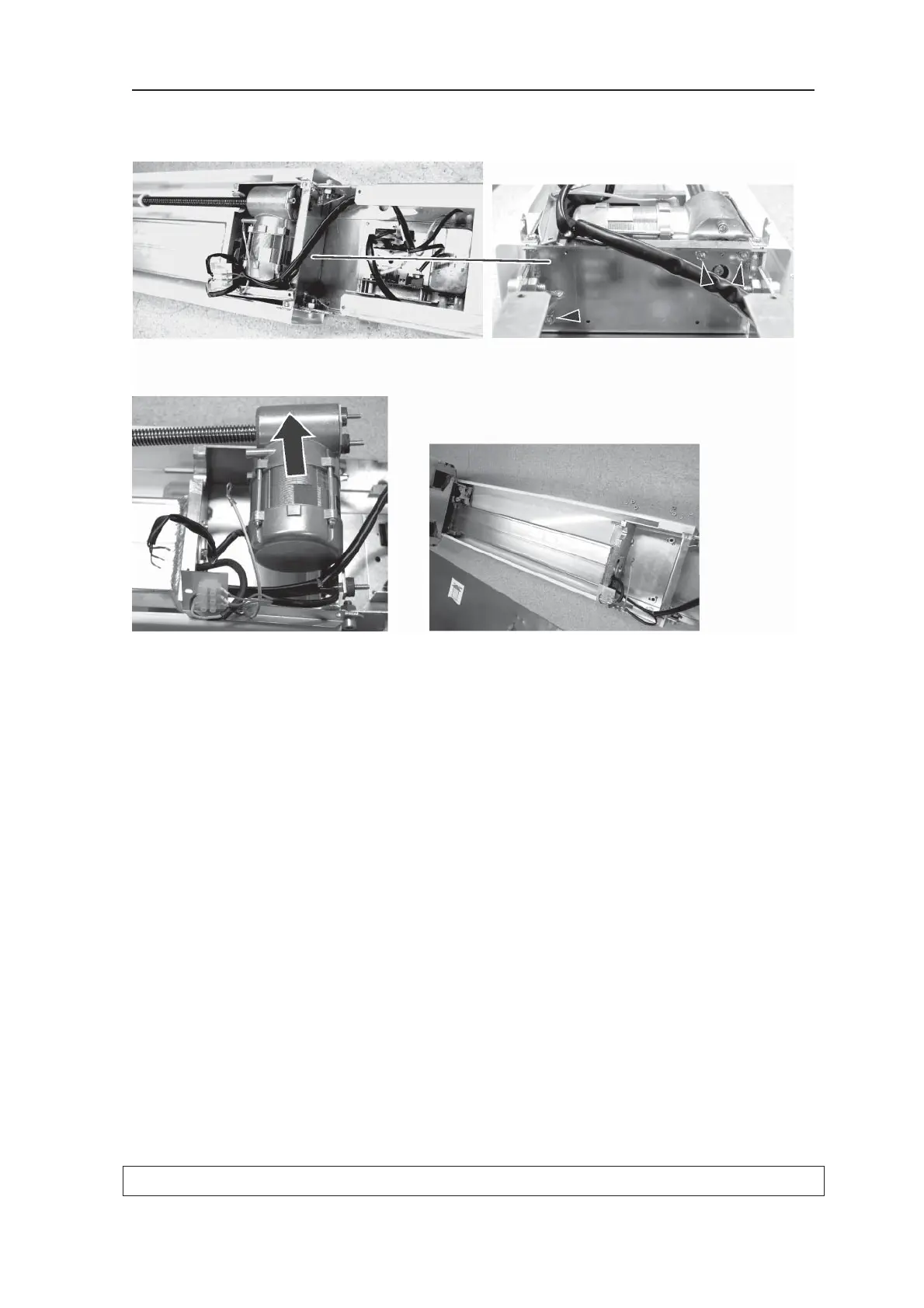
10. Remove the three nuts that hold the z-motor to
the bottom of the column assembly
and remove the motor.
11. Install a new z-motor, connect all the cables
and then replace all part and covers.
12. Reattach the unit to the wall or exhibition stand
and then reinstall the rotating unit.
13. Level the unit and check the alignment as de-
scribed in the installation manual



 To Next Page