8. Aligning the unit CRANEX
®
Novus e
108 Service manual
Compare the fi rst beam position with the sec-
ond beam position and determine how far and
in which direction the Collimator must be ad-
justed.
9. Remove the screwdriver from the locking hole.
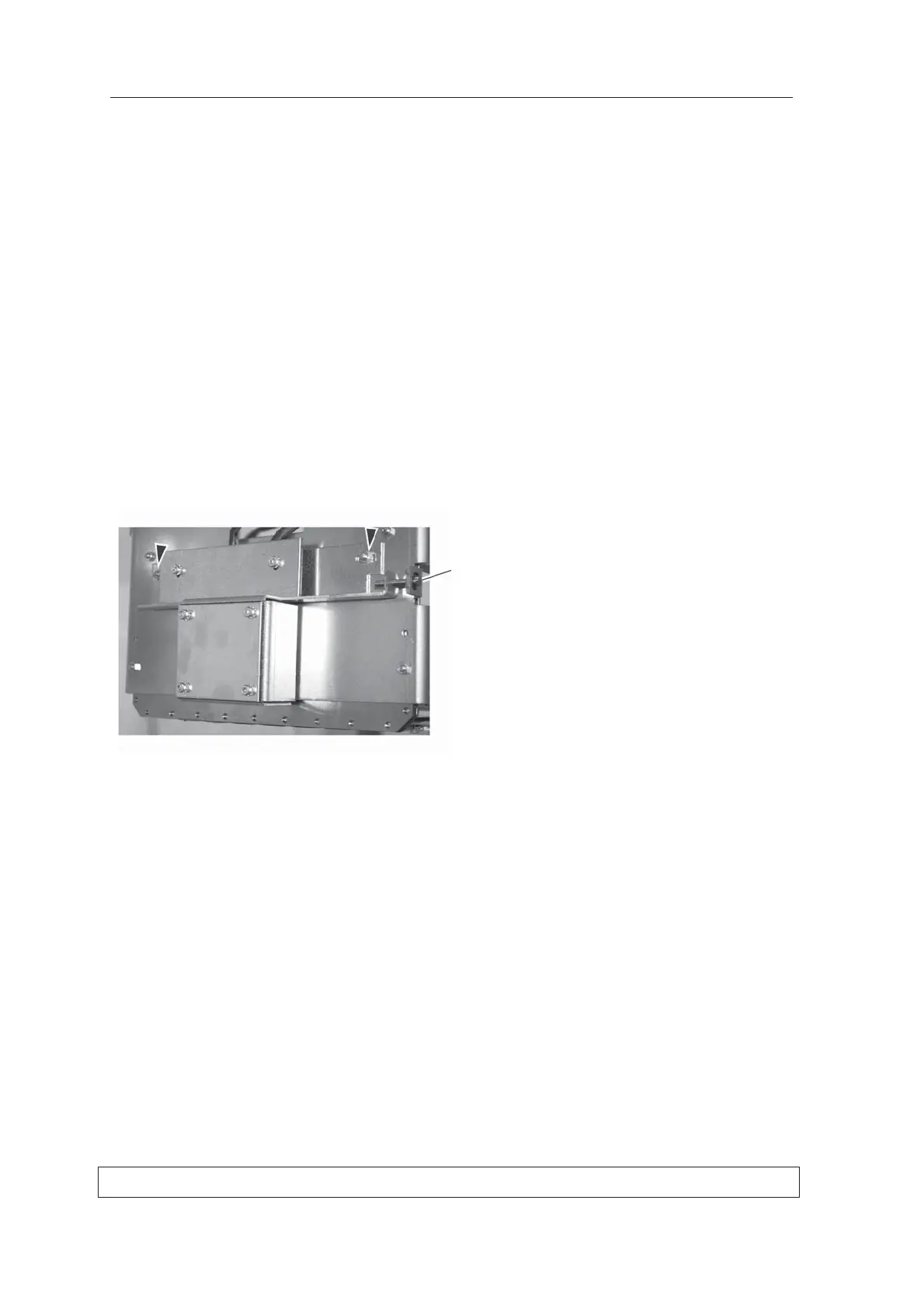
Adjusting the position of the collimator
1. Remove the Tubehead Cover (4 screws) from
in front of the Collimator.
2. Loosen the nuts (2) that hold the Collimator
Assembly in position and the adjust the left/
right position of the collimator with the screw
(1) on the right-hand side.
3. Recheck the position of the beam (steps 4 - 7)
and readjust the position of the Collimator until
the beam strikes the same point on the plate
when the tubehead is positioned on the left
and then on the right.
NOTE:
The beam does NOT have to strike the center
line on the Alignment Plate, it just has to strike
the same point when the tubehead in on the
left and then right.



 To Next Page