29
ENGLISH
AUDES DIGITAL PIANO User manual
18. BT AUDIO STREAMING / BT MIDI
The AUDES piano allows you to play music from your remote device via the “BT Audio
streaming” or “BT MIDI. To use this function you must rst pair the remote device
(smartphone, tablet, etc.) as described below:
DEVICE PAIRING
1) Activate the “BT Audio Streaming” mode on your smartphone or tablet.
2) Among the various devices available, there will also be “AUDES PIANO”.
3) Select the “AUDES PIANO” device and start the pairing process.
The piano will emit an acoustic signal to indicate that the association has been made.
4) You can now listen to the selected songs on the remote device through the digital
piano speakers. You can even play the piano while they are playing the songs.
BT MIDI USING APP
There are various apps that can be used for BT MIDI for educational purposes.
For example, an app that can be used for both Apple and Android devices is
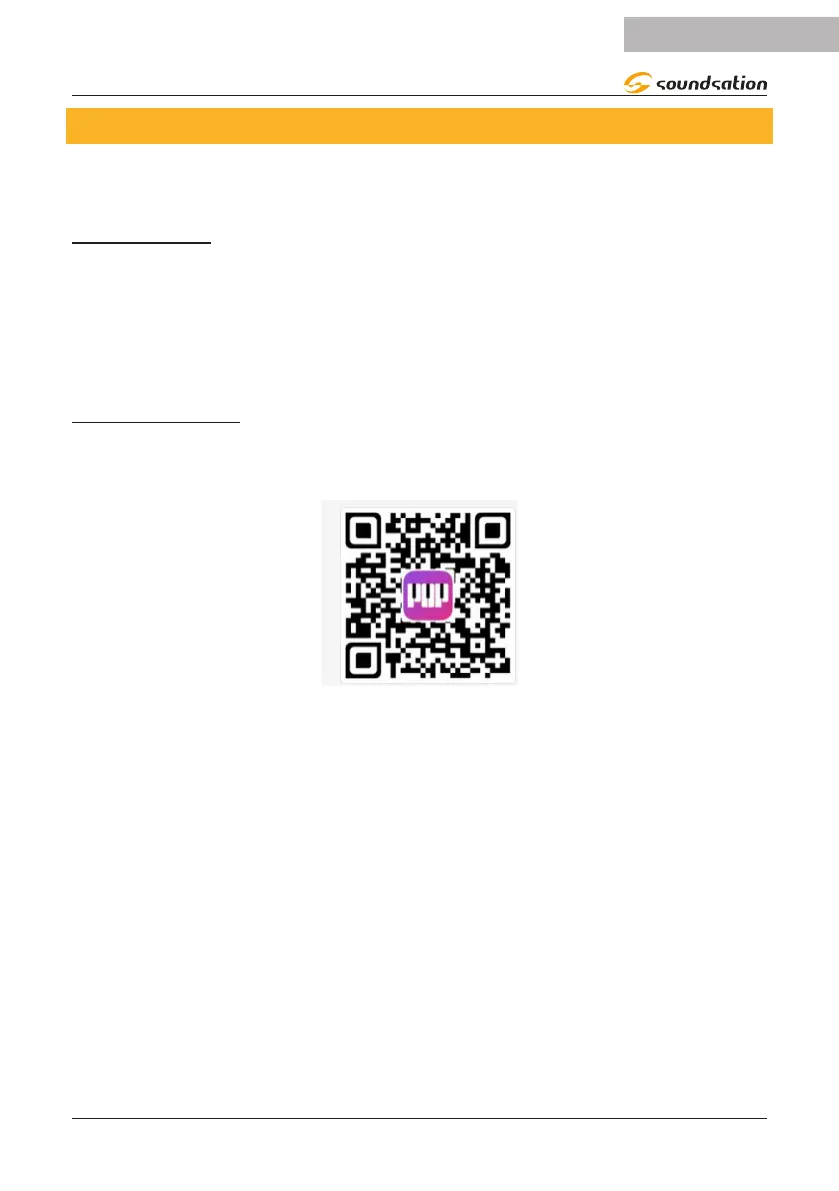
POP Piano. Scan the QR code below to download the POP Piano app.
Once the app has been downloaded and started, you will be asked to pair it with a
device and then you will need to select “AUDES PIANO” from those available.
Once the association has been made, the app will oer dierent educational ways of
use.


 To Next Page