9
ENGLISH
AUDES DIGITAL PIANO User manual
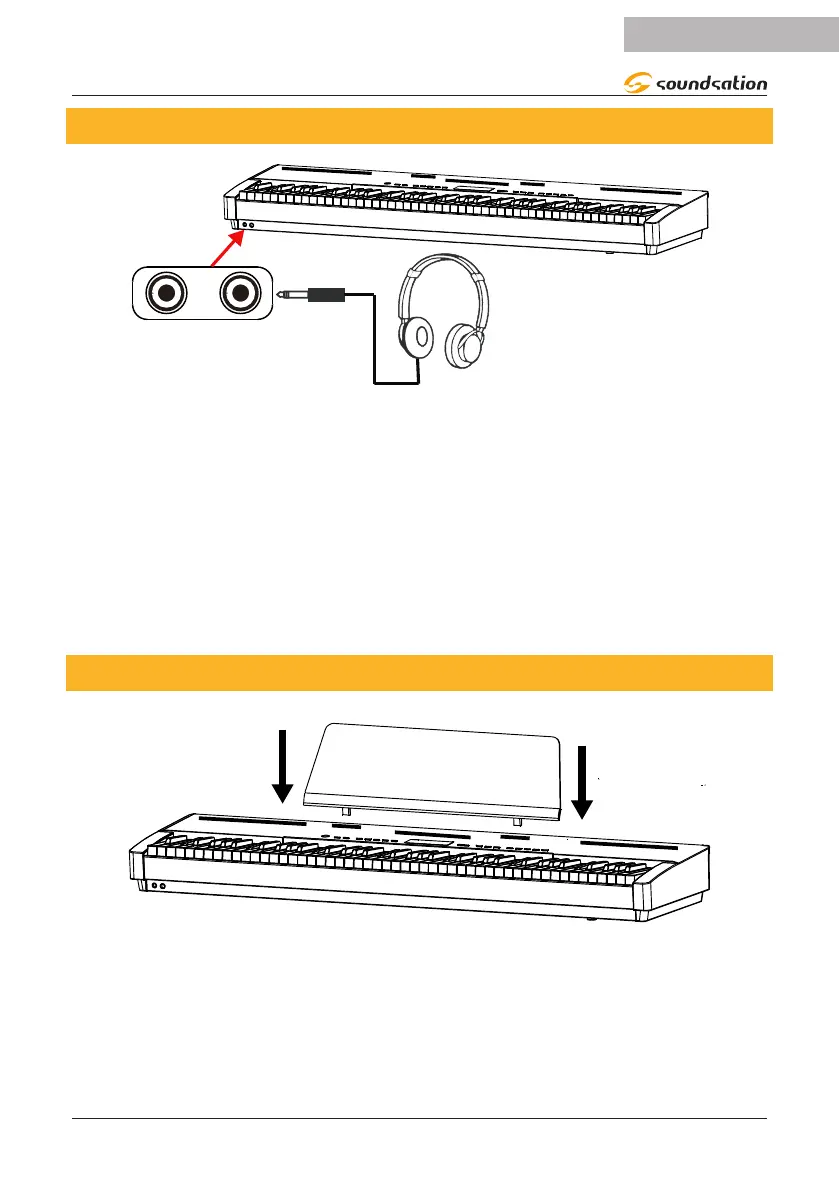
5. HEADPHONES CONNECTION
PHONES1
PHONES2
Standard stereo headphones can be connected as shown in the previous gure.
PHONES1: When headphones are connected to the PHONES1 connector, the internal
speakers system is automatically disconnected and the sound is only audible from
headphones.
PHONES2: When headphones are connected to the PHONES2 connector, sound is
audible from both the headphones and the instrument’s speakers.
Note:
To avoid the risk of hearing loss when using headphones,please do not play the piano
with a high volume level for a long time.
6. MUSIC STAND
Insert the included Music Stand as shown in the gure above.


 To Next Page