17
ENGLISH
AUDES DIGITAL PIANO User manual
ACCOMPANIMENT CHORDS MODE
By pressing the [CHORD] button, the button LED will
light and the display will temporarily show the message
ON to indicate that the auto accompaniment func-
tion in MULTI FINGER mode has been activated. If the
rhythm part of the style is already playing, or when it
is started via the [START/STOP] button, as soon as you
play a chord on the chord section of the keyboard, you
will hear the automatic chords. To turn o the auto
chord function, press the button again [CHORD]. The
display will temporarily show the message OFF to indi-
cate that the auto accompaniment function has been
activated. The [CHORD] button LED will turn o.
Notes:
1) The chord section is between the note A0 (21) and
the note F#3 (54)
2) When the automatic chord (CHORD) function is
selected, if the LOWER keyboard mode is active it is
automatically turned o.
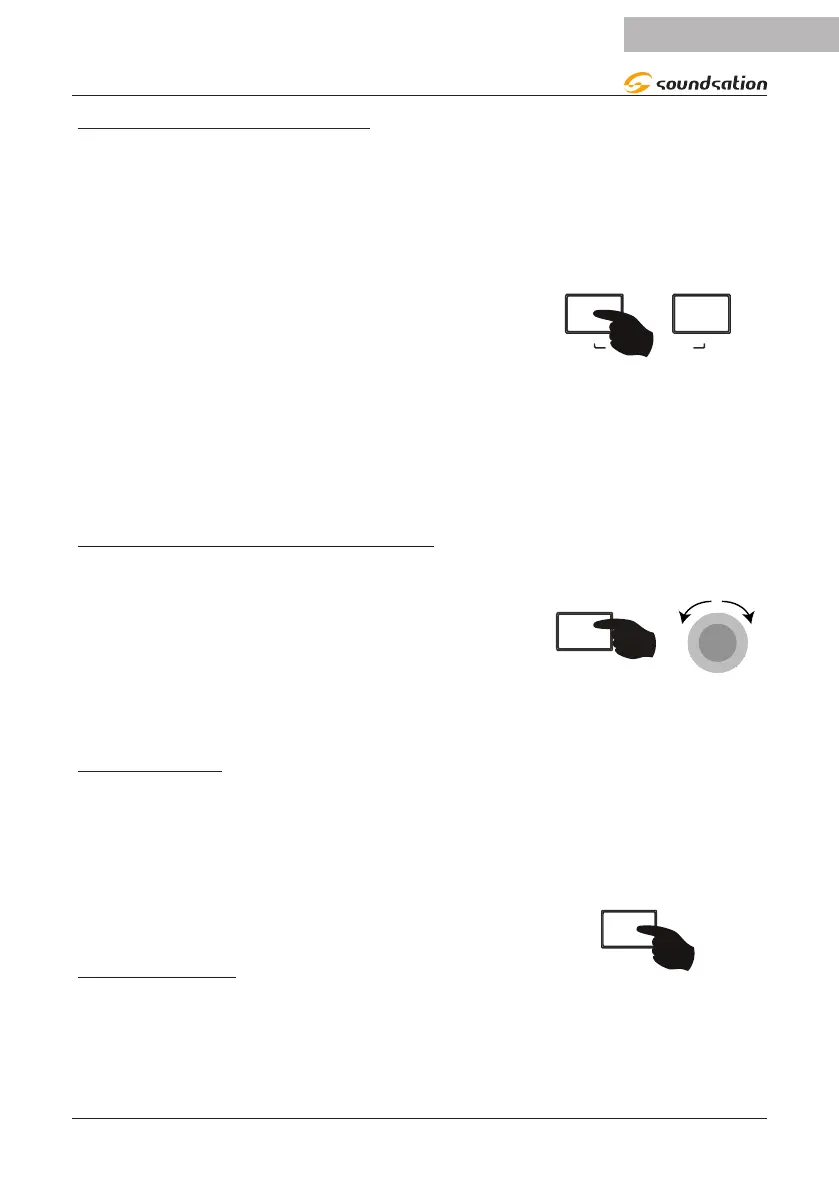
ACCOMPANIMENT VOLUME ADJUSTMENT
To adjust the volume of the automatic accompaniment,
press and hold down the [FUNCTION/ACC VOLUME]
button and then rotate the Alpha-Dial knob to the right
or left to increase or decrease the accompaniment vol-
ume. the value range for accompaniment volume is 0 to
15. The default value of accompaniment volume is 10. It
will show the current volume value during adjustment. If
no operation is performed within 3 seconds the display
will return to the previous screen.
-DIAL
SYNC FUNCTION
Press the [SYNC/FILL IN] button to activate the SYNC
function. The [START/STOP] button LED ashes. When
you play a chord or note in the chord section, the style
will start. If the CHORD function is activated, the auto-
matic accompaniment of all the tracks will be started,
otherwise you will only hear the rhythmic part of the
style. The chord section is between the note A0 (21) and
the note F#3 (54).
FILL-IN FUNCTION
The FILL-IN function automatically adds a ll pattern
to the style while this is playing. Once the ll pattern is
nished the style will continue playing normally.
To activate the FILL-IN function, press the [SYNC/FILL
IN] button while the style is playing.
FILL IN


 To Next Page