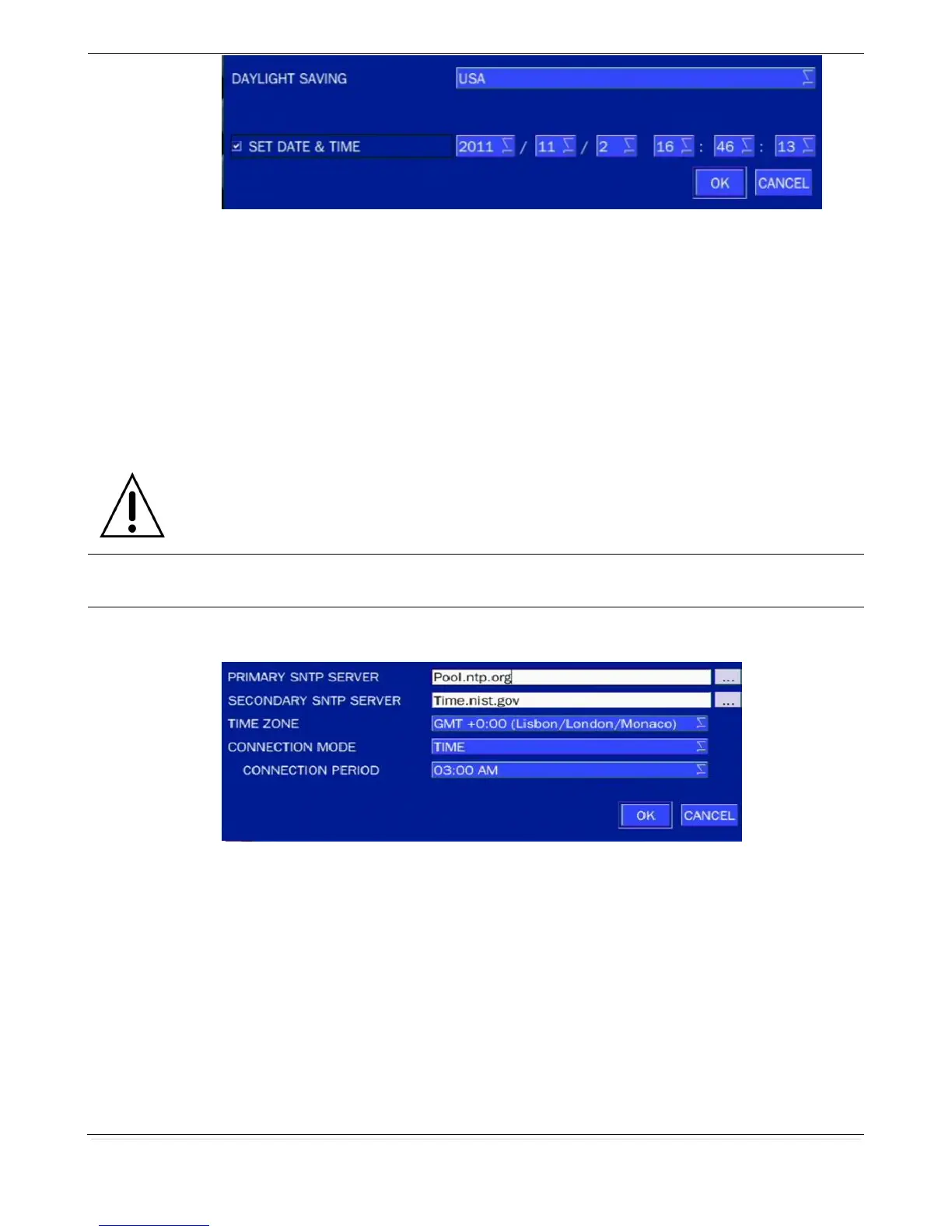
Select DAYLIGHT SAVING using the mouse or the remote control and select the
appropriate daylight saving time zone. The available options are:
OFF: Daylight saving is turned off.
USA: Applies the USA daylight saving time.
EU: Applies the EU daylight saving time.
- Select the GMT AREA using the mouse or the remote control.
- Set the time difference with the standard time using the mouse or the button.
OTHERS: If the time zone is neither USA nor EU, set the date and time of the daylight
saving period.
- Select BEGIN or END using the remote and press the SEL button.
Caution
- Do not set the start time to 23:00 for DLS.
- DLS cannot be applied if the date of BEGIN and END is the same.
Enable/Disable remote access through the network.
NTP (Network Time Protocol) which synchronizes the time of the computer systems over
variable-latency data networks.
PRIMARY SNTP SERVER: Input the address of the primary NTP time-server.
SECONDARY SNTP SERVER: Input the address of the secondary NTP time-server.
TIME ZONE: NTP synchronizes with GMT (Greenwich Mean Time) regardless of
geography, user must set their own time difference.
CONNECTON MODE: Select the NTP time-server connection mode from TIME,
INTERVAL, and ONCE.
CONNECTION PERIOD
- TIME – Refresh the time at the designated time (e.g. 1AM)
- INTERVAL – Every 1 hour ~ 24 hours
- ONCE – Synchronizes time only once. NTP will not synchronize unless the
Connection Mode is changed.



 To Next Page